
How to Choose a Gaming Monitor – Including ASUS ROG and TUF Gaming Range Round-up and Buyers Guide
Disclaimer: this article includes sponsored promotion, but all content, opinions and commentary are our own
Originally published 30 June 2023, last updated 3 November 2025
Introduction
We review a lot of gaming monitors at TFTCentral, and there’s a huge choice out there for buyers. But where should you look when you’re wanting a new gaming monitor? Where do you even start? Do you look at OLED monitors, Esports screens or 4K options? Maybe you’re looking for a budget-friendly gaming screen? Should you prioritise refresh rate or response times? Will any extra features like motion blur reduction modes or latency analyzer tools help you? Is HDR gaming a priority? What size and resolution do you even need?… It’s often difficult to know where to start, so we thought it would be useful to try and write a guide that explains some of these options in more detail, and will hopefully help you decide which display is right for your needs and your budget.
As well as explaining some of the specs, features and capabilities you should be looking out for, we will provide some recommendations of monitors to look at within the diverse range that ASUS offer. ASUS have been around the monitor market for a long time now and their ROG (top end, highest performance gaming), and TUF (more mainstream/casual) gaming line-ups are well regarded and popular, and offer a great selection for different requirements. If you’re stuck trying to choose a new gaming screen, hopefully this article will help.
OLED Gaming Monitors
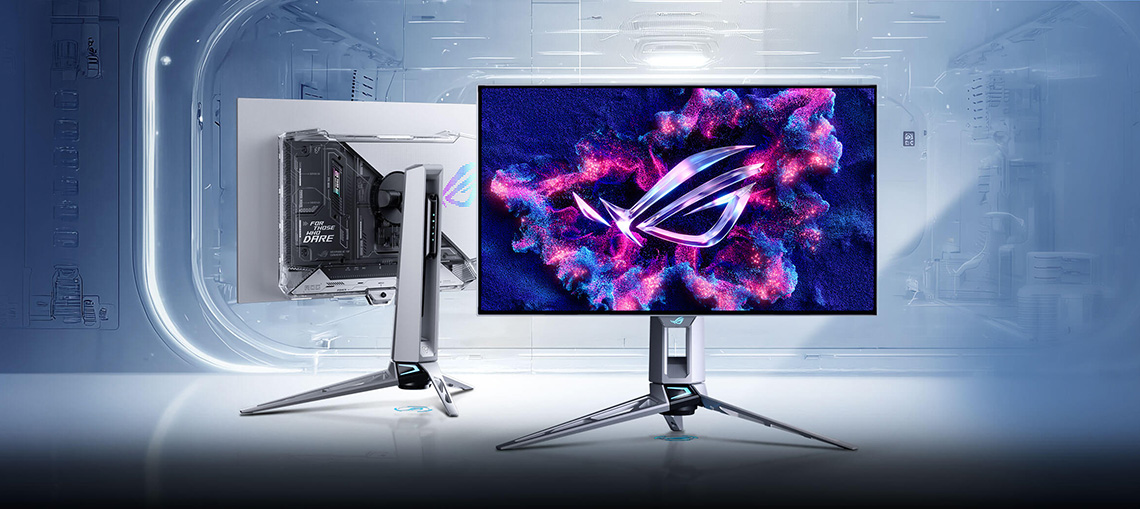
OLED gaming monitors have come a long way in the last couple of years since we originally wrote this guide in 2023, and nearly all the development focus seems to have been on this segment. There’s a huge range to choose from now in loads of sizes and resolutions including popular 27″ and 32″ standard 16:9 format models, and ultrawide options in 34″, 39″, 45″ and super ultrawide 49″ formats.
The latest 4th Generation OLED panels
The underlying OLED panels are produced either by LG.Display with their ‘WOLED’ technology or by Samsung with their competing ‘QD-OLED’ technology, but overall both offer pretty similar performance characteristics and many gamers are now looking towards OLED panels for the latest and greatest gaming experience. In 2025 both panel manufacturers have entered their 4th Generation of OLED technology, bringing about various improvements in performance. This includes brighter HDR and SDR performance, better black depth, better colours, higher refresh rates and improved lifespan. Look out for models with the latest panel generation of WOLED and QD-OLED.
- Further information: LG.Display 2025 4th Gen Primary RGB Tandem technology explained
- Further information: Samsung Display 4th Gen 2025 QD-OLED technology explained
Amazing response times and refresh rates
OLED panels can offer you near-instant response times, with real sub-1ms G2G specs being achieved. These excellent response times make them very well suited to gaming, being very capable of keeping up with the highest refresh rates easily, and offering consistent performance at lower refresh rates and when using VRR too. Refresh rates are also very high in this segment with 240Hz being pretty much the baseline entry point now, but with options available all the way up to 540Hz (natively) at the moment and some screens reaching as high as 720Hz in certain gaming modes! With the combination of near-instant response times and super high refresh rates, they offer amazing motion clarity and gaming experience.
Some OLED monitors also offer a feature called “dual-mode” which allows you to boost your refresh rate even further than the native spec, if you’re prepared to drop to a lower resolution. For instance there are various 4K screens with a 240Hz refresh rate that can be doubled to 480Hz at 1080p resolution. These are useful if you want to play different game genres, perhaps switching between slower, highly detailed games and faster FPS-type games where it’s all about speed and pushing frame rates.
Excellent HDR performance
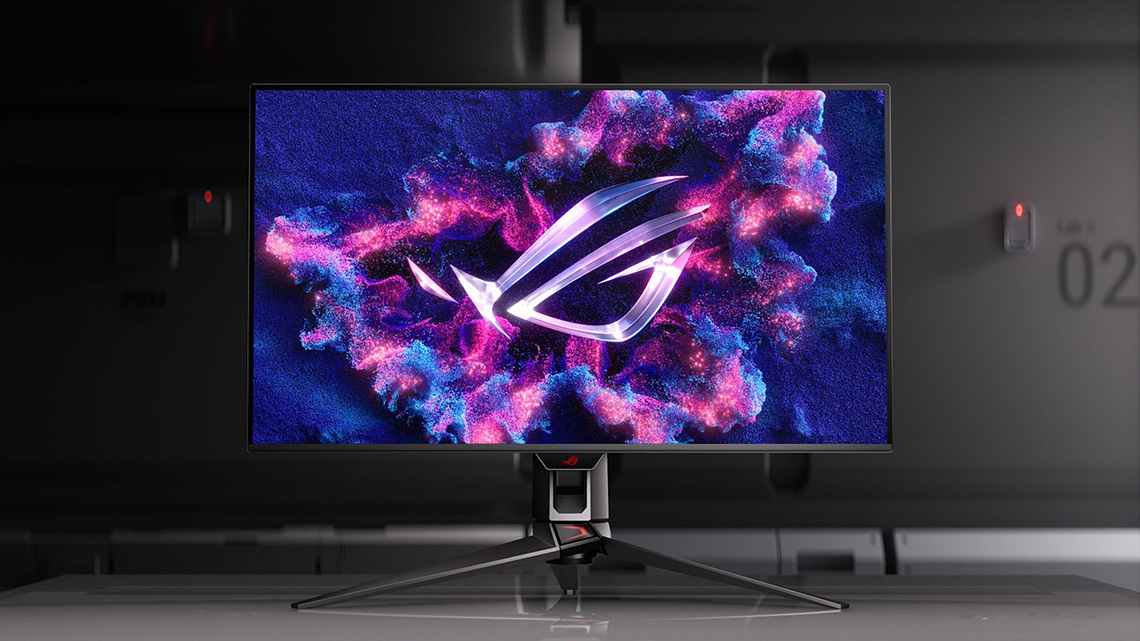
Another key benefit of OLED gaming panels is in their HDR performance. On an OLED panel, each pixel can be individually switched on and off which means you can get true blacks, a basically infinite contrast ratio and per-pixel local dimming for HDR (and SDR for that matter). That means no blooming or halos, and brilliant black depth. OLED is very highly regarded in the monitor market for HDR gaming as a result, arguably the best technology in fact for HDR gaming, and so if this is an area you’re interested in, you will find some of the best performance here. You can find peak brightness specs up to 1500 nits now (WOLED panels) as well as improvements across real-scene content thanks to the latest generation of panels.
A choice of glossy or matte screen coatings

The OLED market offers a choice of screen coatings, depending on your user preferences. There’s WOLED models with a standard matte anti-glare (AG) coating which are great for reducing glare and reflections and well-suited to use in all ambient light conditions, including in brighter rooms. There’s also now some WOLED models with a glossy screen coating, dubbed “TrueBlack” by ASUS, which offers a sharper and clearer image that “pops” more. These provide a lovely image, but are more prone to reflections so you need to be mindful of your lighting conditions and positioning.
The QD-OLED panel segment offers an interesting middle-ground as well with their standard semi-glossy screen coating. This provides a clear and clean image, but has some moderate anti-reflective properties as well.
Things to keep in mind with OLED monitors
OLED isn’t perfect in every way though and won’t be suitable for everyone. It’s an excellent technology for gaming, HDR and multimedia but has some limitations for more general usage including an unusual sub-pixel structure which can cause slightly distorted text and makes it less suited to office and text work. Higher pixel densities improve this nicely though, so if you are concerned, have a look at the 4K resolution 32″ or 27″ panels for the best text performance.

Risks of image retention and burn-in may also play on your mind if you’re using the screen for a lot of static office and general content too, although things have come along in the last few years when it comes to OLED Care. ASUS for example have a wide range of OLED Care features and settings in the menu, and the panel is supported by a custom heatsink for (fan-free) cooling and thermal management. Some models even feature their ‘Neo Proximity Sensor’ which can be set to automatically turn the screen off when it detects you’ve moved away and are not using it which is a handy option. Their OLED monitors are also backed by a 3-year warranty which includes burn-in cover for extra peace of mind.
- Further information: Helping Avoid OLED Burn-in and Flicker – Exploring the Latest ASUS OLED Technologies for 2025
ASUS ROG OLED Gaming Display Options
ASUS produce some of the most popular OLED monitors on the market and there’s some great options available that we’ve reviewed and that we would recommend. In the most popular 27″ segment you’ve got 3 great choices, with different specs depending on your requirements:
27″ OLED monitors
ROG Swift PG27AQWP-W
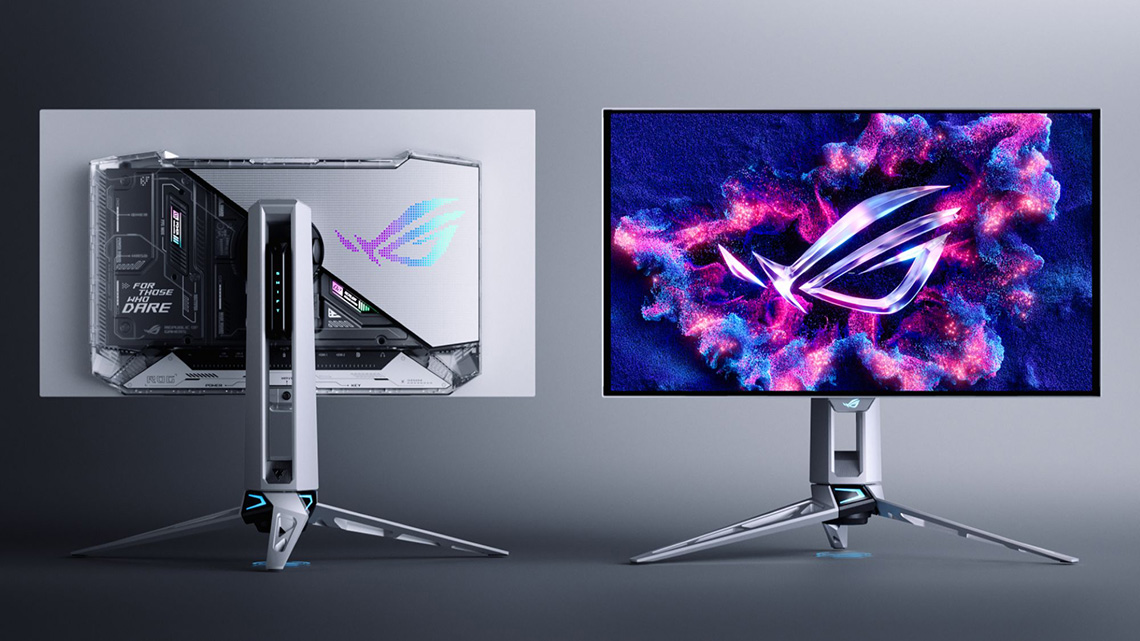
There’s the flagship ROG Swift PG27AQWP-W, a 27″ model being released during late Q4 which has a 1440p resolution and a massive 540Hz refresh rate. It’s built around a 4th Gen WOLED technology panel which offers improvements in brightness, colours and black depth. ASUS have combined it with their ‘TrueBlack’ glossy screen coating, and it features a new silver and transparent enclosure design which is very eye-catching. If you need even faster refresh rates for certain competitive gaming scenarios, the screen even offers a dual-mode function which allows you to push things up to 720Hz at a lower 720p resolution.
It has all the latest features too including DisplayPort 2.1 (UHBR20) connectivity, OLED Care Pro features and their Neo Proximity Sensor too. This model should be released during Nov/Dec in most regions and it has an MSRP of $1,099 USD. You can keep an eye on pricing and availability here (affiliate link), or in the meantime we have a full review of this model available now.
ROG Strix XG27AQWMG
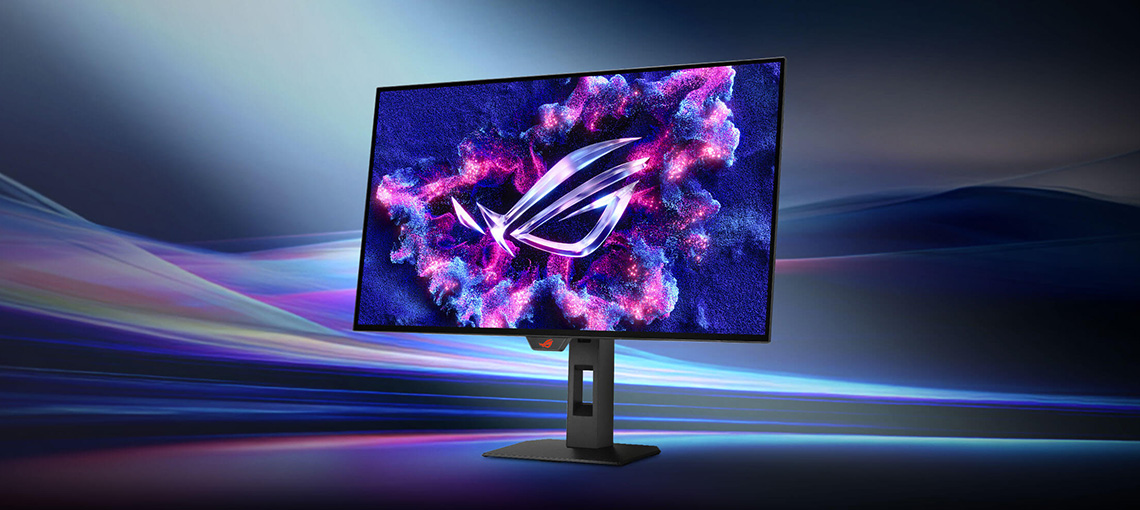
If you would be happy with a more modest (but obviously still very good) refresh rate then the ROG Strix XG27AQWMG offers another interesting alternative. It’s 27″ in size with a 1440p resolution again, uses a 4th Gen WOLED panel, includes their ‘TrueBlack’ glossy coating, but has a lower 280Hz refresh rate. It’s another excellent screen with a slightly lower spec, but at a more attractive price point. This one should also be available during Nov/Dec depending on region and the global MSRP is expected to be $599 USD, although this is subject to things like tariffs please keep in mind. You can read our full review here and keep an eye on availability and pricing here (affiliate link).
ROG Swift PG27UCDM

If you want a higher resolution and pixel density then the ROG Swift PG27UCDM is a great option and one of our regular recommendations for a 27″ OLED monitor. This screen has a 3840 x 2160 “4K” resolution which gives you a 166 PPI pixel density, significantly improving image detail and sharpness and basically eliminating any concerns around text clarity. This one is built around a QD-OLED technology panel with a 240Hz refresh rate, a sought after combination for many gamers. It’s got all the latest connectivity as well with DisplayPort 2.1, HDMI 2.1 and USB type-C too.
It’s available to buy now and you can check out our review here.
32″ OLED monitors
If you’re looking for a larger screen size for increased immersion or more desktop space for 4K resolutions then there’s 3 very good options to consider from the ASUS range:
ROG Swift PG32UCDP

This model is a 32″ screen is built around a WOLED technology panel with a 3840 x 2160 “4K” resolution and a 240Hz refresh rate. It’s dual-mode function allows you to double your refresh rate to 480Hz at a lower 1080p resolution, but that’s potentially useful for some gamers. This model has a standard matte anti-glare screen coating, but ASUS have also introduced an alternative with the same panel, and a very similar feature set, with their XG32UCWMG if you are a fan of glossy instead (more below). The PG32UCDP available to buy now and you can check out our review here.
ROG Strix XG32UCWMG

This model offers a very similar spec to the PG32UCDP but offers a ‘TrueBlack’ glossy screen coating option instead. It’s 32″ in size with a 4K resolution, 240Hz refresh rate and dual-mode 480Hz/1080p support. The design and stand are a little different too as it’s part of their ROG Strix line-up instead of the ROG Swift line-up, but it gives you a great choice if you’re a glossy fan and like the look of this spec. It’s available to buy now and you can check out our review here.
ROG Swift PG32UCDMR
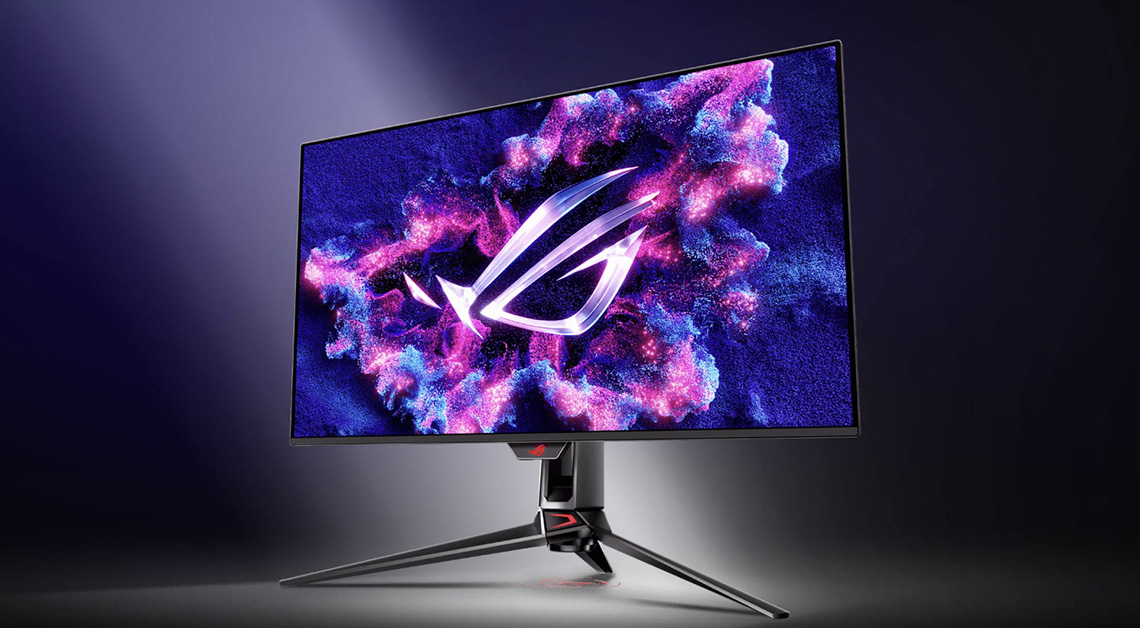
This model offers a QD-OLED alternative in the 32″ segment. It has a 4K resolution and 240Hz refresh rate, along with a semi-glossy screen coating inherent to this panel technology. This model is actually a refresh/update to their PG32UCDM (which is the model we reviewed), now offering a DisplayPort 2.1 (UHBR20) connection and updated OLED Care Pro features including their Neo Proximity Sensor. The underlying panel remains the same so our review is still relevant and useful to refer to for more information. It’s available to buy now and you can check out our review here (of the PG32UCDM model).
Recommend ASUS ROG Swift OLED Gaming Monitors Table
| Monitor image | Model name and review link | Key specs and features | Buy it here |
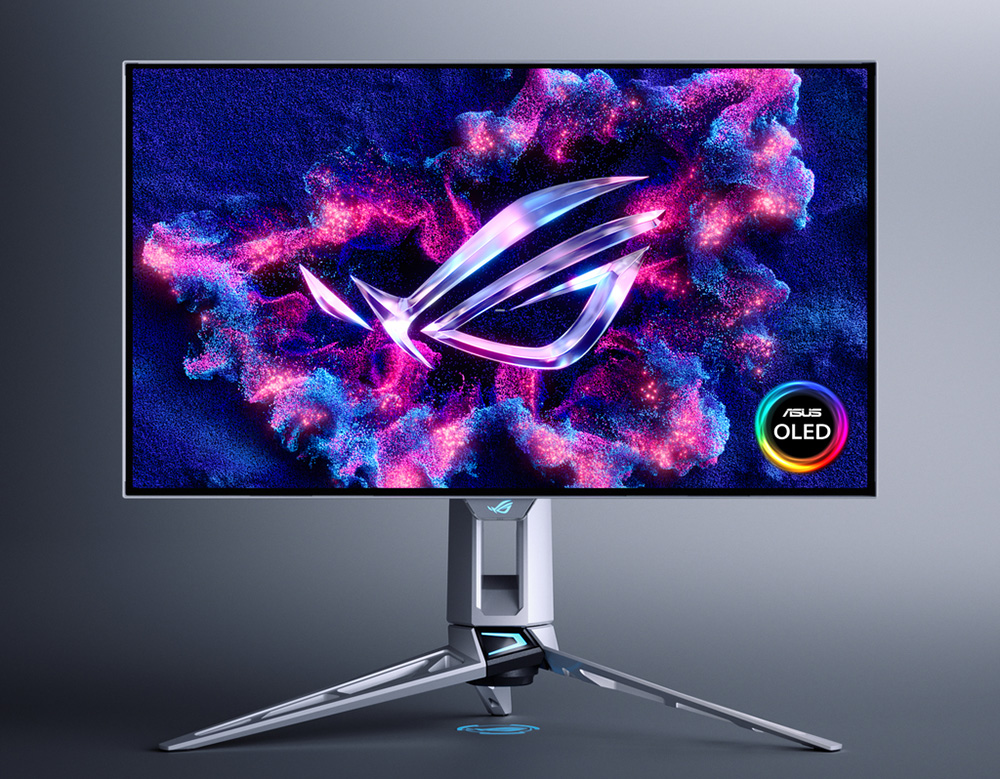 | ROG Swift PG27AQWP-W | * 27″ in size with a 2560 x 1440 resolution * 4th Gen Primary RGB Tandem WOLED panel technology * 540Hz refresh rate * Dual-mode support for 720Hz at 720p * TrueBlack glossy screen coating * DisplayPort 2.1 (UHBR20) and HDMI 2.1 connectivity | (Check availability) |
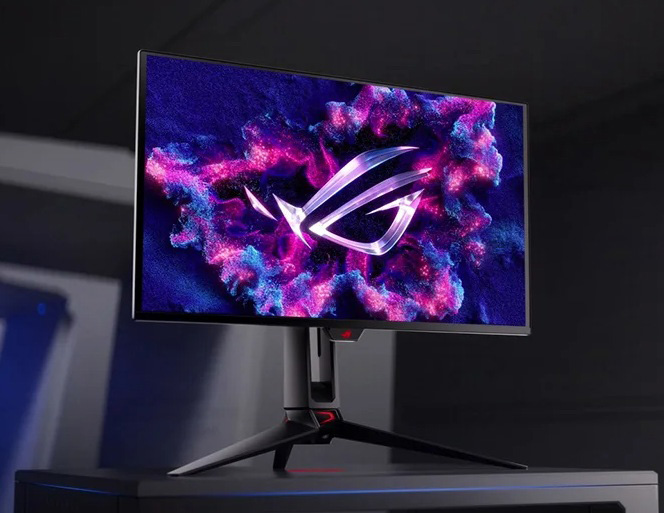 | ROG Swift PG27UCDM | * 27″ in size with a 3840 x 2160 “4K” resolution * 4th Gen QD-OLED panel technology * 240Hz refresh rate * Semi-glossy screen coating * DisplayPort 2.1 (UHBR20), HDMI 2.1 and USB type-C connectivity | |
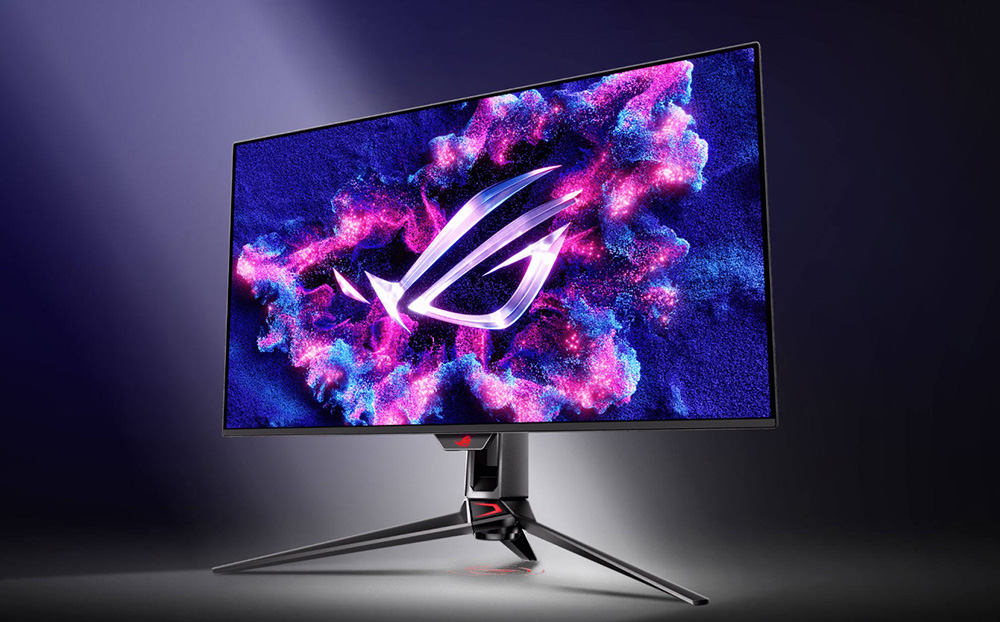 | ROG Swift PG32UCDMR (note: review is from previous version PG32UCDM) | * 32″ size with a 3840 x 2160 “4K” resolution * 3rd Gen QD-OLED panel technology * 240Hz refresh rate * Semi-glossy screen coating * Same as the PG32UCDM model with a few added features including * DP 2.1 (UHBR20) connection, Neo proximity sensor, OLED Care Pro | |
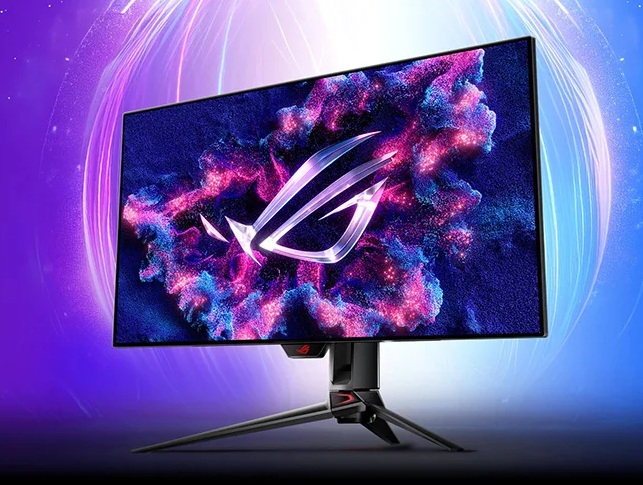 | ROG Swift PG32UCDP | * 32″ size with a 3840 x 2160 “4K” resolution * 3rd Gen WOLED panel technology * 240Hz native refresh rate * Dual-mode support for 480Hz at 1080p * Matte anti-glare screen coating (see XG32UCWMG for glossy option) | |
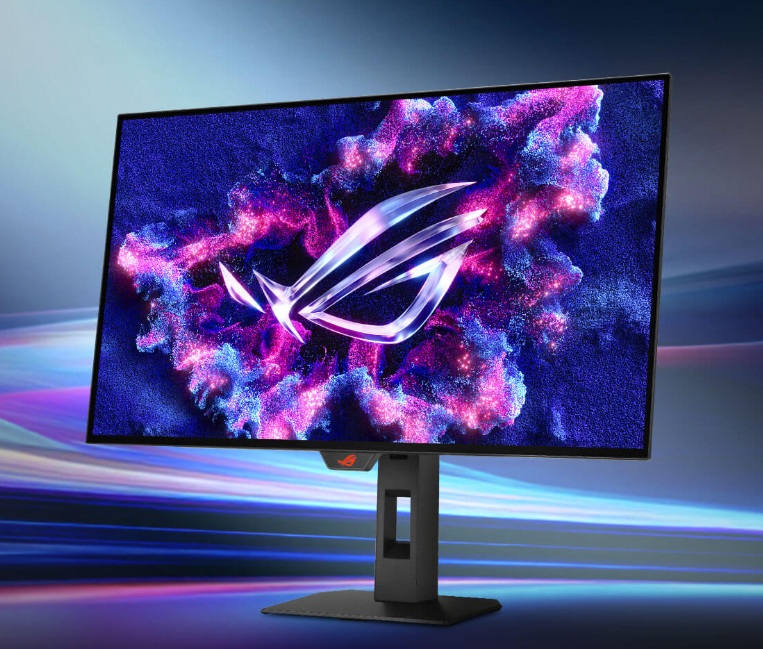 | ROG Strix XG27AQWMG | * 27″ in size with a 3840 x 2160 “4K” resolution * 4th Gen Primary RGB Tandem WOLED panel technology * 280Hz refresh rate * TrueBlack glossy screen coating | (Check availability) |
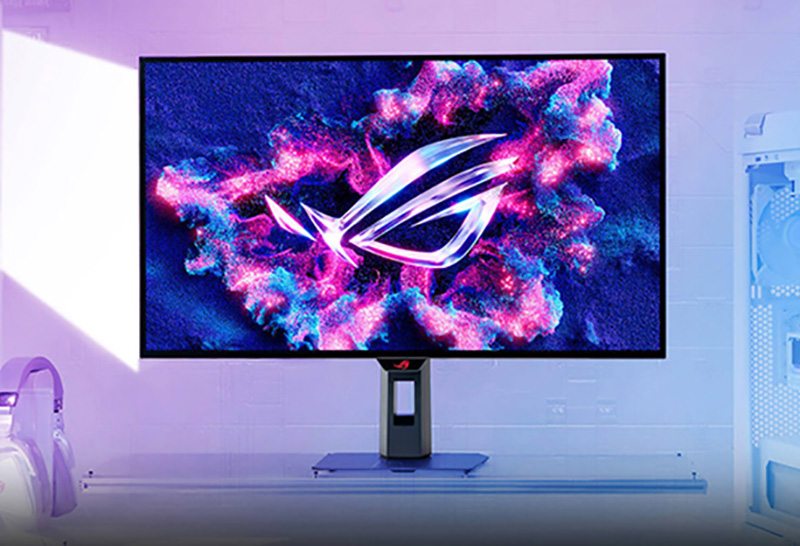 | ROG Strix XG32UCWMG | * 32″ size with a 3840 x 2160 “4K” resolution * 3rd Gen WOLED panel technology * 240Hz native refresh rate * Dual-mode support for 480Hz at 1080p * TrueBlack glossy screen coating (see PG32UCDP for matte AG option) | |
| #affiliate. We may earn a commission if you purchase from our affiliate links in this content – TFTCentral is a participant in the Amazon Services LLC Associates Programme, an affiliate advertising programme designed to provide a means for sites to earn advertising fees by advertising and linking to Amazon.com, Amazon.co.uk, Amazon.de, Amazon.ca and other Amazon stores worldwide. We also participate in a similar scheme for Overclockers.co.uk, Newegg, Bestbuy, Walmart, B&H and some manufacturers. |
Esports Gaming Monitors
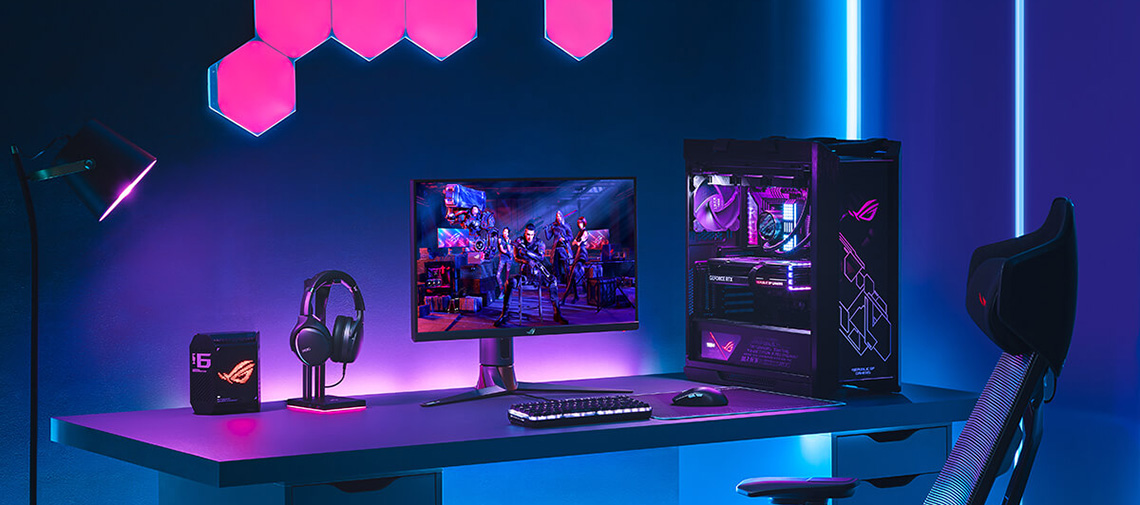
Perhaps you’re looking for a screen that is aimed at esports gaming? Many professional and competitive gamers are interested in smaller format monitors with a lower resolution which gives them a smaller area to focus on during gaming, and the lower resolution allows them to prioritise speed and frame rates instead of resolution and image detail. This might necessitate looking at LCD monitors instead of OLED as there’s currently no OLED options smaller than 27″ 1440p unfortunately.
Some people might still want something a bit larger for more versatile performance in this segment and so there are some good 27″ options available too, but the key focus really of these monitors is on response times, refresh rates and motion clarity. Blur reduction backlights are common and popular as well, often marketed as features like “ELMB” (Extreme Low Motion Blur) or similar naming schemes.
Monitors targeted at this segment will offer you the fastest LCD response times and panels available, the highest refresh rates and top-end advanced features to enhance and optimise your gaming experience. If we look at the Esports-focused monitors in ASUS’ range, they give us a very good idea of what you might find in this space.
ROG Strix XG248QSG Ace

The flagship esports gaming monitor from Asus is a smaller format 24.1″ sized screen with a 1080p resolution and a whopping 610Hz refresh rate. This offers exceptional motion clarity and frame rate support. The screen is built around a ‘Super TN Film’ panel which is still a popular choice for this segment due to its impressive response times and speed, although it won’t offer you the all-round picture quality and image that an IPS or OLED panel could offer.
An added ELMB 2 feature can be used for additional motion blur reduction and this has been specially optimized for this panel to offer the best motion clarity across the panel as possible, as well as a high brightness capability. A small stand foot print and versatile stand adjustments make it well-suited to esports gaming as well.
It’s available to buy now and you can find some additional info in our news piece here.
ROG Swift PG27AQN
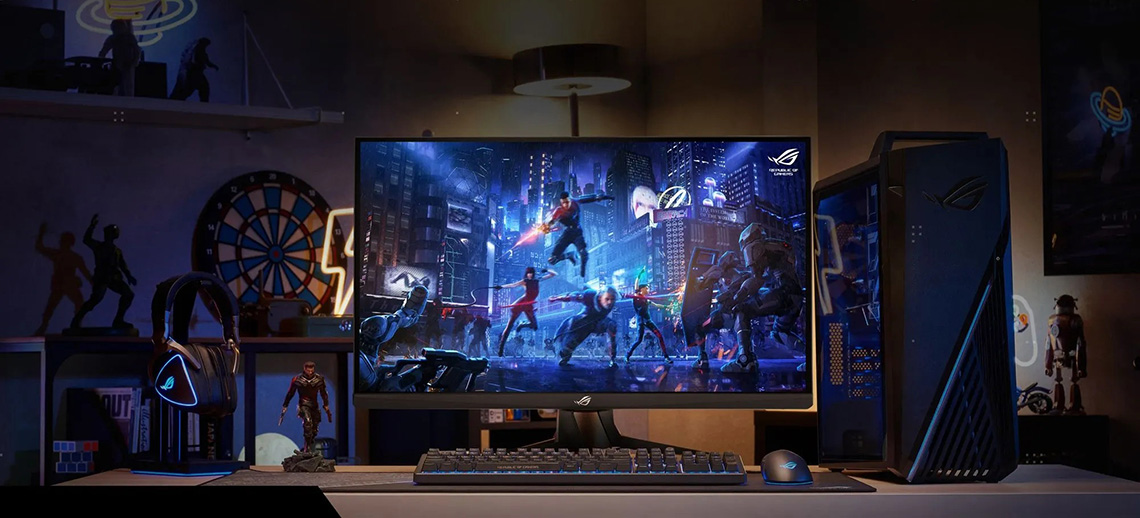
If you’re looking for a larger LCD gaming monitor then the ROG Swift PG27AQN is a great choice. It’s limited for HDR capabilities, but excels everywhere else with a 1440p resolution and a high 360Hz refresh rate. If you are used to gaming on a smaller screen, or want to push 1080p resolution from your system in order to maximise frame rates, the PG27AQN also handles that nicely through a scaled windowed mode, allowing you to get the best of both world’s depending on your game and usage.
Having the flexibility to use a larger screen area and resolution opens up new possibilities for gamers. In fact NVIDIA researchers found that when taking shots in a game at small targets, using a larger 1440p 27″ display can improve aim by up to 3% compared to playing on a traditional 1080p 24.5″ sized displays. For competitive gamers, that 3% could mean the difference between victory and defeat. The larger screen size also makes it far more usable for non-gaming applications and general use if you want a more multi-purpose screen. It also gives you the option to increase resolution and screen size for slower paced games, or if you aren’t tied to 1080p or competing.
The PG27AQN also uses a latest generation ‘Ultra Fast IPS’ panel with a range of customisations that has led to very impressive response times, especially after some tweaks made by NVIDIA via a new firmware. The screen was co-created with NVIDIA in fact, featuring their Native G-sync module hardware which supports excellent VRR performance, variable overdrive, super low input lag and also their ULMB 2 (Ultra Low Motion Blur 2) technology. Also linked to the NVIDIA G-sync module is the inclusion of Reflex Latency Analyzer, a tool that allows you to easily track the end to end latency of your system, allowing you to make adjustments and improvements to improve your overall responsiveness in gaming, from mouse to display.
The ROG Swift PG27AQN is available to buy here, and you can also read our full review here.
ROG Strix XG27AQDPG
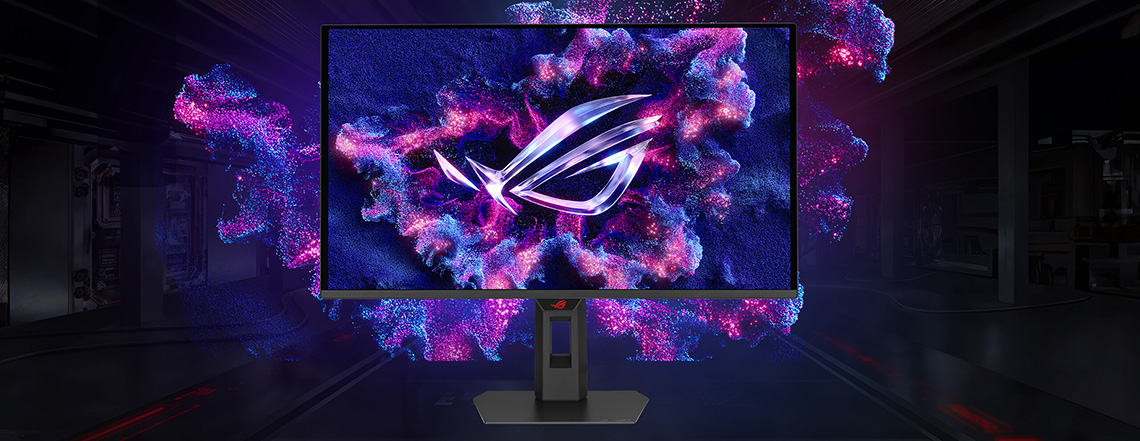
If you don’t want to buy an older LCD monitor then there’s certainly some very fast options in the OLED monitor market to choose from. We talked about many models earlier on in this article, but one other that is definitely worth mentioning here when talking about competitive gaming is the ROG Strix XG27AQDPG. It’s a 27″ sized screen with a QD-OLED technology panel, with a 1440p resolution and a super-high 500Hz refresh rate. This screen will offer far superior HDR gaming performance than the LCD options discussed above, while still being able to offer amazing motion clarity and speed for competitive gaming situations.
It’s available to buy now and you can find some additional information in our news piece here.
ASUS ROG Swift Esports Gaming Monitors Table
| Monitor image | Model name and review link | Key specs and features | Buy it here |
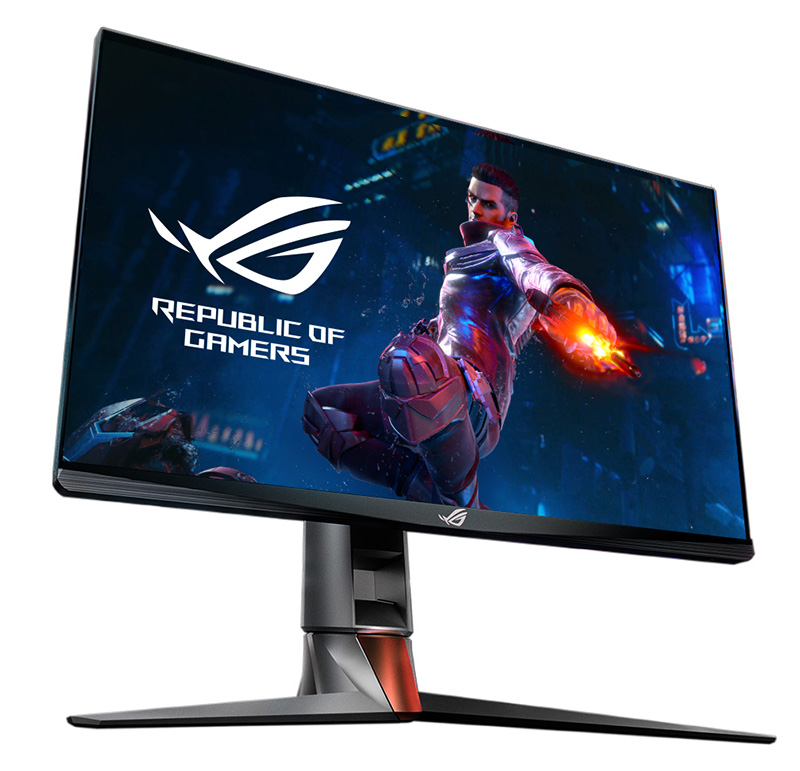 | ROG Swift PG27AQN | * 27″ in size with a 2560 x 1440 resolution * Ultra Fast IPS panel technology * 360Hz refresh rate * Native NVIDIA G-sync module * ULMB 2 blur reduction and NVIDIA Reflex Latency Analyzer | |
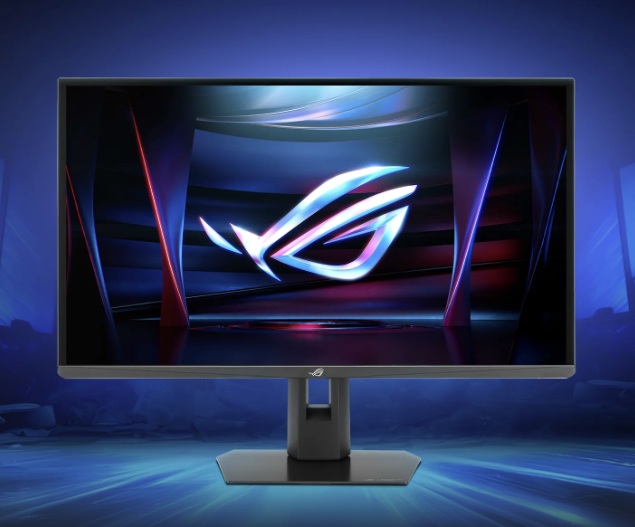 | ROG Strix XG248QSG Ace (Not reviewed, but news piece here) | * 24.1″ in size with a 1920 x 1080 resolution * Super TN Film panel technology * 610Hz refresh rate * eSports focused features including ELMB 2 blur reduction | |
 | ROG Strix XG27AQDPG (Not reviewed, but news piece here) | * 27″ in size with a 2560 x 1440 resolution * 3rd Gen QD-OLED technology panel * 500Hz refresh rate * ELMB blur reduction mode (aka BFI) | |
TFTCentral is a participant in the Amazon Services LLC Associates Programme, an affiliate advertising programme designed to provide a means for sites to earn advertising fees by advertising and linking to Amazon.com, Amazon.co.uk, Amazon.de, Amazon.ca and other Amazon stores worldwide. We also participate in a similar scheme for Overclockers.co.uk.
Related content:
- NVIDIA Release ‘ULMB 2’ for Improved Motion Clarity, Including Updates for 2 Existing Monitors
- NVIDIA Reflex – Measuring and Improving System Latency, Reflex Analyzer and NVIDIA LDAT
4K Gaming Monitors
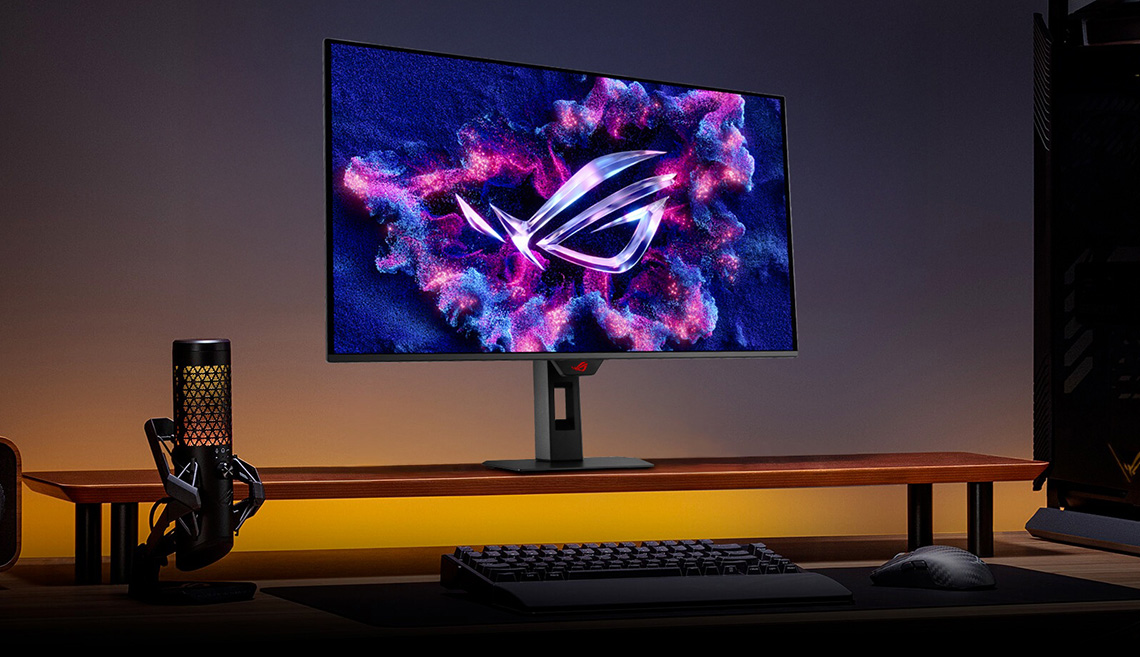
What about if you want a higher resolution? 4K gaming has become increasingly popular, and while it requires a more powerful system to run, it provides impressive improvements in many situations for image detail. If you’re mainly wanting your games to look great, with super-high levels of detail and an amazing picture quality, then a 4K monitor will serve you well. You may have to sacrifice frame rates from your system to push the resolution, and in fact the 4K screens will typically offer lower refresh rates anyway than competing lower resolution models.
These 4K screens are also a popular choice for console gamers who want to be able to play modern PS5 and Xbox Series X games in 4K resolution, and most have a focus on supporting features like HDMI 2.1 and VRR from those devices too. Look out for added features like motion blur reduction backlights which can help improve motion clarity in gaming. Some even allow you to use those feature at the same time as VRR (Variable Refresh Rates) which is an attractive option.
We talked about several 4K OLED screens earlier but if you’re after an LCD gaming monitor instead, there’s several great options to consider:
ROG Strix XG32UCG
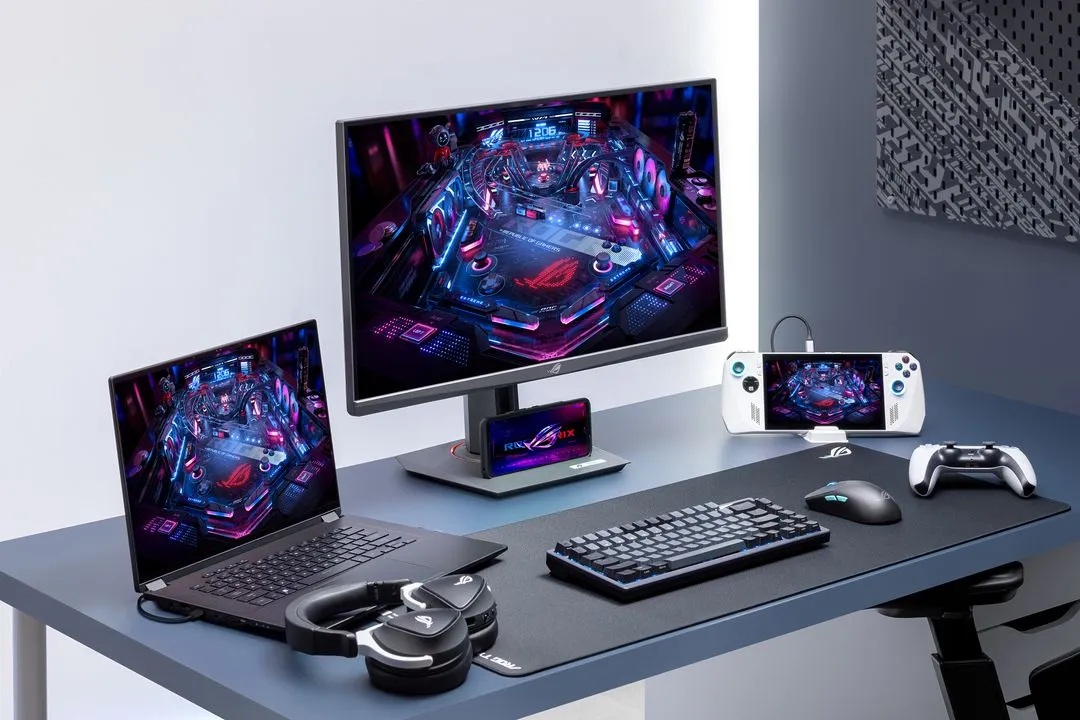
This screen is 32″ in size and offers a 3840 x 2160 “4K” resolution Fast IPS technology panel. It has a native 160Hz refresh rate, but one feature that makes this model particularly interesting is it’s dual-mode function. This allows you to switch to a lower 1080p resolution for certain gaming situations, while doubling your refresh rate to 320Hz. It’s a good way to potentially have the best of both world’s, with flexibility depending on whether you want to prioritise image detail and resolution, or speed and refresh rates. An added ‘ELMB-sync’ mode operates a motion blur reduction mode which can also be used at the same time VRR if you want. This screen is available to buy now.
ROG Strix XG27UCS
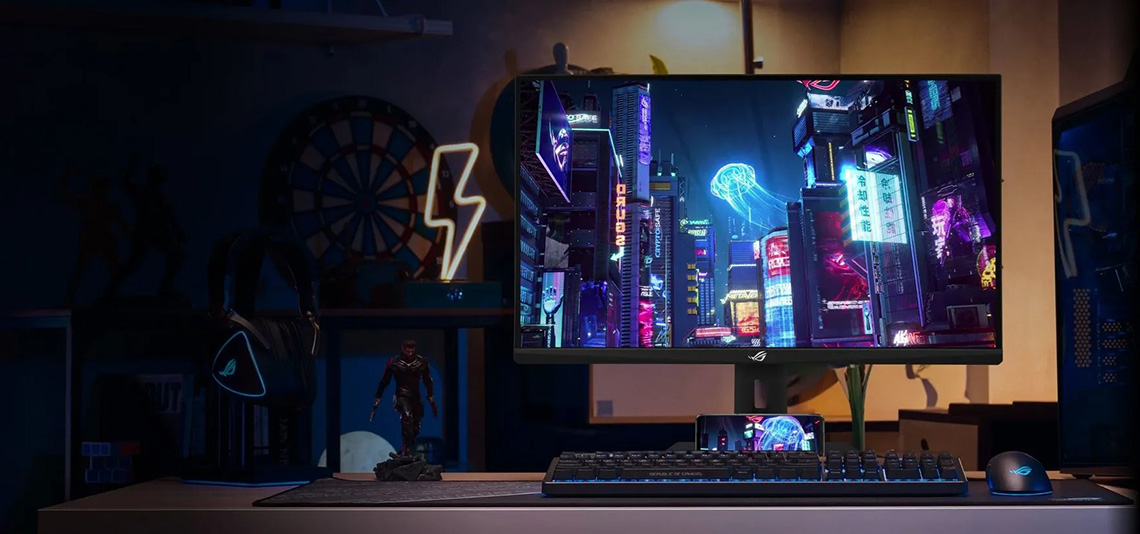
If you want a 4K resolution gaming LCD monitor but in a smaller size, the ROG Strix XG27UCS offers the same 3840 x 2160 but packed in to a 27″ Fast IPS panel size. This gives an even higher pixel density for further improvements in sharpness and image clarity. It has a 160Hz refresh rate, but doesn’t offer a dual-mode function like the 32″ model above did. ELMB-sync is featured though for blur reduction benefits. It’s available to buy now.
TUF Gaming VG28UQL1A
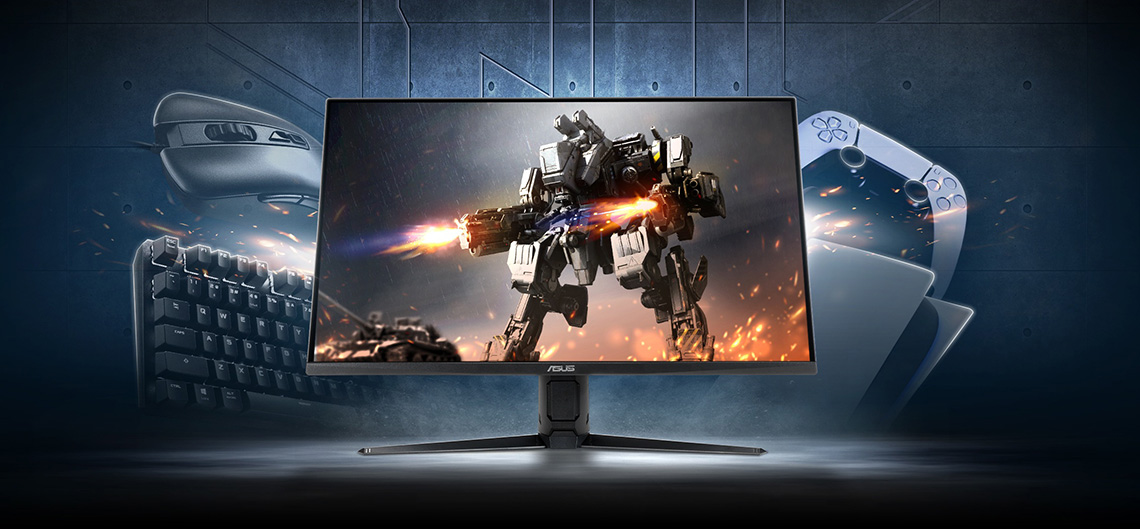
Another 4K option is available in ASUS’ TUF Gaming line-up. The VG28UQL1A offers a 28″ screen size as a mid-ground between the more common 27″ and 32″ options, built around an IPS panel again. It has a 144Hz refresh rate and ELMB-sync blur reduction mode and is available to buy now.
ROG Strix XG32UCDS
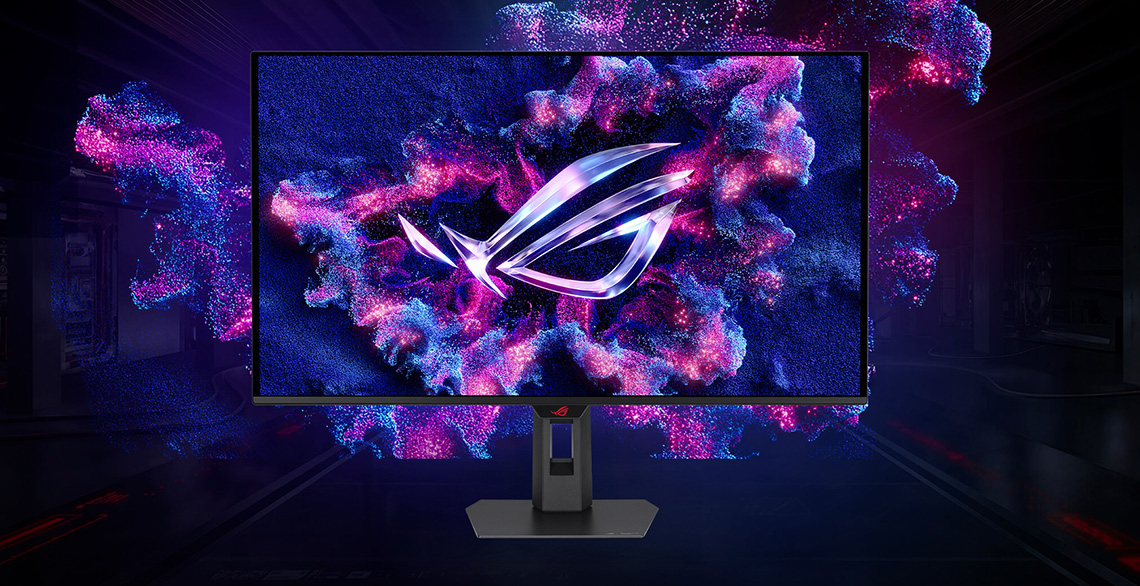
One final option worth mentioning in this 4K gaming monitor segment is the ROG Strix XG32UCDS. It’s actually another OLED monitor, but it’s available at a more modest price point thanks to it’s mid-tier 165Hz refresh rate. This makes it a more affordable option if you’re after a 4K gaming monitor, but want to venture in to the world of OLED. It’s built around a 32″ QD-OLED panel with far better HDR capabilities than the LCD options discussed here can offer. It’s available to buy now.
ASUS 4K Gaming Monitors
| Monitor image | Model name and review link | Key specs and features | Buy it here |
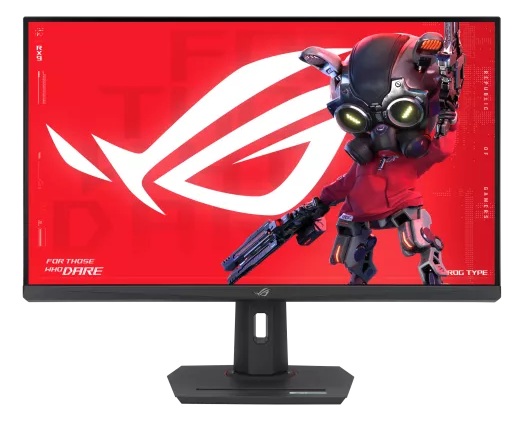 | ROG Strix XG32UCG | * 31.5″ in size with a 3840 x 2160 “4K” resolution * Fast IPS panel technology * 160Hz native refresh rate * Dual-mode support for 320Hz at 1080p * ELMB-sync blur reduction mode (works with VRR) | |
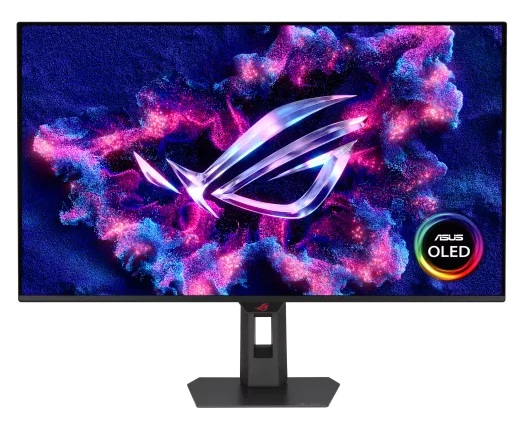 | ROG Strix XG32UCDS | * 31.5″ in size with a 3840 x 2160 “4K” resolution * 3rd Gen QD-OLED panel technology * 165Hz refresh rate * ELMB blur reduction mode (aka BFI) | |
 | ROG Strix XG27UCS | * 27″ in size with a 3840 x 2160 “4K” resolution * Fast IPS panel technology * 160Hz native refresh rate * ELMB-sync blur reduction mode (works with VRR) | |
 | TUF Gaming VG28UQL1A | * 28″ in size with a 3840 x 2160 “4K” resolution * ‘Fast IPS’ panel technology * 144Hz refresh rate * ELMB-sync blur reduction mode (works with VRR) | |
TFTCentral is a participant in the Amazon Services LLC Associates Programme, an affiliate advertising programme designed to provide a means for sites to earn advertising fees by advertising and linking to Amazon.com, Amazon.co.uk, Amazon.de, Amazon.ca and other Amazon stores worldwide. We also participate in a similar scheme for Overclockers.co.uk.
After something different?
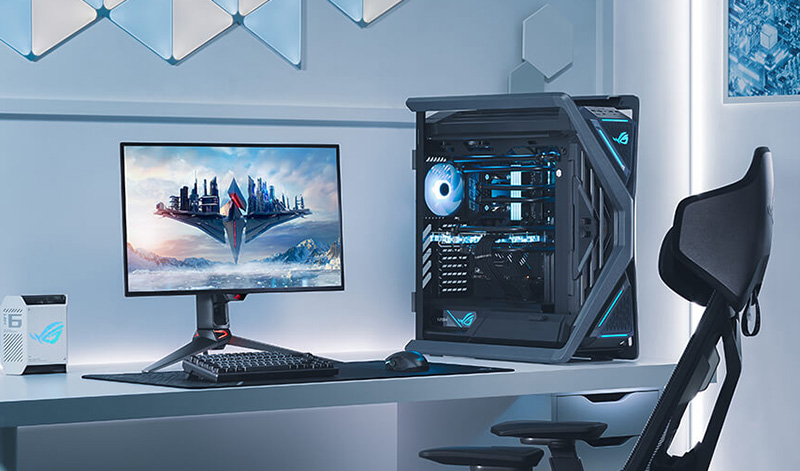
What if you’ve decided you don’t want an OLED, Esports or 4K gaming monitor or don’t have the budget for some of the top-end options we’ve discussed? Thankfully there’s a really wide range of alternative options in the gaming monitor market, with different panel technologies, sizes, resolutions and features on offer. They might not offer the capabilities and technologies of the more expensive models, and won’t have expensive features like the highest refresh rates, OLED panels, the NVIDIA G-sync module or Latency Analyzer for instance. HDR capabilities are also very limited in these mid and lower tier models, they are more for casual SDR gaming. You will also find lower refresh rates here in this mainstream gaming monitor space.
It’s impossible to cover them all, but we will talk here about some other possible options to consider, again using ASUS’ monitor range as examples.
Other 27″ Gaming monitors
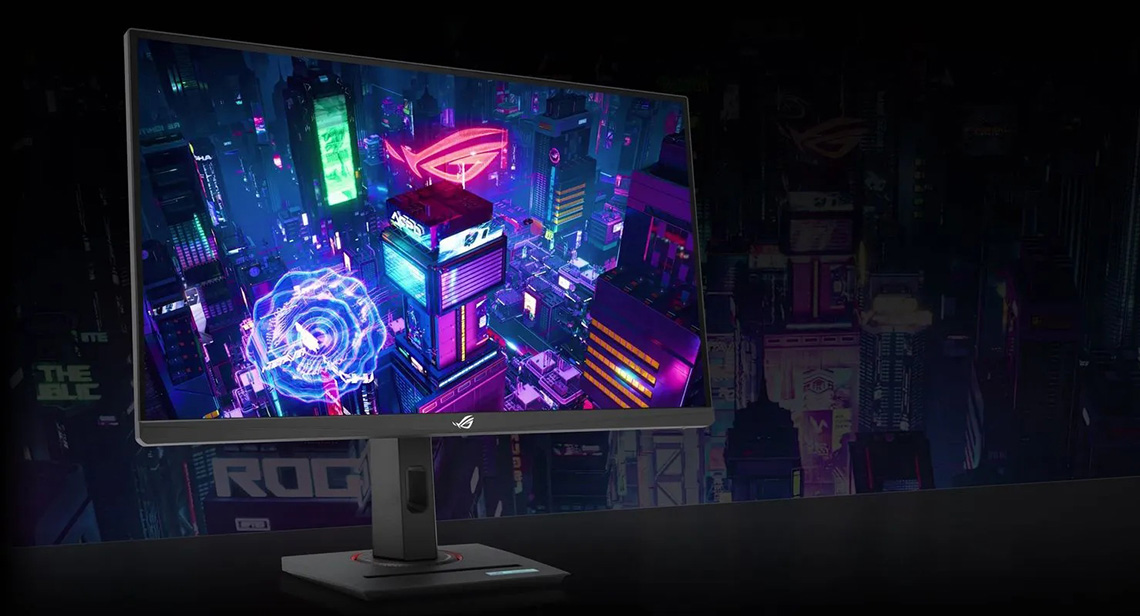
If you want a 27″ gaming LCD but with a more typical 1440p resolution then there are two good options of note here. The ROG Strix XG27WCMS uses a curved VA technology panel for those who like a subtle curve to their screen (1500R,) and this panel will offer better contrast ratios and black depth than competing IPS options. It has a 280Hz refresh rate and supports ELMB-sync for motion blur reduction at the same time as VRR. It’s available to buy now.
The ROG Strix XG27ACMS is an alternative 27″ option, this time built around a flat format IPS technology panel, which has wider viewing angles and a better all-round image than VA alternatives, although doesn’t have as good a contrast ratio. This model has a 320Hz refresh rate, so slightly higher than the XG27WCMS and again supports ELMB-sync. This model is also available to buy now.

One further potential option is the TUF Gaming VG27AQML5A, another 27″ screen with a 1440p resolution but in the lower-tier, more budget-friendly TUF Gaming line-up. It has a Fast IPS panel, 300Hz refresh rate and ELMB-sync. It’s available to buy now.
If you want a smaller sized screen but with a more modest spec and price point, then there’s a good selection on offer from the ASUS range. The TUF Gaming VG259QM5A is 24.5″ in size with a 1080p resolution IPS panel and 240Hz refresh rate, along with ELMB-sync blur reduction support (available now).
The TUF Gaming VG249Q5A is slightly smaller at 23.8″ in size with a 1080p resolution IPS panel. It has a lower 200Hz refresh rate, but an even more affordable price point (available now) for the budget-focused.
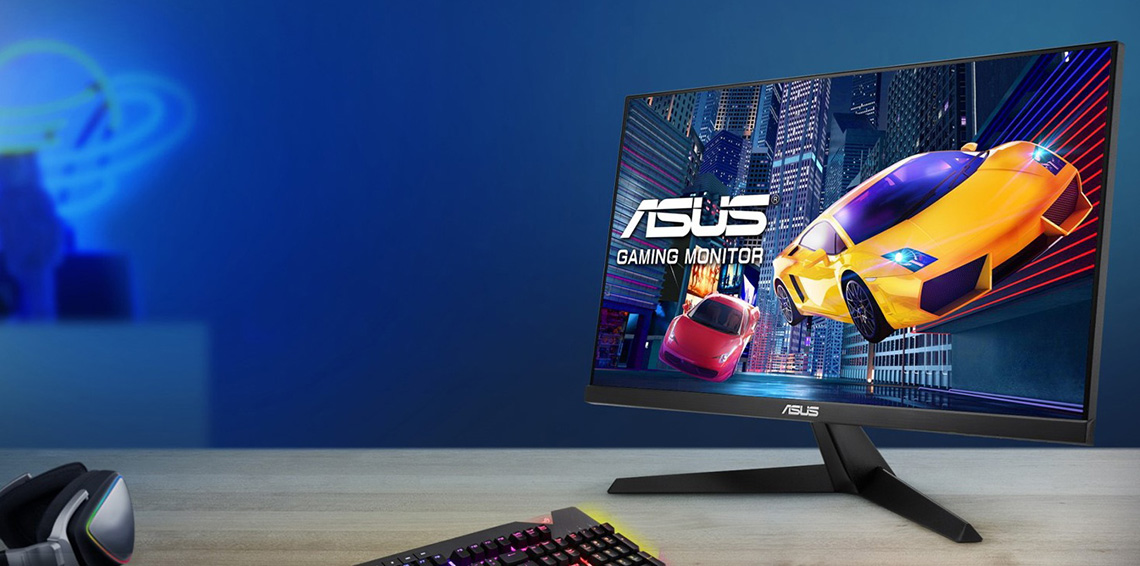
If you want something even lower cost then the ASUS VY249HGR is 23.8″ in size with a 1080p resolution IPS panel, a lower 120Hz refresh rate but a killer low price (available now).
| Monitor image | Model name and review link | Key specs and features | Buy it here |
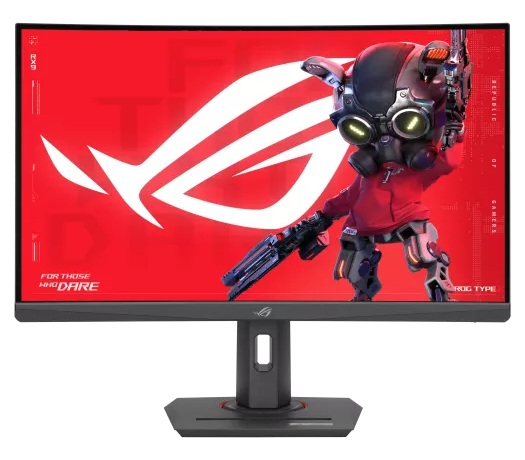 | ROG Strix XG27WCMS | * 27″ in size with a 2560 x 1440 resolution * 1500R curvature * VA technology panel * 280Hz refresh rate * ELMB-sync blur reduction mode (works with VRR) | |
| ROG Strix XG27ACMS | * 27″ in size with a 2560 x 1440 resolution * Fast IPS technology panel * 320Hz overclocked refresh rate * ELMB-sync blur reduction mode (works with VRR) | |
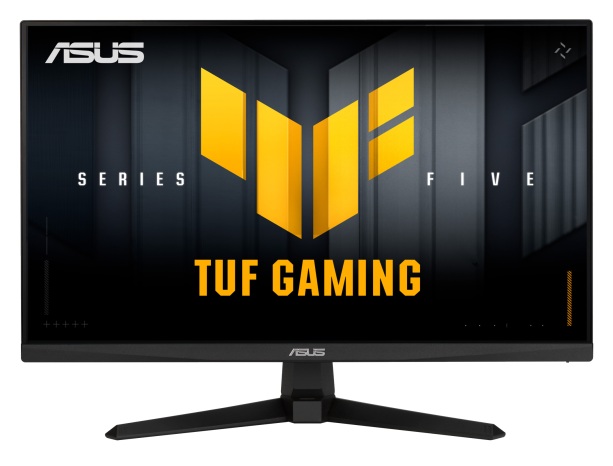 | TUF Gaming VG259QM5A | * 24.5″ in size with a 1920 x 1080 resolution * Fast IPS technology panel * 240Hz refresh rate * ELMB-sync blur reduction mode (works with VRR) | |
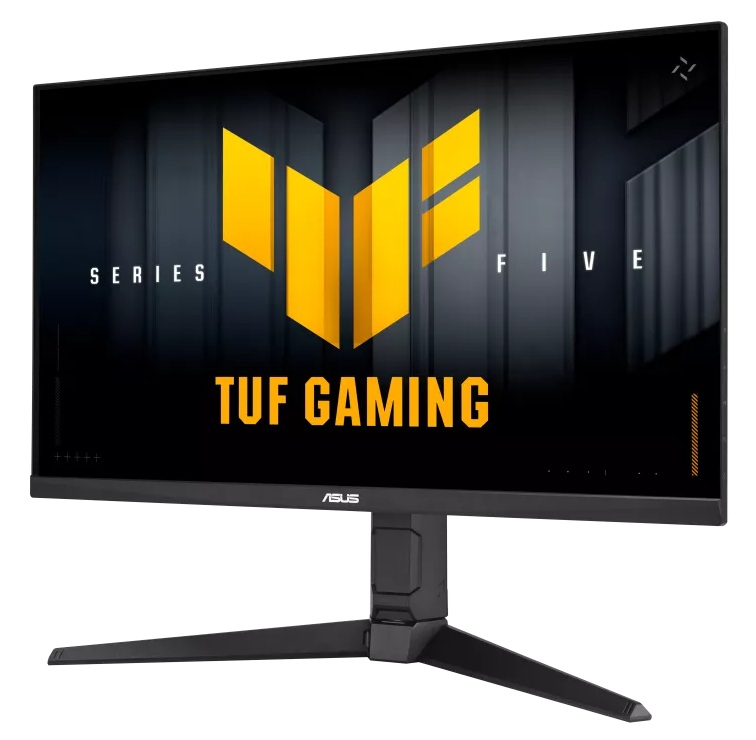 | TUF Gaming VG27AQML5A | * 27″ in size with a 2560 x 1440 resolution * Fast IPS technology panel * 300Hz refresh rate * ELMB-sync blur reduction mode (works with VRR) | |
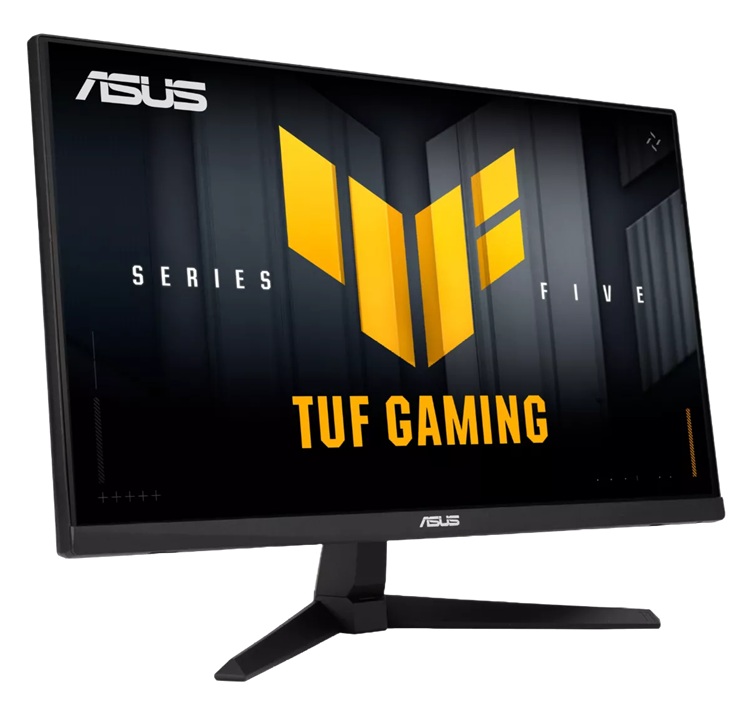 | TUF Gaming VG249Q5A | * 23.8″ in size with a 1920 x 1080 resolution * Fast IPS technology panel * 200Hz refresh rate * ELMB-sync blur reduction mode (works with VRR) | |
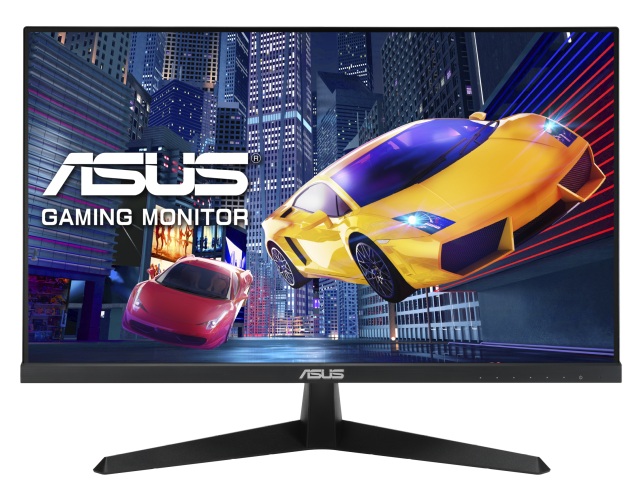 | VY249HGR | * 23.8″ in size with a 1920 x 1080 resolution * IPS technology panel * 120Hz overclocked refresh rate * SmoothMotion blur reduction mode | |
TFTCentral is a participant in the Amazon Services LLC Associates Programme, an affiliate advertising programme designed to provide a means for sites to earn advertising fees by advertising and linking to Amazon.com, Amazon.co.uk, Amazon.de, Amazon.ca and other Amazon stores worldwide. We also participate in a similar scheme for Overclockers.co.uk.
Wrap-up
Hopefully this guide has been useful in your quest to find a new gaming display. There’s certainly a massive choice out there whether you’re looking for the latest and greatest specs in the competitive and Esports space, want the OLED HDR gaming experience, want high resolution 4K support, or are after something a bit more casual, mainstream or more affordable. There’s a really wide range available from ASUS in their ROG and TUF Gaming ranges and they’ve really got something for everyone.
We may earn a commission if you purchase from our affiliate links in this article- TFTCentral is a participant in the Amazon Services LLC Associates Programme, an affiliate advertising programme designed to provide a means for sites to earn advertising fees by advertising and linking to Amazon.com, Amazon.co.uk, Amazon.de, Amazon.ca and other Amazon stores worldwide. We also participate in a similar scheme for Overclockers.co.uk, Newegg, Bestbuy , B&H and some manufacturers.