
The Future of Dual-mode Monitors – New Displays and Improved Specs Explored
Disclaimer: this article includes sponsored promotion by Asus and the inclusion of various Asus dual-mode monitors, but all content, opinions and commentary are our own.
Introduction
Over the last 18 months or so we’ve seen a steady increase in the number of “dual-mode” monitors being released to market and we’re now starting to see this evolve and expand in its specs and capabilities. We’re seeing more panel choices, higher refresh rates, higher resolutions and higher boost speeds too; and the technology seems to be evolving into something that we think could start to become even more useful to buyers in the future.
With these changes taking place, we thought it would be useful to explain what dual-mode can offer you, how its is evolving and why it’s becoming an even more interesting feature for many people when considering a new screen, not just a gimmick. We’ll provide some example screens throughout the article from Asus’ wide range of new monitors to illustrate our points and give you some options to consider, and these models offer some excellent choices for various budgets for you to consider if you’re looking for a new screen.
- For a full line-up of Asus’ gaming monitors, check their landing page here.

Dual-mode functions explained
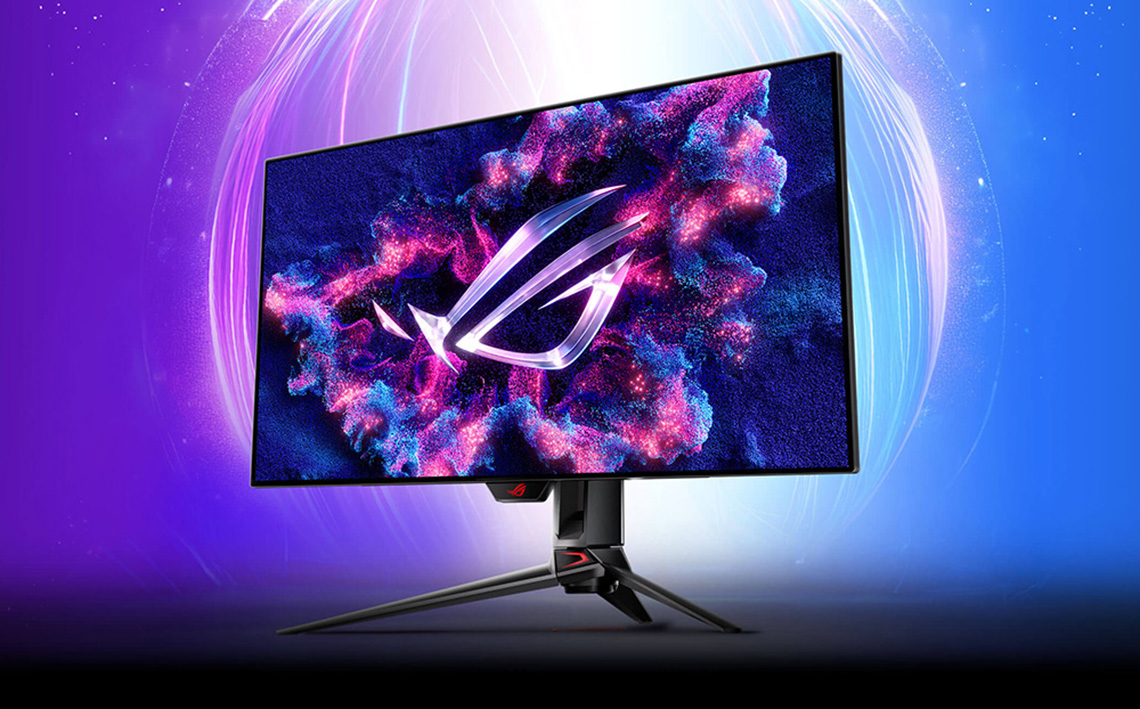
“Dual-mode” refers to a monitor capability which supports two different operational modes. The screens will typically offers a native mode which operates at a panels standard resolution and refresh rate, something that you should be familiar with from any monitor. So for instance, if we think back to one of the first models to be released with this feature, the Asus ROG Swift PG32UCDP, this 32″ screen offered a native 3840 x 2160 “4K” resolution and a 240Hz refresh rate for example.
The dual-mode function then allows you to quickly and easily switch in to a second operational mode, which usually offers the capability of significantly increasing the refresh rate beyond the native spec, while dropping the resolution to something lower. A common relationship would be allowing you to double your refresh rate, by dropping your resolution by a quarter (so, halving it vertically and halving it horizontally). That was the capability offered by the first wave of dual-mode monitors we saw released. So, that 4K 240Hz PG32UCDP example screen we talked about would allow you to run at 1080p 480Hz instead in dual-mode operation.

Keep in mind also that the term “dual-mode” is a general term for this technology, but these functions can be marketed under different names in some cases. LG Display, one of the leading panel manufacturers who first introduced dual-mode functions on their panels call the technology “Dynamic Frequency and Resolution”, or DFR for short. Asus usually call the feature on their monitors “Frame Rate Boost”, and you may see other branding out there as well from other manufacturers. We like to refer to it as “dual-mode” for simplicity and consistency in our reviews and other content.
Why you might want dual-mode – a hybrid monitor choice

Why would someone want a dual-mode function? The technology has been introduced really to give customers a hybrid monitor experience, the best of both worlds if you will. A chance to buy a single screen that can do it all, where you might otherwise have been considering two displays even.
It should be clear that lots of people are using their monitors for a variety of different uses. You might be working from home, using it for lots of office applications, web browsing or professional applications and be focused on image quality, clarity and desktop space. You might also then be using the screen at other times for gaming, maybe playing slower paced RTS-type games or AAA titles with a focus on image detail and graphics. You may also sometimes be playing faster FPS-type games in competitive or online situations where you are less worried about graphical detail, and instead you’re more interested in speed, motion clarity and driving higher frame rates.
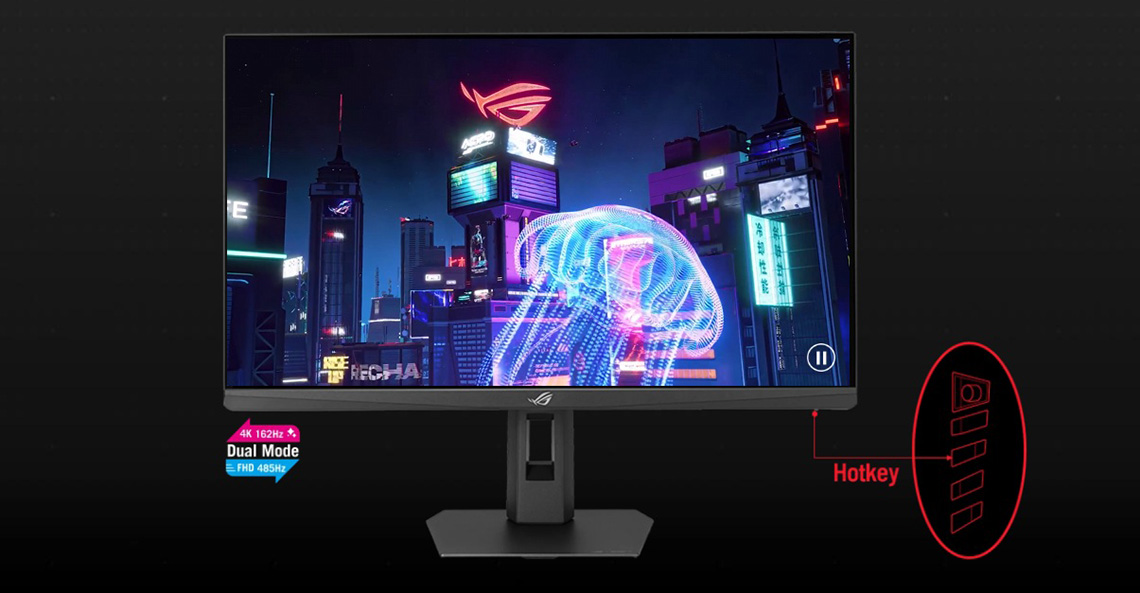
With dual-mode monitors, you no longer have to decide between a high resolution/low refresh rate monitor and a low resolution/high refresh rate monitor. You can have a single screen that can offer you both. In the past you could certainly buy a high resolution monitor and just drop the game resolution to something lower when you want to try and push more frames, but you’d always be capped at the (typically low) max refresh rate of the panel. Many 4K monitors for instance will be limited to something like a 160Hz refresh rate, which is low compared with all the 360 – 500Hz+ refresh rates you can get on lower resolution gaming screens. Obviously if you bought a low resolution/high refresh rate gaming monitor you’d get the higher refresh rate support, but you’d be stuck with a low resolution all the time.
Image detail and resolution, or speed and refresh rate?
Dual-mode monitors can give you both
A dual-mode function gives you a big boost in refresh rate support for those faster, competitive gaming situations or any time you are wanting to prioritise speed over image detail. That additional refresh rate is something you just wouldn’t get on a standard monitor.
Going back to our example from earlier of a 32″ 4K 240Hz monitor with a 1080p 480Hz dual-mode You could use the 4K mode for office and general applications which would give you a super-detailed and sharp image with a high pixel density and loads of desktop real-estate to work with for split screen apps and multi-tasking. You could use the 4K mode for games which are focused on image detail and beautiful graphics. You could then switch to the 1080p dual-mode for occasions when you instead want to push speed, refresh rate and frame rates.
The future of dual-mode functions
Some of the first dual-mode monitors released to market were 32″ (accurately 31.5″) in size, offering a 4K 240Hz native mode and a 1080p 480Hz mode, like the Asus ROG Swift PG32UCDP OLED monitor that we were discussing earlier. Not everyone found the dual-mode function useful though, as 1080p on a 32″ sized screen offers a low pixel density and was a significant drop in image quality and sharpness. Things are evolving in the dual-mode monitor space though now, and there’s a few things we should cover:
5K resolutions and beyond
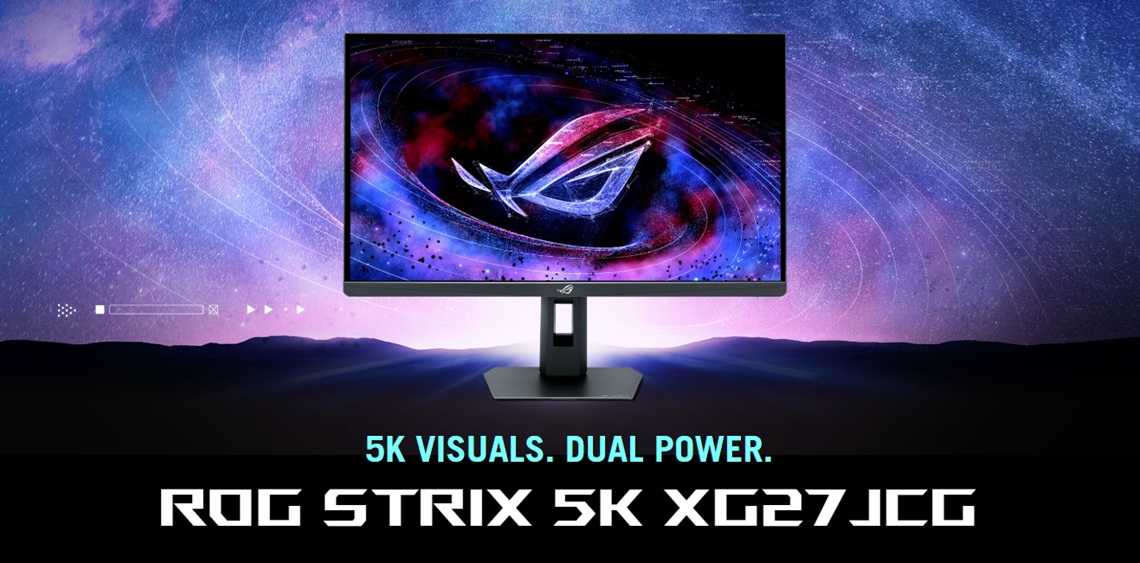
One of the most significant changes we’re seeing now is the increase in resolutions and pixel densities being offered from these dual-mode screens. We’ve seen various 5K (5120 x 2880) monitors announced in recent times, and even some 6K offerings (6144 x 3456). Asus for instance have recently released their ROG Strix XG27JCG, a model which we saw at CES in January 2026. It’s a 27″ sized screen with a 5K native resolution and this seems to be one of the most common new specs for dual-mode monitors.
| More information for the ROG Strix XG27JCG |
| Product page | Check pricing |
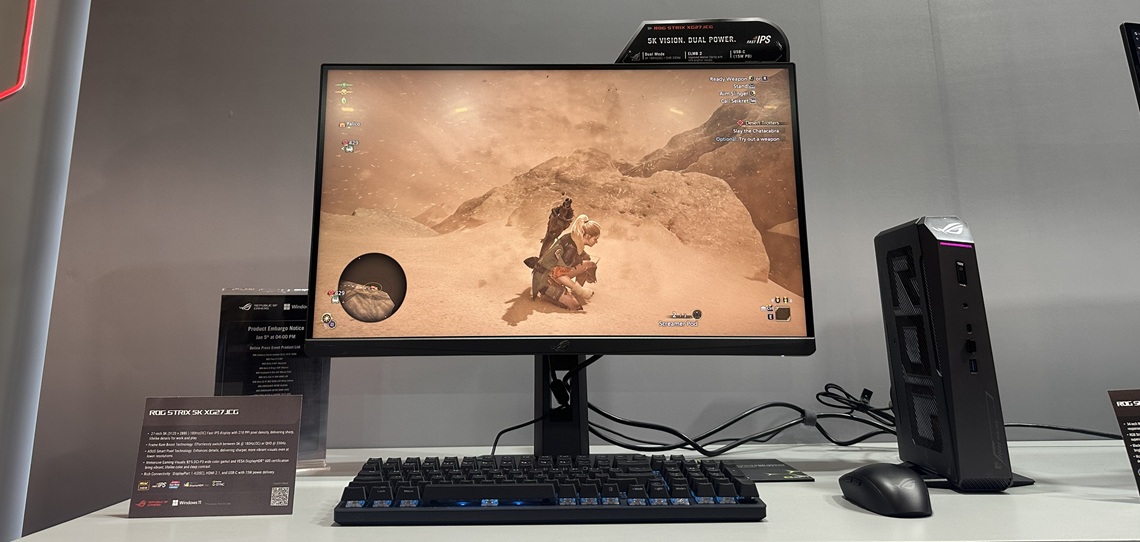
One comment we often see when people are discussing these new 5K screens is that “it’s hard enough to power 4K gaming, let alone 5K”, or something along the lines of “good luck getting more than 50 fps at that resolution!” This is missing the point though, and there’s two very good reasons why this new wave of 27″ 5K dual-mode monitors make a lot of sense and we think start to make them even more interesting for future buyers:
- The native 5K resolution offers “Retina-class” resolution on a screen this size. This resolution delivers a 218 PPI pixel density on a 27″ screen which offers an amazing picture quality, sharpness and clarity; a step beyond 4K resolutions even. It’s not about giving you more desktop space, it’s about increasing the pixel density of the panel. This kind of pixel density is what Apple consider “Retina class”, where individual pixels are not visible with the naked eye from a normal viewing position. There’s a decent improvement in sharpness and image clarity with this upgrade even over 4K screens that many people will notice.
This mode can be used for super-sharp and clear general and office applications, productivity work and professional use-cases. It’s about offering an amazing image quality and pixel density in those situations. You may want to also use this mode sometimes for graphically focused and slower paced gaming perhaps, like RTX-type games.
This 5K resolution is also especially important for Mac OS users where integer scaling can be used to offer a better image quality. We discussed the benefits of 5K resolutions and the importance of it for Mac users in our video here if you want to know lots more. - The dual-mode function offers a much better resolution/refresh rate combination. Equally important is that the dual-mode function on these screens is even more useable and practical, and isn’t such a sacrifice as it was on some earlier screens. The Asus XG27JCG for instance has a native 180Hz refresh rate at 5K, but this can be increased to a much higher 330Hz using dual-mode.
But best of all you aren’t dropping to a lowly 1080p here, the dual-mode operates at 1440p instead (2560 x 1440). That’s actually a very useable and normal resolution for a 27″ screen size, and so using dual-mode suddenly becomes far more interesting we think. You can switch to this mode for faster competitive gaming situations, while also maintaining a good resolution for a screen this size.
Those looking for a highly detailed image for desktop apps and graphically focused games can get something even better than the earlier wave of 32″ 4K screens thanks to these 27″ 5K offerings. And then when you want to play faster-paced games and push speed and refresh rate, the dual-mode function still operates at a very good resolution for the screen size, and gives you a big boost in refresh rate support. These 5K dual-mode monitors are really interesting we think.
Further product information

Asus ROG Strix XG27JCG
The ROG Strix XG27JCG features a 27″ Fast IPS panel which offers unprecedented ultra-clear visuals thanks to it’s 5K resolution and a native 180Hz refresh rate. The ‘dual-mode’ function here provides the versatility that allows you to boost your refresh rate to 330Hz when dropping to a 1440p resolution.
In other specs the screen offers a 0.3ms G2G response time spec, 1500:1 contrast ratio, 350 nits brightness (SDR), 178/178 viewing angles, 10-bit colour depth and a wide colour gamut covering 97% of the DCI-P3 colour space. It also offers a factory calibrated Delta E<2 accuracy. For HDR there is certification under the VESA DisplayHDR 600 tier with a peak brightness of 600 nits, so there’s some mid-tier edge-lit local dimming on offer from the backlight.
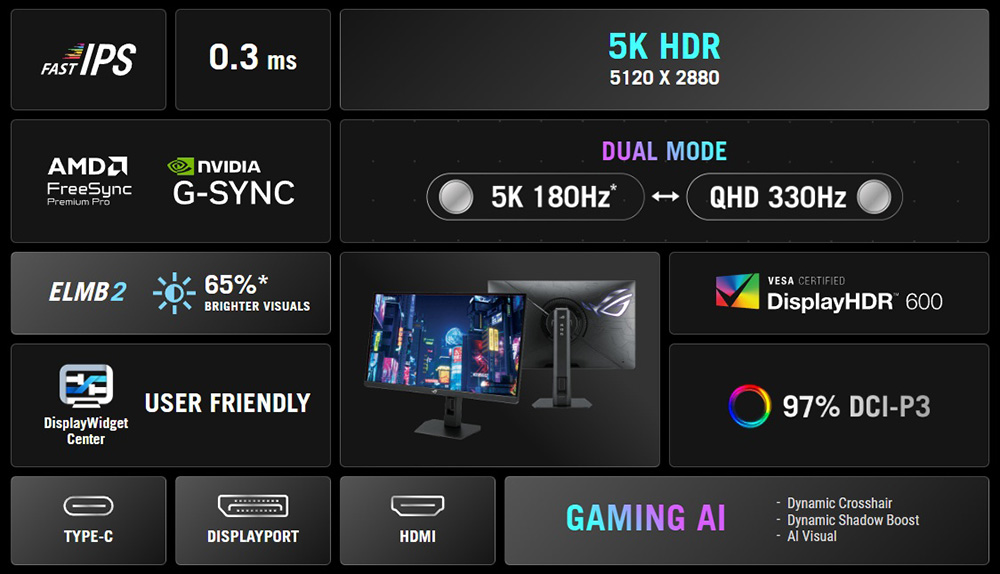
The native 180Hz refresh is supported by adaptive-sync for VRR from compatible systems, and it also features Asus’s Extreme Low Motion Blur 2 (ELMB 2) technology with a dual-backlight design which helps balance blur reduction with brightness for gaming. Asus’ DisplayWidget Center software is supported which allows you you to easily customise your gaming set-up, whilst the Asus Aura Sync feature allows you to synchronize the RGB backlighting across multiple compatible devices.
Connectivity comprises 1x DisplayPort 1.4, 2x HDMI 2.1 and 1x USB type-C (with DP Alt mode and 15W power delivery), along with 3x USB 3.2 Type-A data ports and a headphone connection. The stand provides a full range of tilt, height, swivel and rotate adjustments.
The XG27JCG is available in many regions now priced at $849 USD and £699 GBP at the time of writing.
Further product information is available on the product page here.
More screen sizes and panel technologies
The first dual-mode monitors we saw released were 32″ sized OLED screens, but now we’re seeing a wide range of options being launched in both the OLED and LCD space. That includes standard backlit LCD monitors and Mini LED backlights as well.
We’ve seen loads of 27″ sized monitors launched with this feature now, which is the most popular size choice in the monitor market right now. Those with a 1080p dual-mode resolution are likely more practical on a 27″ screen size than they are on 32″ models, and as discussed above we’re seeing a lot of higher resolution options being launched too. Those provide an interesting choice for a mixture of uses. We’ve also seen some ultrawide screens in sizes of 39″ and 45″ released, and it looks like this technology is set to be featured on many new monitors moving forward.
Further product information
Asus ROG Strix XG27UCGR (aka XG27UCG Gen 2)
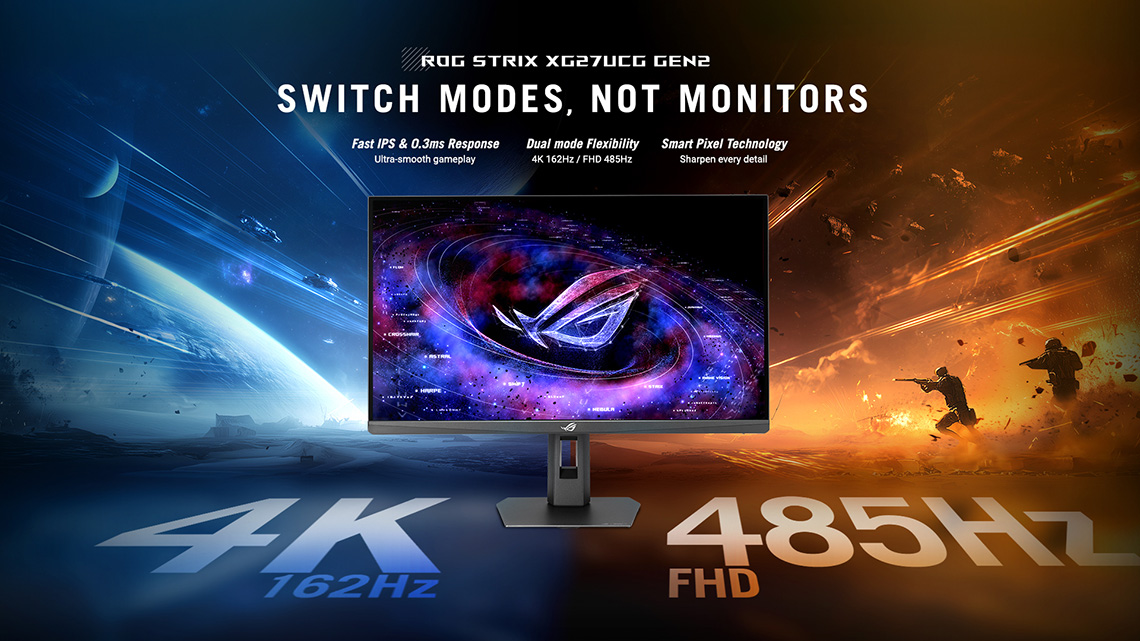
The ROG Strix XG27UCGR is an update to Asus’ existing XG27UCG model and instead of just doubling your refresh rate, the dual-mode function here is capable of tripling your refresh rate from 162Hz at 4K (3840 x 2160) to 485Hz at FHD (1920 x 1080), delivering ~3x the native refresh rate.
In other specs this 27″ sized ‘Fast IPS’ panel include 0.3ms G2G response time spec, 1300:1 contrast ratio, 400 nits brightness (SDR), 178/178 view angles, 10-bit colour depth and a wide colour gamut covering 95% of the DCI-P3 colour space. It’s high refresh rates are supported by adaptive-sync for VRR from compatible systems including AMD ‘FreeSync Premium’ and NVIDIA ‘G-sync’ compatibility.
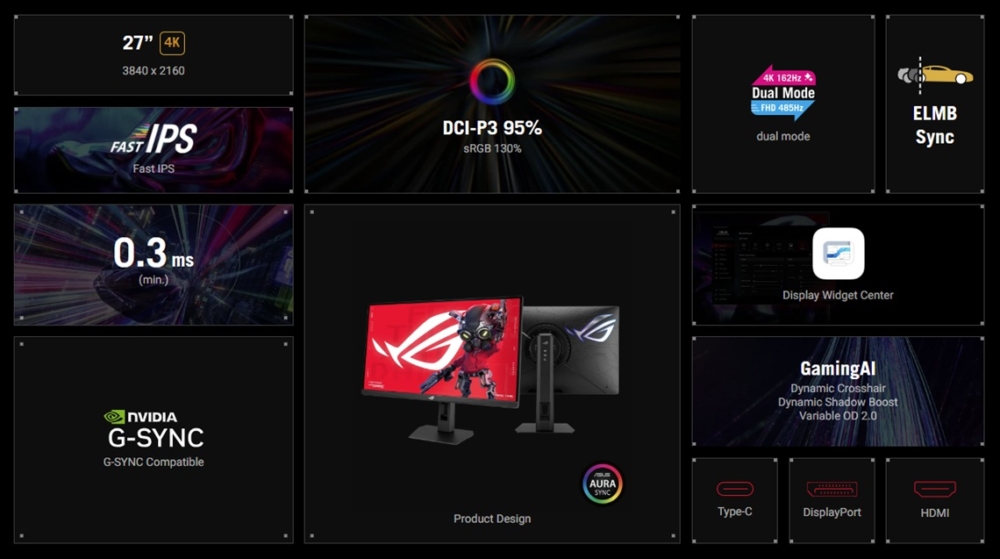
ELMB-sync is also supported offering a strobing blur reduction backlight which can be used at the same time as VRR. The screen is also compatible with Asus’ handy DisplayWidget Center software.
Connectivity options include 1x HDMI 2.1, 1x DisplayPort 1.4 and 1x USB Type-C connection (with DP Alt mode and 15W power delivery). There’s also a headphone jack and a built-in phone holder in the stand, whilst Aura Sync RGB lighting will illuminate your gaming set up and synchronise with other Aura Sync ROG gear.
The original XG27UCG is available now (linked below) with the XG27UCGR due for release from early May in the UK at a price of £359 GBP. It will arrive early Q3 in N America, pricing TBC. Further product information is available on the product page here.
Higher boost speeds
Another development we’re seeing at the moment with dual mode monitors is a higher “boost” speed from the dual-mode function. No longer are these screens simply offering double your native refresh rate, some are offering triple or even quadruple your native refresh rate when you use that mode.
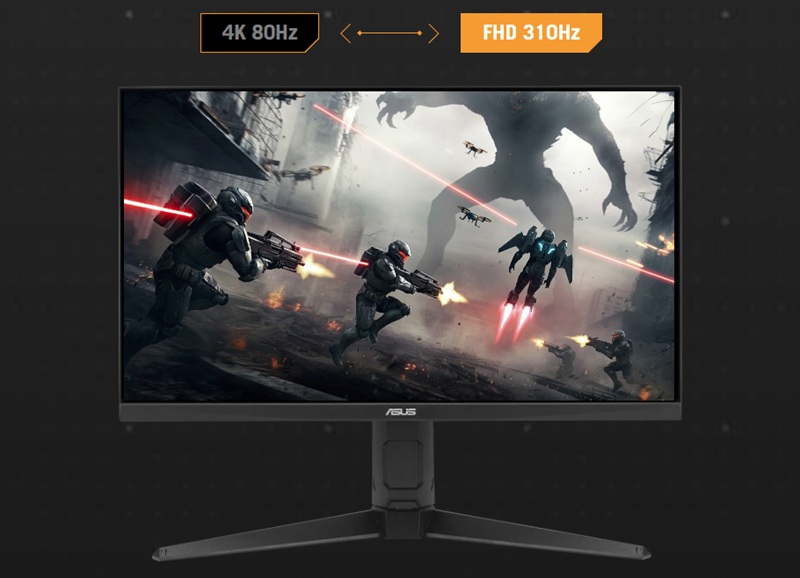
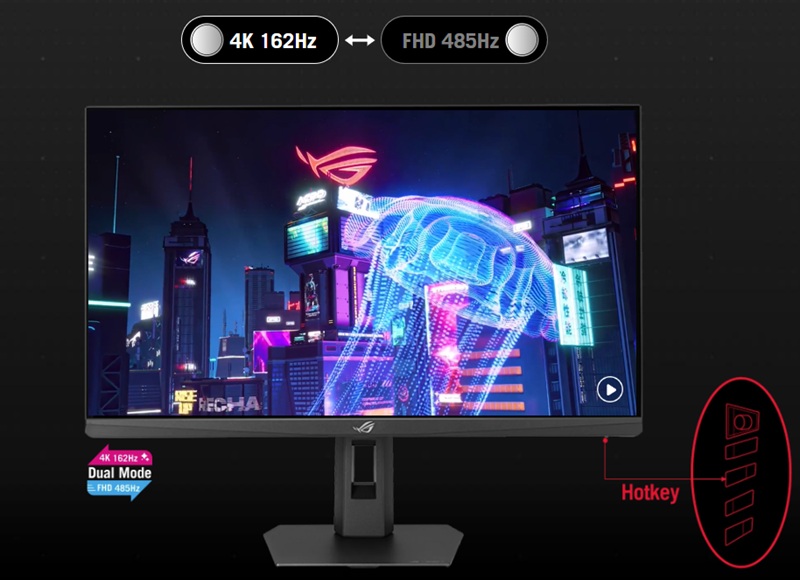
For example above are a couple of recently announced Asus monitors which offer ~3x and ~4x refresh rate boost when using the dual mode function. You’ll find some more information on these screens specifically above and below this section as well. The VG27UQEL5A (below) is a budget-friendly 27″ model in their TUF Gaming line-up which has a 4K @ 80Hz native panel spec, but this can be boosted to 310Hz (3.875x boost) when dropping to a lower 1080p resolution. The XG27UCGR (above) sits in their mid-tier ROG Strix line-up, offering a 4K 162Hz native mode, which can be boosted to 485Hz (~3x boost) at 1080p in the dual-mode operation.
These higher boost speeds provide even better flexibility for faster gaming and lower resolution operation, and it’s good to see them being pushed further as the technology develops.
Further product information
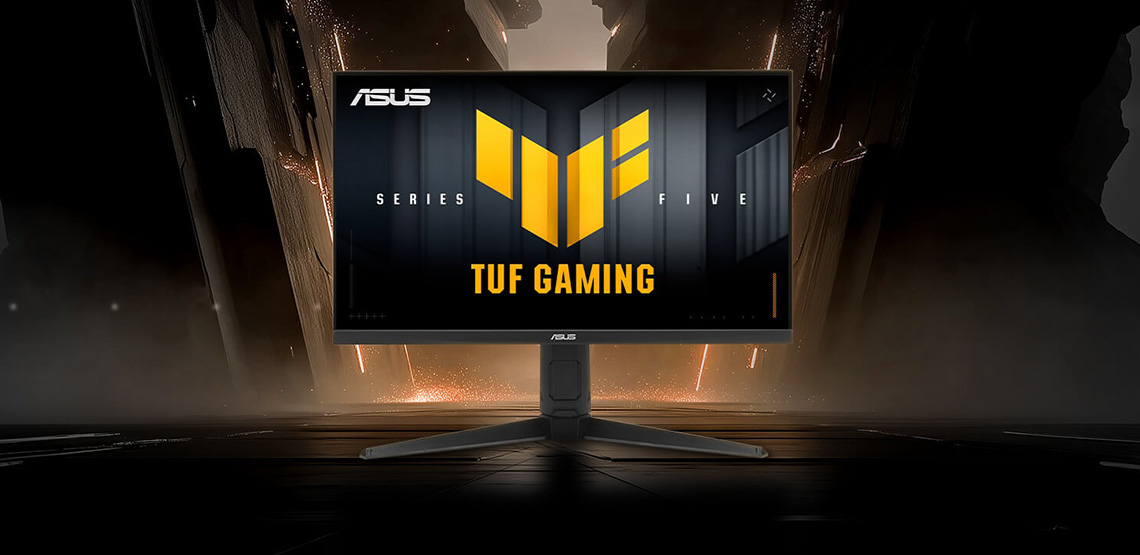
Asus TUF Gaming VG27UQEL5A
The TUF Gaming VG27UQEL5A features a ‘dual-mode’ function which almost quadruples your native refresh rate from 80Hz at “4K” (3840 x 2160) to 310Hz at FHD (1920 x 1080). This is a 27″ sized screen built around a ‘Fast IPS’ LCD technology panel and has a 0.3ms G2G response time spec and Asus’s ELMB blur reduction technology provide smooth gameplay with a reduction in ghosting and motion blur.
The inclusion of TUF Gaming AI technology and Asus DisplayWidget Center software will also enhance your gaming experience for optimum performance. Other specs include a 1000:1 contrast ratio, 400 nits brightness (SDR), 178/178 viewing angles, 8-bit colour depth and a wide colour gamut covering 95% of the DCI-P3 colour space.
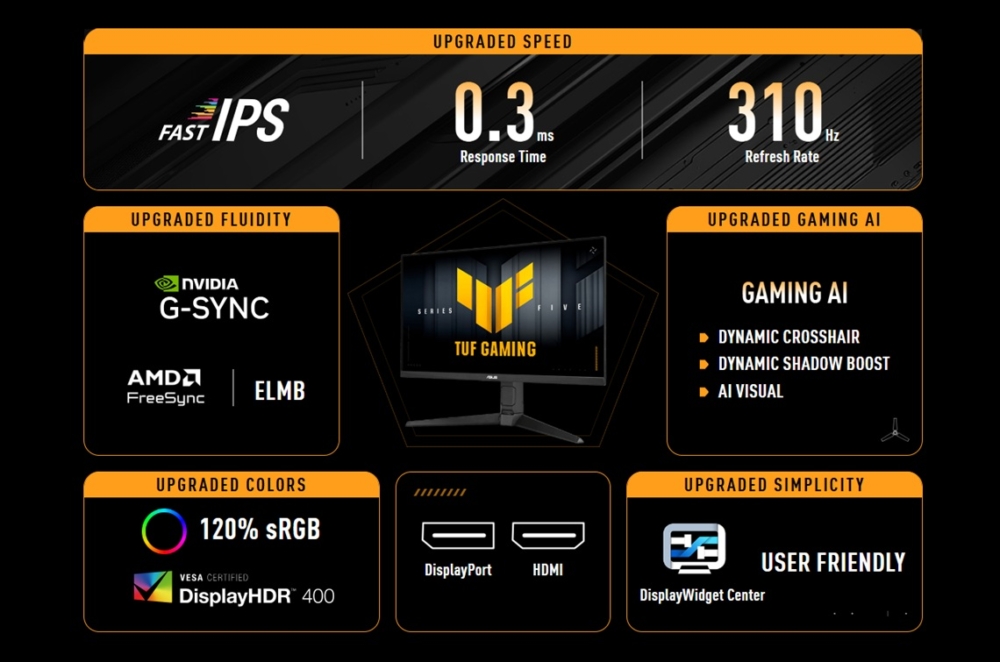
The stand offers tilt, height, swivel and rotate adjustments and the connectivity options include 2x HDMI 2.0 ports and 1x DisplayPort 1.4, long with a headphone jack. There’s also some simple integrated 2x 2W speakers on this model.
The VG27UQEL5A is due for release in the UK from early May, at a price of £209 GBP. It will be released slightly later in N America during June, pricing TBC. Further product information is available on the product page here.
Upscaled visuals when running in dual-mode
Another useful new technology which Asus have introduced is called ‘Smart Pixel’, a feature which they say “intelligently enhances every frame, utilizing advanced 4K upscaling to deliver razor-sharp visuals even at lower resolutions.” This is a potentially useful new feature for improving the image quality for lower resolution situations, including when you’re using the dual-mode operation, helping to optimize image quality while you enjoy the higher refresh rates and faster gaming experience. We look forward to testing this in the future on Asus dual-mode monitors.

Wrap-up
It’s really good to see the continued focus on dual-mode monitors and there’s a good selection being launched to market this year. We’ve now got a choice of panel technologies available, whether you want OLED or LCD, a choice of sizes, resolutions and refresh rate boost capabilities. The 4K/1080p offerings are now widely available from 27″ sized screens which is a sweet spot for that combination we think. There’s also the new 5K/1440p options available, providing a high end hybrid solution for those wanting a dual-purpose monitor. We really like that combination of 5K for productivity and general usage, and 1440p for the dual mode high refresh rate option. That could be a really popular choice we think. We explored all the 5K dual-mode monitors in more detail in our video here if you want to know loads more.
Hopefully we will continue to see new options in the LCD space, both with regular monitors and Mini LED options, as well as continued development in the OLED space. LG Display were the first to offer this from their WOLED panels, and it would be great to see Samsung Display offer something similar from their QD-OLED panels in the future.
As always, you can keep an eye on our news pages for all the latest information on monitor announcements and releases as well. For a full line-up of Asus’ gaming monitors, check their landing page here.
We may earn a commission if you purchase from our affiliate links in this article- TFTCentral is a participant in the Amazon Services LLC Associates Programme, an affiliate advertising programme designed to provide a means for sites to earn advertising fees by advertising and linking to Amazon.com, Amazon.co.uk, Amazon.de, Amazon.ca and other Amazon stores worldwide. We also participate in a similar scheme for Overclockers.co.uk, Newegg, Bestbuy , B&H and some manufacturers.