
The Asus OLED Buying Guide – Gaming, Content Creation and Productivity
Disclaimer: this article includes sponsored promotion from Asus, but all content, opinions and commentary are our own
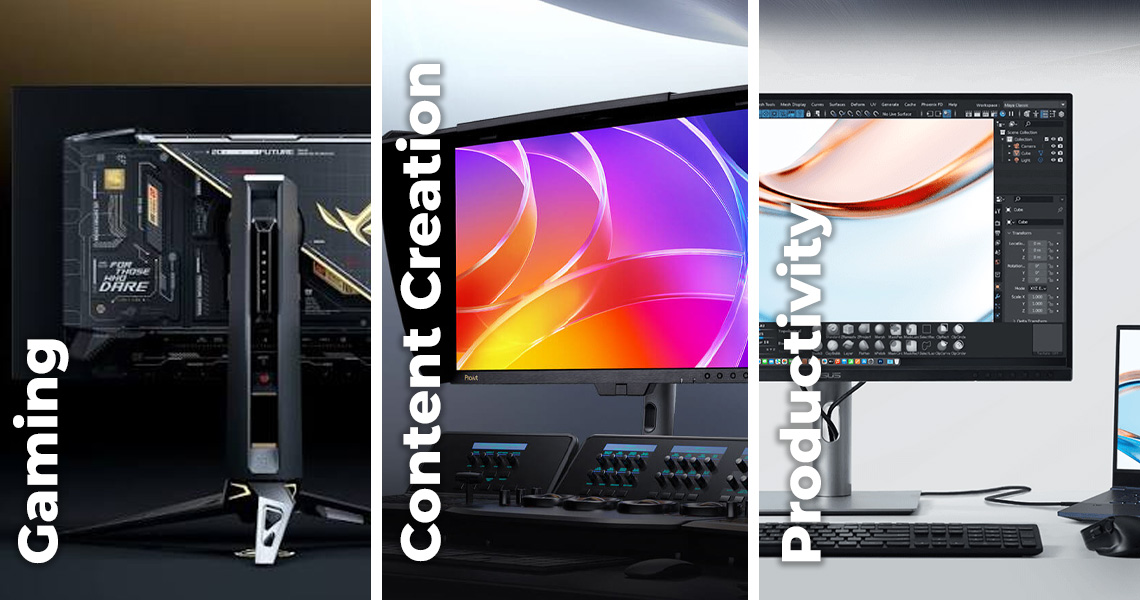
Introduction
OLED technology has been dominating the monitor market now for the last 4 years or so, with rapid development and expansion of product ranges from loads of manufacturers. Sometimes it feels like all the new announcements and launches are OLED in fact! If you’re in the market for a new monitor at the moment, you’ll surely be thinking about OLED, and wondering whether it is the right fit for you and your individual uses.
In this article we wanted to take a look at the benefits that OLED can offer you in various segments, whether that’s for gaming, content creation or productivity uses. OLED isn’t just a gaming technology any more, there’s been various advancements over the last few years which have made it more well-suited to other uses as well and it’s becoming more common in other segments. We’ll talk through the changes and improvements in this article, while also considering some of the remaining challenges to be aware of. This article is really aimed at those new buyers who might be unsure about this technology and whether it has reached the point where it could be a viable choice for them. Those who might be considering an upgrade from LCD and wondering which OLED options could best suit their needs.

To help position everything and provide examples throughout, we will take a look at the extensive OLED monitor range on offer from Asus, providing some examples as we go through for each segment to demonstrate some of the things we will talk about. Asus have been developing OLED monitors for several years now, and have a proven track record, offer some of the latest innovations and technologies, and are a popular choice for many buyers right now. In fact they’re currently the number 1 OLED monitor brand by market share, so if you’re looking for examples of OLED monitors for different use-cases as we go through, check out the suggested models from their range as some great examples.
You can find the Asus monitor landing page here with a full range of options and a guide to help you find the right monitor for you.
OLED Monitors for Gaming
One of the most popular segments for OLED monitors is gaming so it makes sense to start there; with these screens being ideally suited to handle gaming of all types, whether that’s fast-paced competitive FPS and sports games or slower paced immersive RTS or open world games. OLED has always been great for gaming, but there’s still continuous development and improvement happening in this space, whether that’s with new sizes, higher refresh rate or new gamer-friendly features.
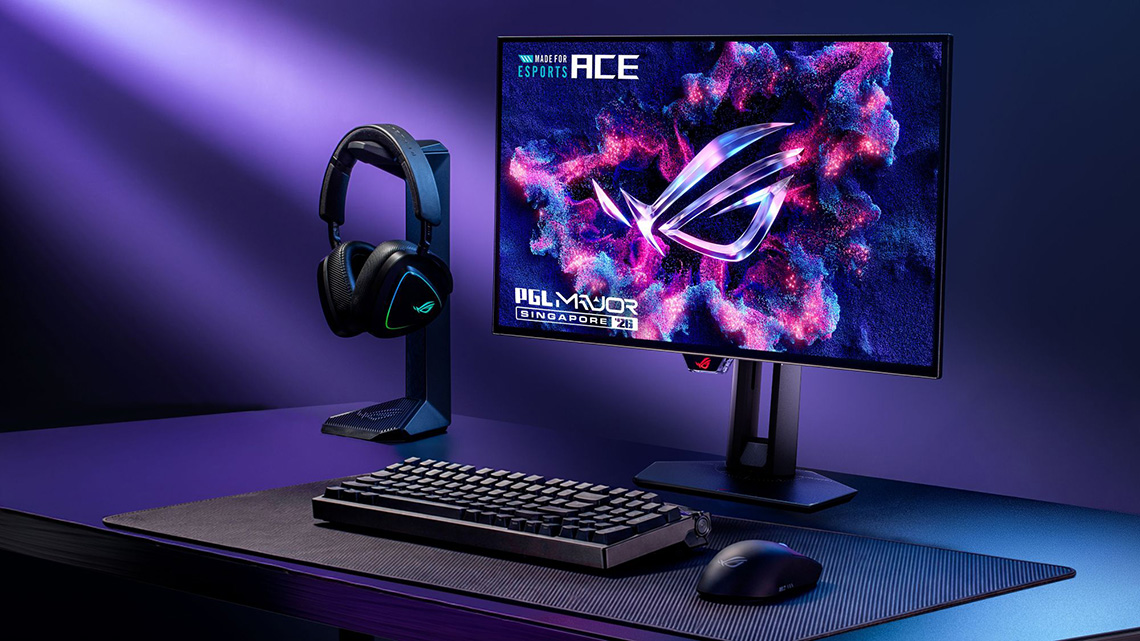
Why is OLED so good for gaming?
There’s various performance characteristics of OLED technology that make it especially well suited to gaming, regardless of the OLED panel type, whether you decide on a WOLED or a QD-OLED option.
Near-instant response times
OLED panels can offer near-instant response times, with real sub-1ms G2G specs being achieved across all transition and without any need for overdrive to be used, and therefore no challenges with overshoot artefacts and halos like you see on many LCD panels. They’re very capable of keeping up with the highest refresh rates, while also offering consistent performance at lower refresh rates and when using VRR too.
As an example, for a 500Hz refresh rate you ideally need pixel response times to be <2ms G2G consistently. For 1000Hz you need them to be <1ms, and this is extremely hard to achieve with any LCD panel technology. OLED handles that easily.
Excellent motion clarity
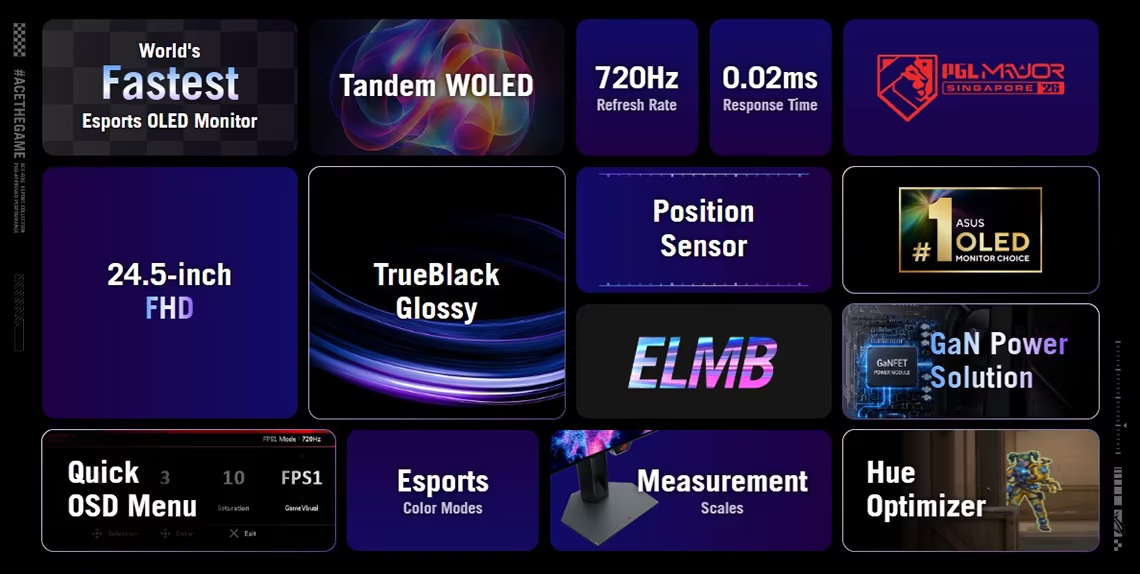
Refresh rates are also very high in this segment, made possible and practical thanks to the near-instant response times we just discussed. 240Hz is pretty much the baseline now, but with options up to 540Hz natively available already for faster gaming situations. Esports focused OLED monitors with up to 720Hz are also being released very soon, pushing refresh rates even higher in this segment.
Perceived motion clarity as you track moving objects across the screen is directly tied to panel refresh rate on sample and hold-type displays like this (OLED and LCD) and there are significant benefits compared with LCD panels, especially as you push to higher refresh rates. This leads to exceptional motion clarity potential on OLED screens, free from smearing and blur caused by slow LCD response times, and free from pale and dark halos and artefacts caused by LCD overdrive.
Frame rate considerations
Keep in mind you need your games and system to be able to render high frame rates to see the maximum benefit of these very high refresh rates. If you’ve got a 720Hz capable monitor but your system can only power 240fps, you’ll only get the equivalent performance of a 240Hz screen.
Obviously having that higher maximum refresh rate gives you future-proof room to grow in to as your system improves, or perhaps to accommodate different gaming situations. Playing older games at lower settings perhaps. You don’t have to play games at the native resolution either, this seems to be something people commonly get hung up on when they see high resolution displays like 4K models for instance. You can enjoy the high resolution for desktop apps, office work and productivity tasks; and then there’s various approaches you could take with games.
You can turn your in-game resolution down, play at lower detail settings, or use technologies like NVIDIA DSR / DLDSR and so on. The high resolution at least gives you the support should you want to run at native 4K for other uses or perhaps if you’re playing slower paced games where your system can manage that resolution anyway. Just turn things down for gaming if you need, and then enjoy 4K for other usage.
High refresh rates make a difference in competitive situations
Along with the improved motion clarity that higher refresh rates offer, there are also improvements in other gaming performance metrics which could be equally important. Higher refresh rates mean higher frame rate support, helping to improve end to end system latency, and this can make the difference in competitive gaming situations. It can give you the edge when spotting enemies and making shots in FPS titles.
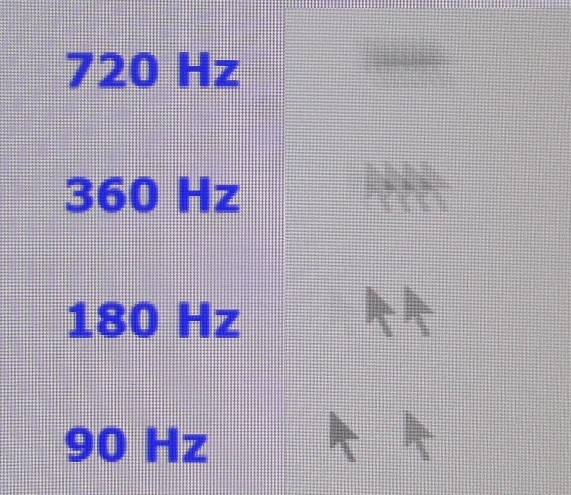
Higher refresh rates also help improve the ‘stroboscopic effect’, a strobing and stepping artefact you can sometimes see when you’re focusing on a fixed part of the screen (like a crosshair or sniper scope) and content moves past your line of sight. Higher refresh rates reduce that as well.
Amazing contrast and HDR capabilities
On an OLED panel, each pixel can be individually switched on and off which means that unlike LCD’s, which have a backlight that needs to be shuttered out by the panel matrix, you can get true blacks. This gives you a basically infinite contrast ratio, far surpassing TN Film LCD / IPS LCD (typically ~1000:1 contrast ratio) and VA LCD panels (typically ~3000:1 contrast ratio). This improves the image quality and the perceived brightness and depth of the image too.
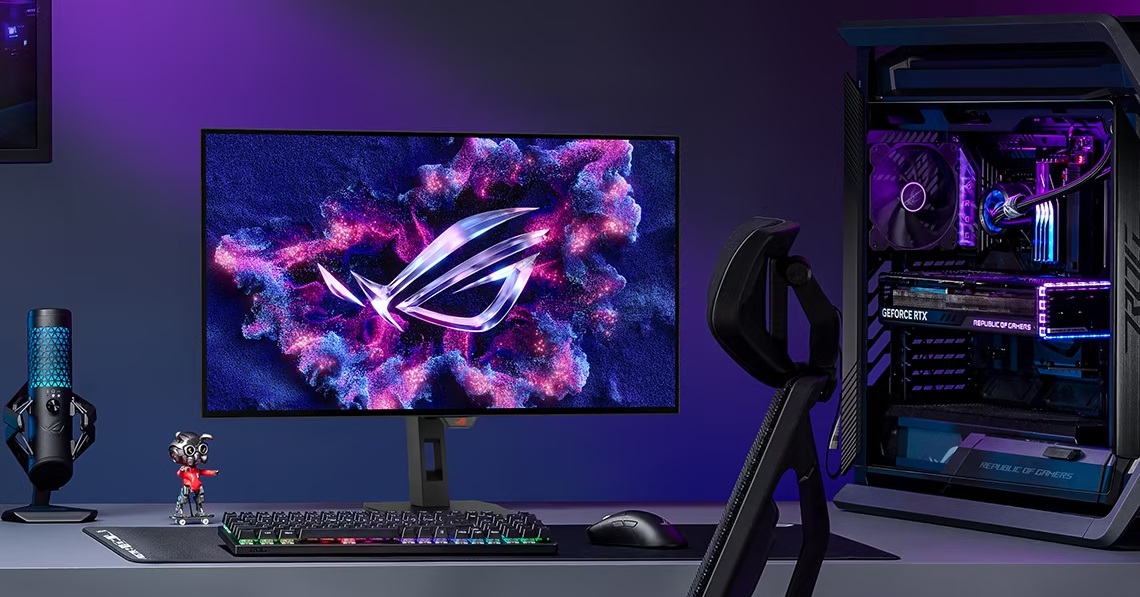
OLED technology also supports per-pixel local dimming, meaning you have no blooming or halos like you do on LCD screens. Edges are clearly defined, and bright highlights can be shown adjacent to dark areas without issue.
OLED is very highly regarded in the monitor market for HDR gaming as a result, arguably the best technology in fact for HDR gaming, and so if this is an area you’re interested in, you will find some of the best performance here. You can find peak brightness specs up to 1500 nits already available as well as improvements across real-scene content thanks to the latest generation of panels.
Brighter OLED’s
In 2026 there’s been a positive step forward for monitor brightness with newer panels offering certification under the VESA DisplayHDR True Black 500 tier, a step up from the earlier True Black 400 monitors that were available before. This has also gone hand in hand with improved peak brightness specs, typically stuck around 1000 nits previously, but now commonly available up to 1300 – 1500 nits depending on the panel and display.
The next evolution will be True Black 600 certified displays, including the 24.5″ WOLED models we discussed earlier, which will be some of the first OLED displays to market in any size with further improvements to brightness. This includes 390 nits for SDR / full screen white, at least 600 nits for a 10% window, and a peak brightness spec of 1700 nits. Advancements continue to be made with OLED monitor brightness, improving HDR experience and impact further.
Why choose an Asus ROG OLED for gaming?
With all that in mind from a panel technology point of view, it’s definitely worth taking a look at the Asus ROG OLED line-up if you’re considering a new OLED monitor for gaming. We’ve reviewed many of their screens now and they offer consistently strong performance and top-end specs. Their range offers:
A choice of panel size to suit your gaming requirements
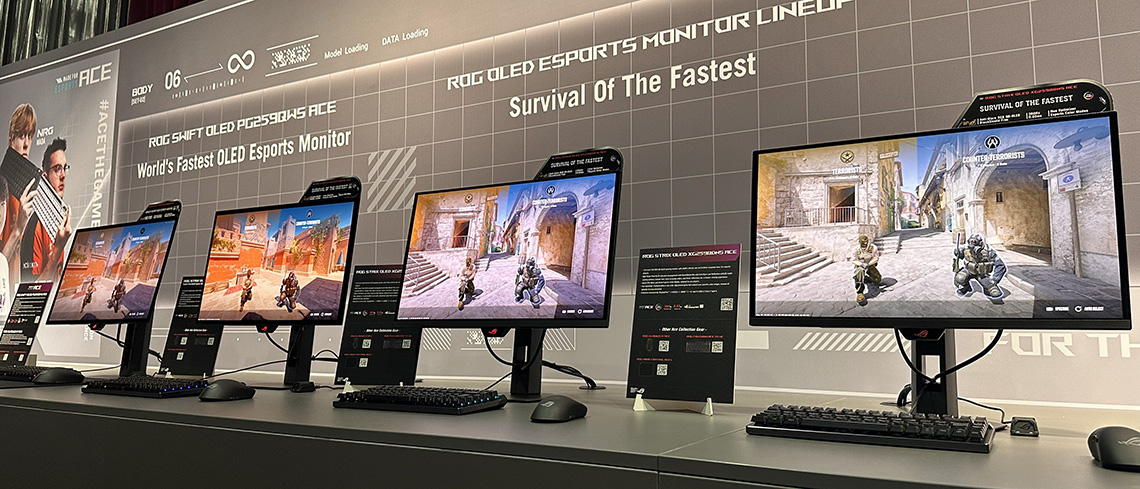
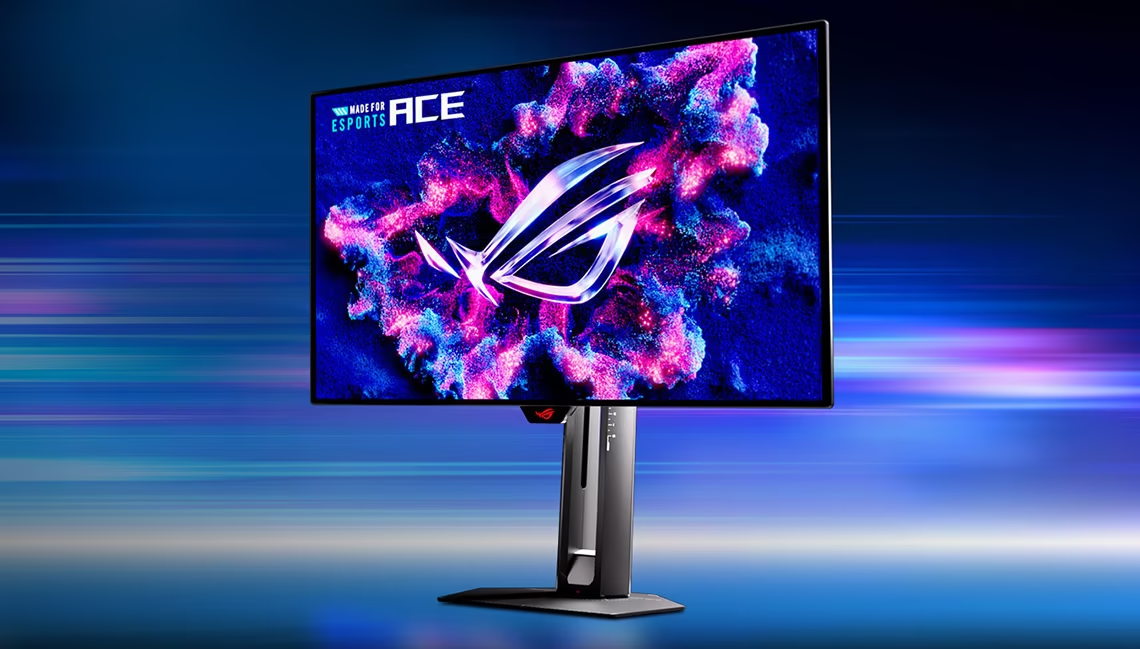
Not every monitor manufacturer has every size of OLED monitor in their range, but Asus have one of the most complete ranges on the market for gamers. That includes 4 newly announced 24.5″ sized Esports models that we saw unveiled at Gamescom 2026 in August, ideally suited to those who are looking for a small format display for competitive and Esports gaming situations. They give you a smaller area to focus on, offering a native 1080p (1920 x 1080) resolution and the highest refresh rates currently available from any OLED panel – up to 720Hz in fact.
If you want something larger then there’s a huge range of 27″ models which offer either a 1440p (2560 x 1440) or 4K (3840 x 2160) resolution, depending on your preference. 1440p will be easier to power for gaming, and gives you access to high refresh rates up to 540Hz max. There’s also plenty of mid-tier options in this 27″ space offering more affordable and budget-friendly OLED choices with lower refresh rates.
Those who are looking for a larger screen size for increased immersion, or perhaps for gaming from a more distant viewing position with a gamepad or perhaps from a console, might want to consider a larger 32″ model. Those offer a 4K resolution and have refresh rates up to 240Hz native.
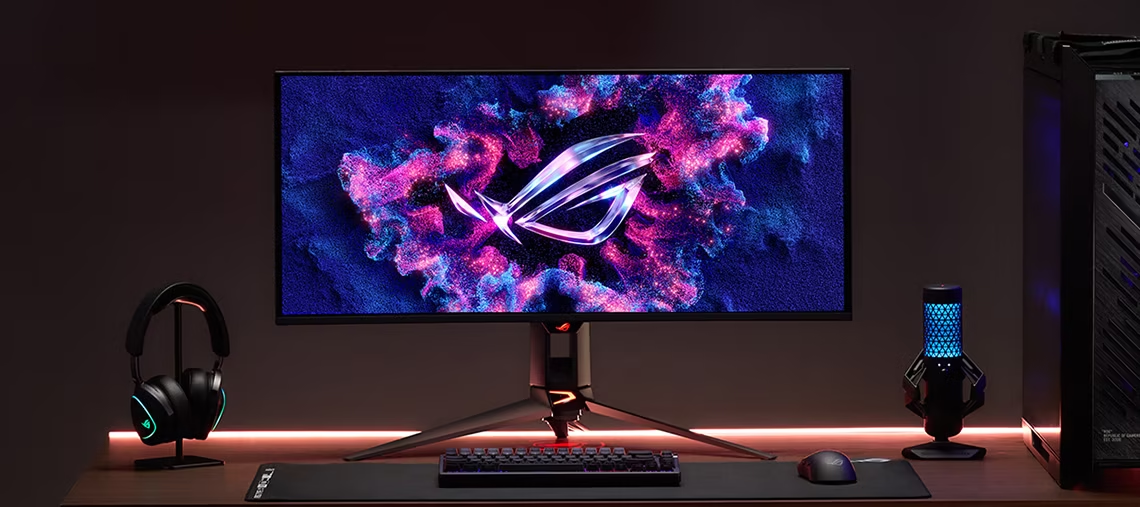
If you’re after an ultrawide screen to give you a wider field of view in supported games (of which there’s loads nowadays) then Asus also offer various options in sizes like 34″, a popular option with many people looking for a hybrid gaming and productivity monitor. You can even find models up to 49″ in size with a super ultrawide 32:9 aspect ratio if you have the space.
A choice of OLED panel technology
Many manufacturers are largely tied to one or the other of the two key OLED panel suppliers on the market – LG Display and their WOLED technology, or Samsung Display and their QD-OLED technology. Asus are one manufacturer who have offered a diverse portfolio since day one, selecting panels from both vendors in order to develop a really wide range of options.
For example you can find various new 2026 options in the 32″ segment from Asus, whether you want the most recent Penta Tandem QD-OLED panel, or one of the new Tandem WOLED panels, either with a traditional sub-pixel layout or even the latest RGB-stripe layout.
A choice of panel coating

While Asus have options for both matte anti-glare and glossy coatings in their OLED range, the majority of their most recent OLED gaming monitors feature a glossy coating – marketed under the branding of ‘RealBlack glossy’. This is a great choice for many gamers as it gives you the sharpest and clearest picture, and can make the colours and contrast “pop” even more. For those who often game in light-controlled or dark environments, it’s a really popular choice.
Not everyone wants a glossy coating though, and it may be impractical for some situations, so there’s still plenty of choice across the range if you want a matte anti-glare coating or perhaps a QD-OLED panel with a glossy coating + anti-reflective layer.
Different product ranges to suit your budget
One of the great things about the Asus OLED monitor line-up is that they have models available across both their top-tier ROG Swift series, and also across their mid-tier ROG Strix series.
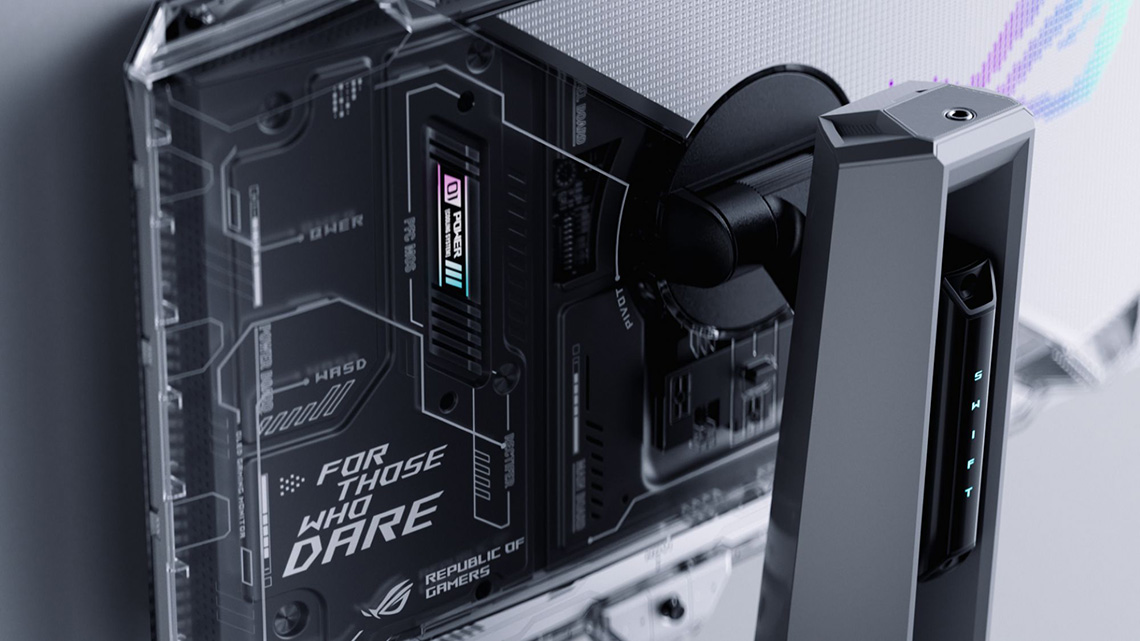
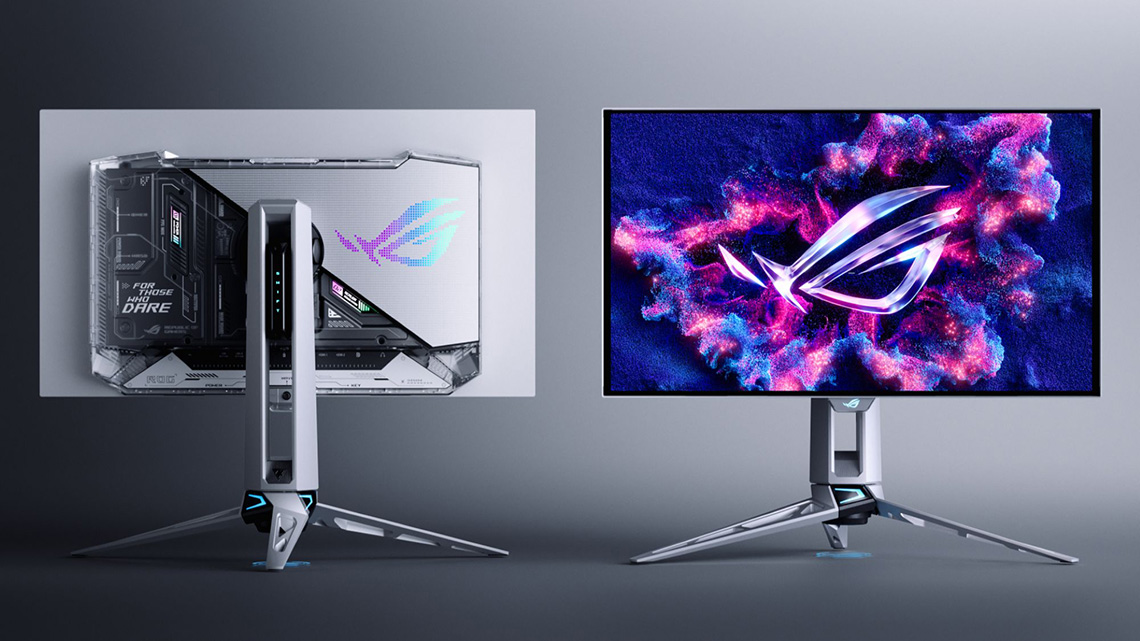
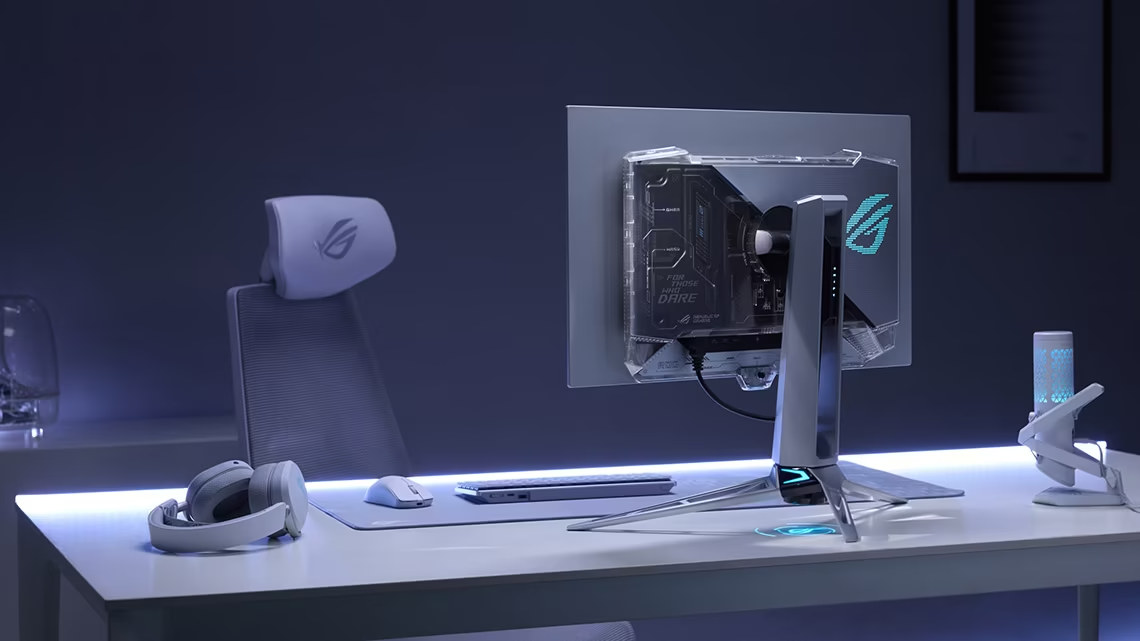
Feature set may vary a bit, but the ROG Swift series tend to offer the latest and greatest features and connections. That includes DisplayPort 2.1 and USB type-C connections, enhanced design aesthetics like their new transparent rear enclosure, KVM switch, RGB lighting and Dolby Vision HDR support. They tend to be priced higher as a result, and represent the top-of-the-range offerings in their monitor range.
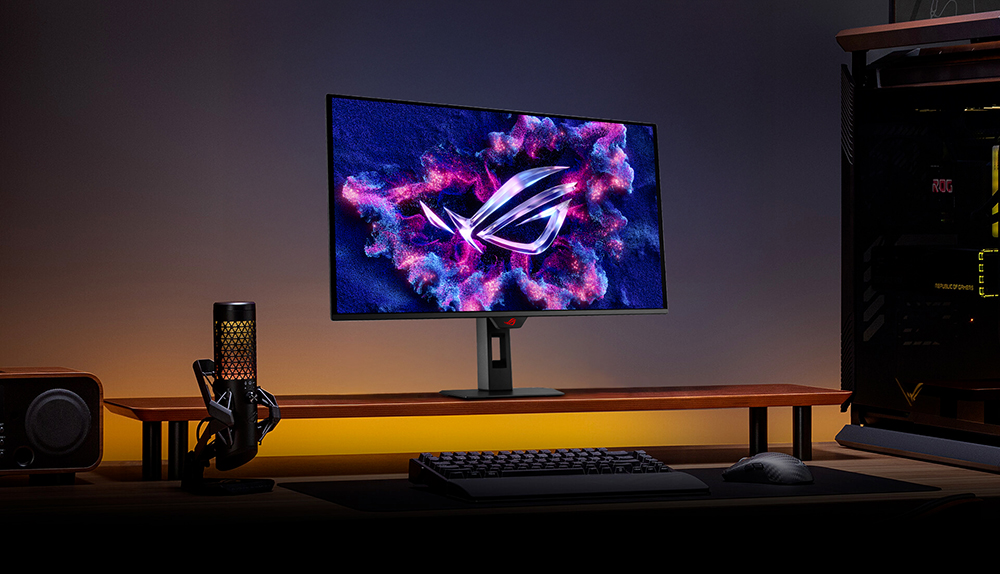
The ROG Strix series on the other hand tends to be a little more modest in feature set, while supporting a lower price point as a result. Many of the features we just mentioned above could be missing from the ROG Strix models, but some of their other modern features like their Neo Proximity care sensor for instance are still present. These models have a more simplistic design, which some people may even prefer, but think of these as trimmed down models available at a more attractive price point. We talked through a range of more affordable OLED monitors released by Asus this year in our article here.
Dual-mode flexibility
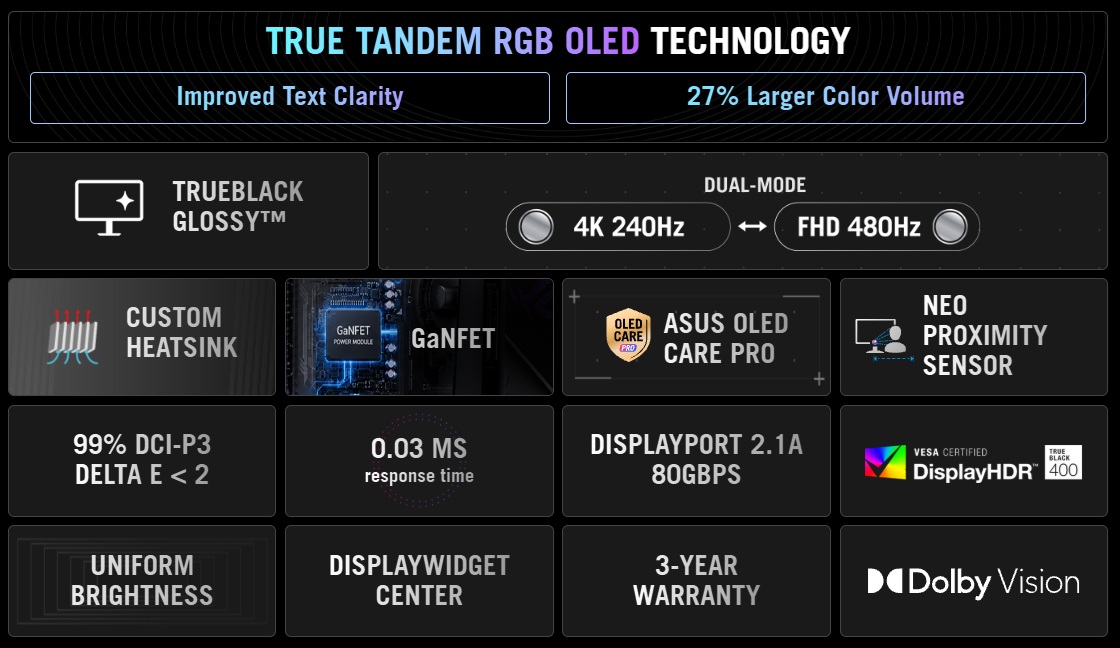
Many of Asus’ OLED monitors support a feature called ‘dual-mode’, a setting which allows you to increase your refresh rate if you lower your resolution. For instance many 32″ 4K models have a 240Hz native refresh rate, but using the dual-mode function you can double this to 480Hz when dropping to a lower 1080p resolution.

It’s available via the click of a quick-access button, and can be useful to those who are playing faster-paced titles and are prioritising frame rates and speed over resolution and image detail. It gives you the flexibility to use 4K for every day work and office apps, while lowering your game resolution so you can push for the best possible motion clarity and gaming performance. Not every OLED monitor features dual-mode, but it’s available on many of Asus’ range.
Loads of gaming features and extras
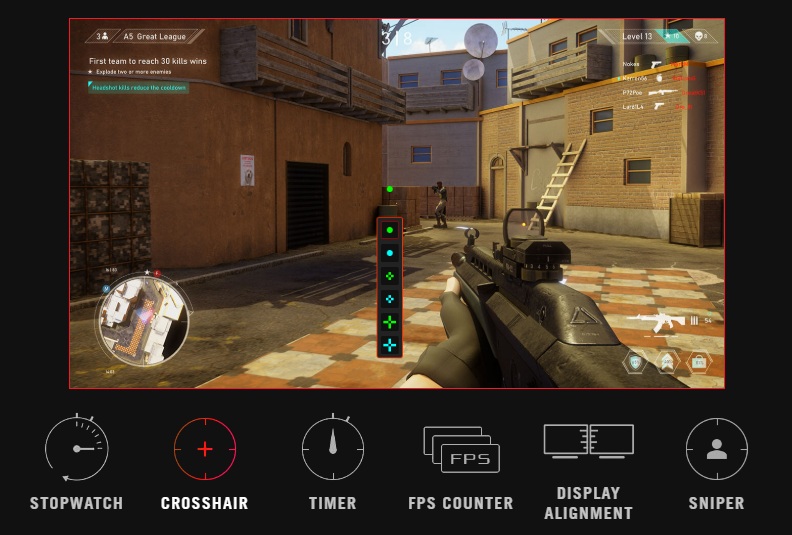
Asus offer a huge range of gaming extras and features across their ROG OLED range, allowing you to fine tune and tweak performance. This includes things like various screen size emulation modes (like 24.5″ and 27″), VRR Anti-flicker modes, ELMB blur reduction, loads of ‘GameVisual’ preset modes, crosshair graphics, FPS counters and shadow boost controls.
Choosing the right Asus ROG OLED gaming monitor
We’ve split these examples by screen size and panel technology / coating as best we can so you can find the right model for your needs:
Tandem WOLED models
Esports focused
Mid-tier gaming
Top-tier gaming
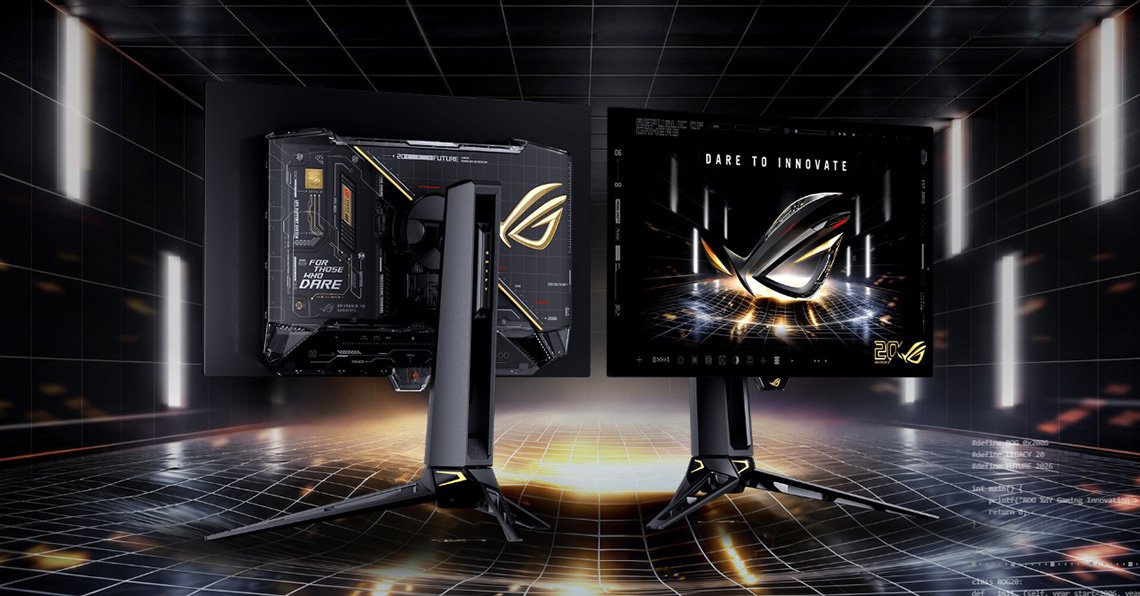
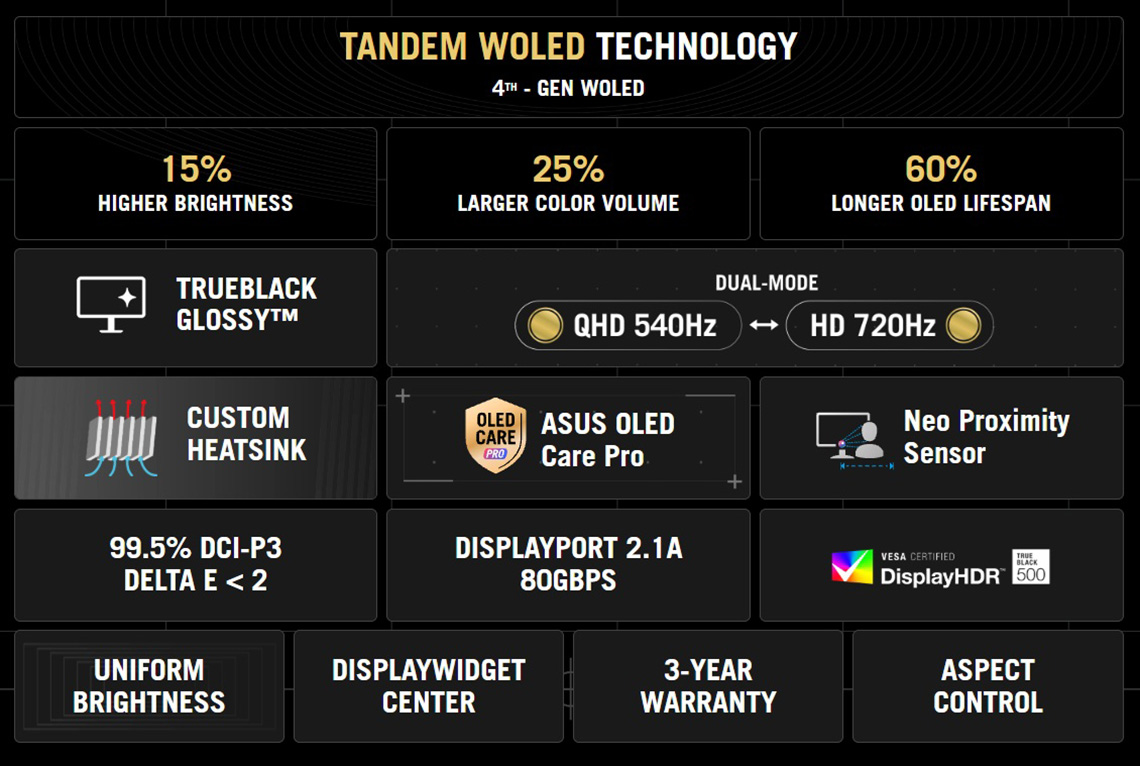
Latest 2026 RGWB panel
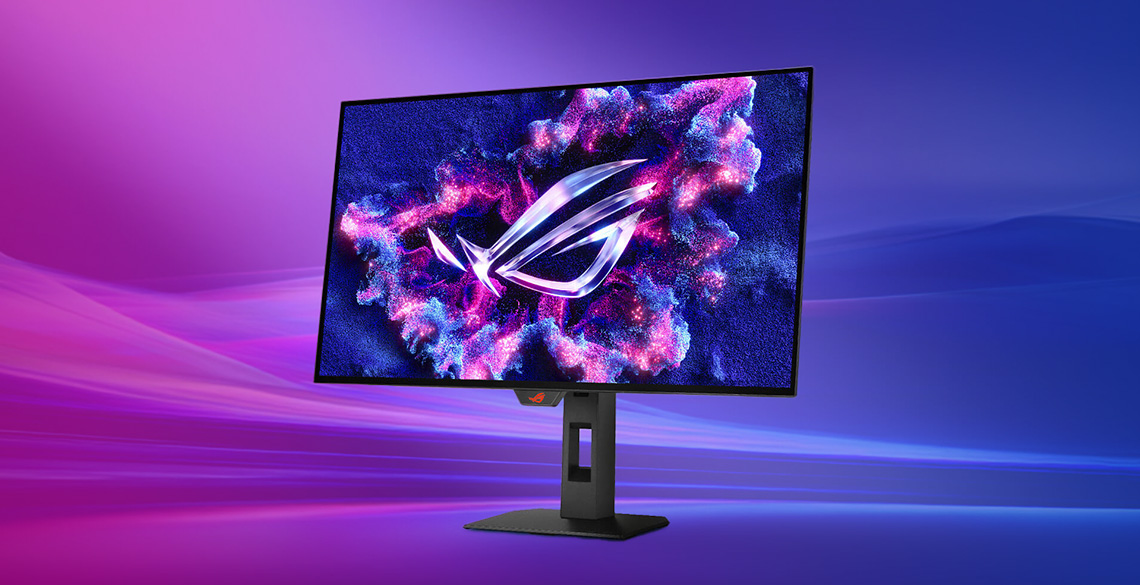
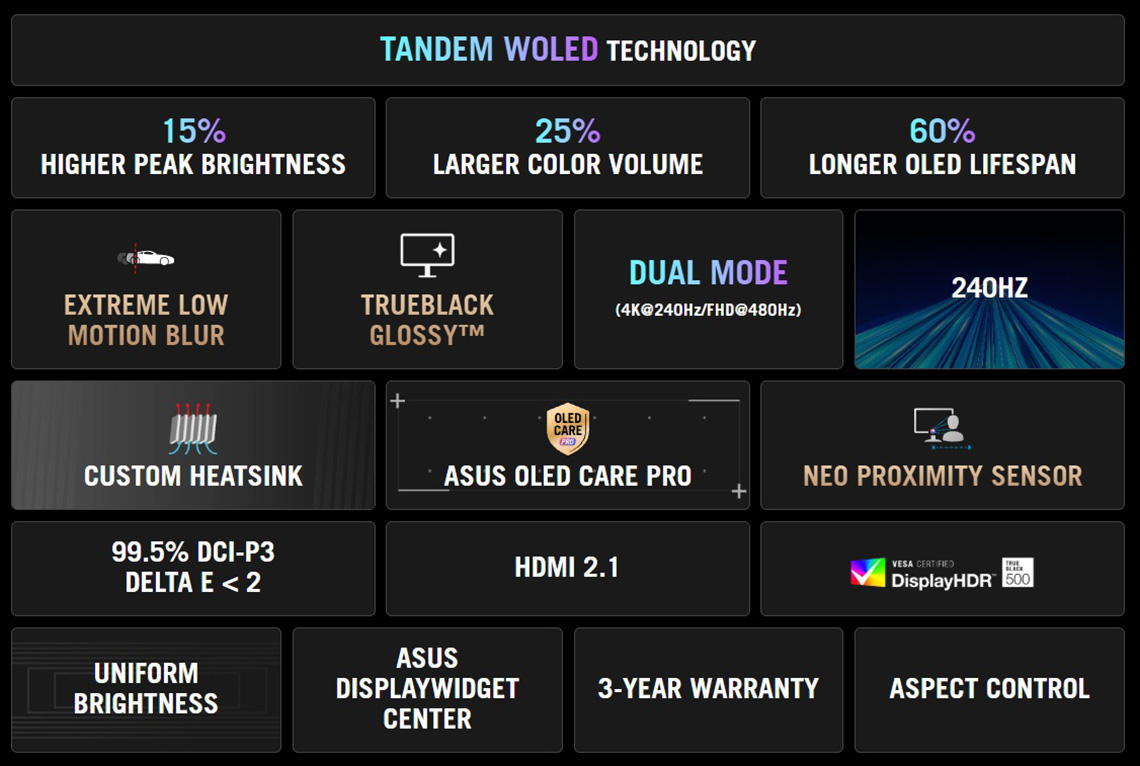
New RGB-stripe models
27″ / 32″ gaming OLED spotlight with RGB-stripe
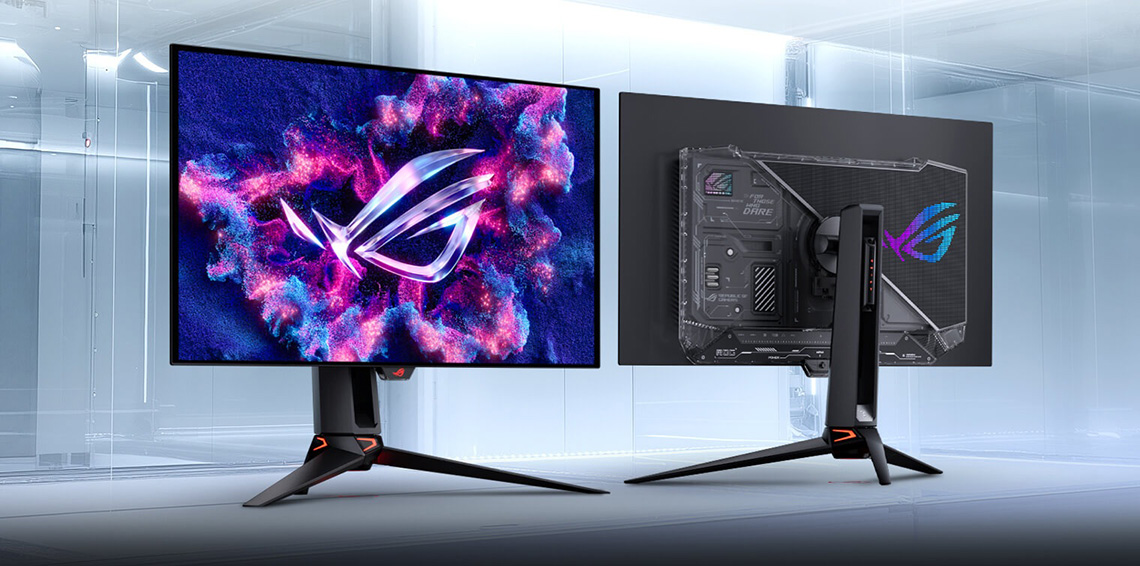
Asus ROG Swift PG27UCWM / PG32UCWM
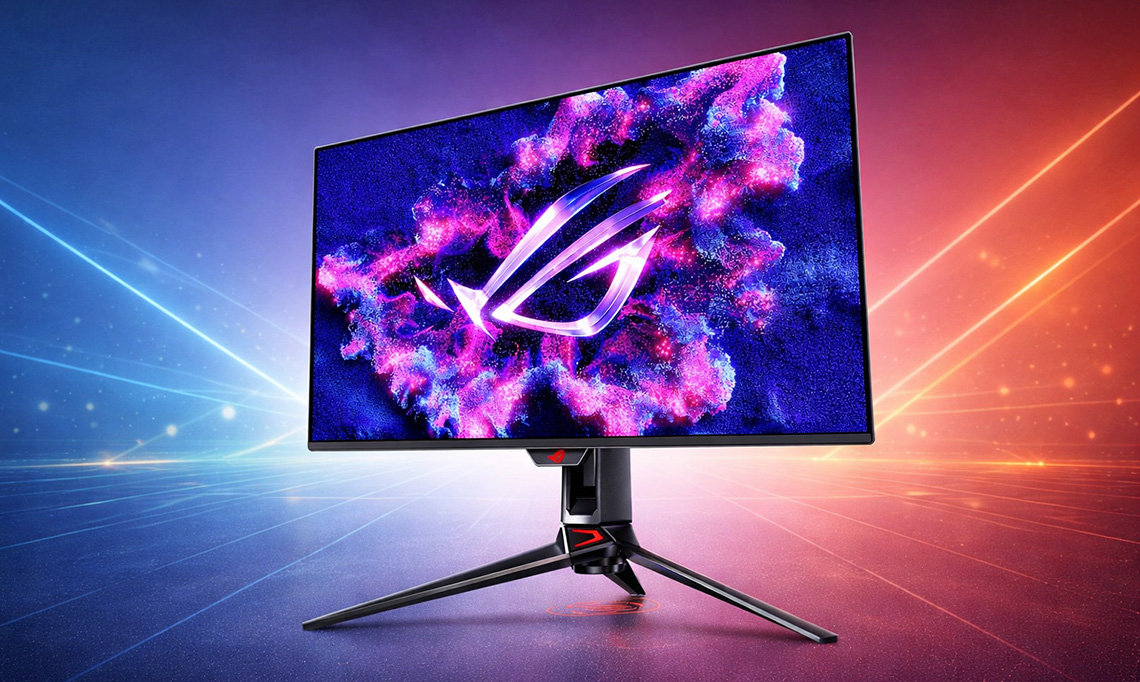
These are two versions of basically the same screen, just with a choice between 27″ and 32″ sizes depending on your preference. They both offer a 4K resolution for a high pixel density and sharp image, along with a 240Hz native refresh rate and TrueBlack glossy screen coating.
One of the key features of these models is the new RGB-stripe Tandem WOLED panel, offering improved sharpness and text clarity which make these particular models even more well-suited to office and productivity usage as well as gaming as an alternative to the standard RGWB models like the XG32UQWMS.
- For loads more information check out our review of the PG32UCWM here
- You can check pricing and buy the PG27UCWM (27″) here or the PG32UCWM (32″) here
QD-OLED models
Entry level affordable
Recommended
27″ 4K QD-OLED spotlight
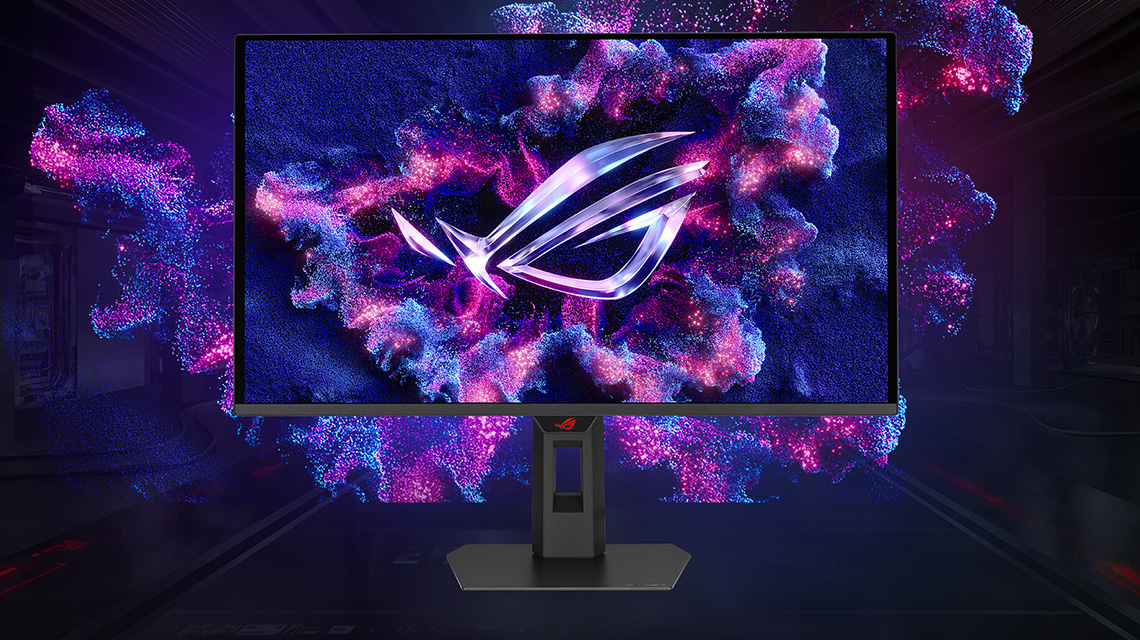
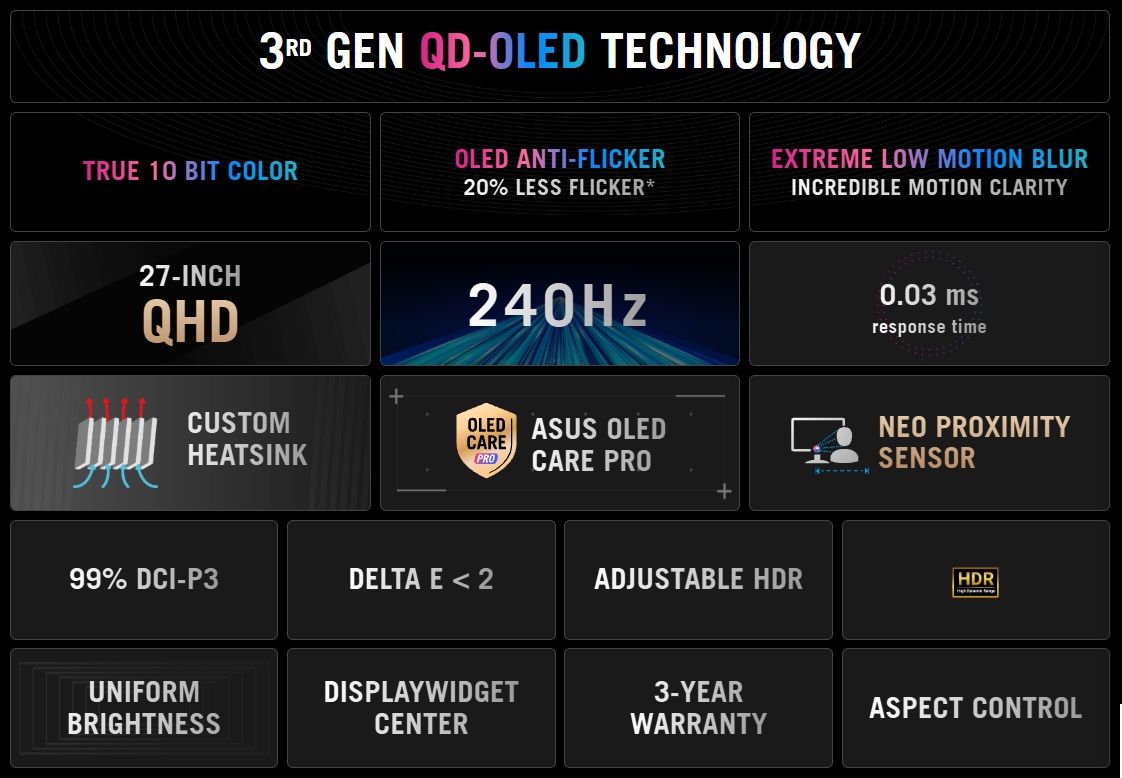
Asus ROG Swift PG27UCDM
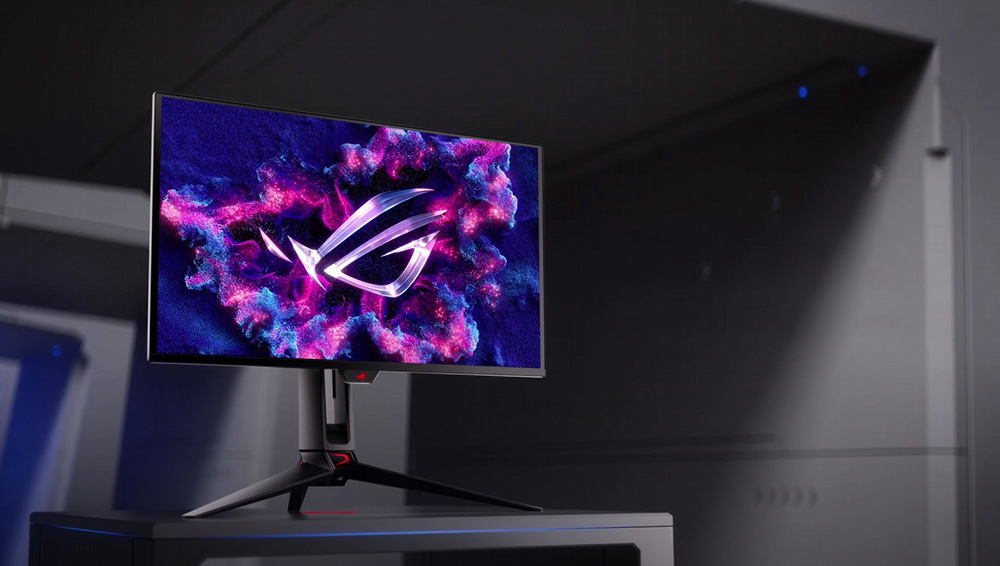
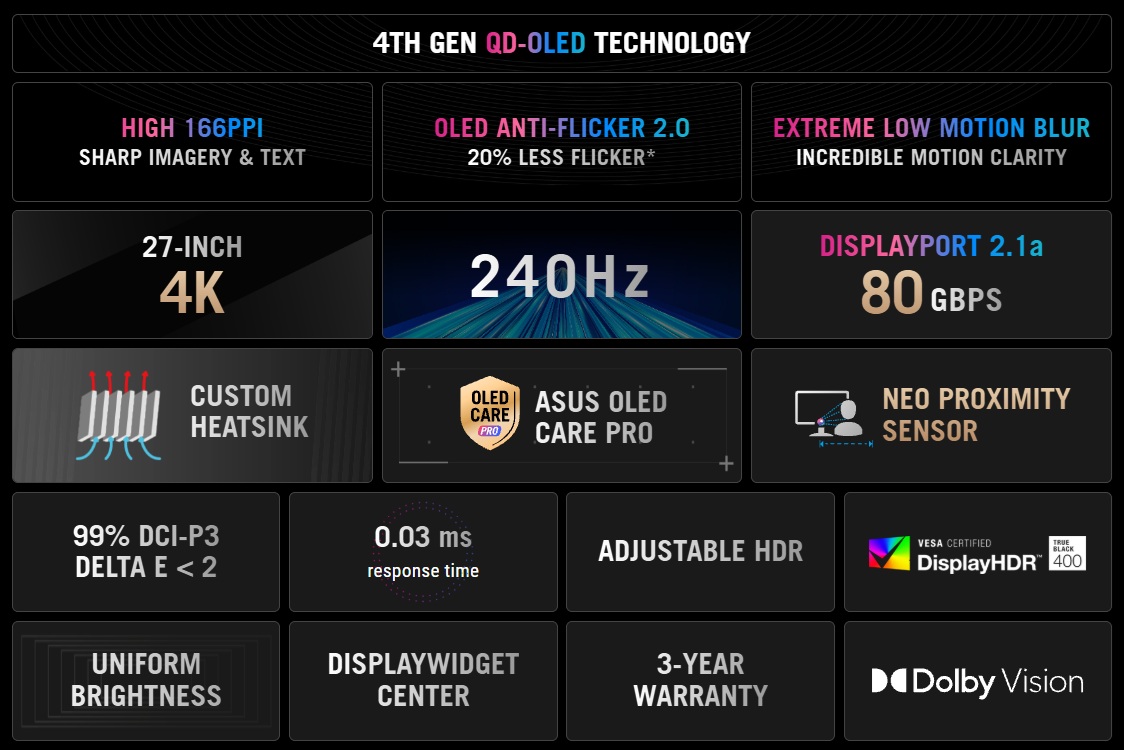
This is one of our recommended picks in the 27″ 4K OLED market and uses the latest Penta Tandem QD-OLED panel in this size/spec. It offers a 3840 x 2160 “4K” resolution, giving you a high 166 PPI pixel density for an excellent image quality. It also has a TrueBlack glossy screen coating and a 240Hz refresh rate along with a wide range of extra features and connectivity.
- For loads more information check out our review of the PG27UCDM here
- You can check pricing and buy this screen here
Latest 2026 panel
Latest 2026 panel
Quick summary of Asus ROG OLED gaming monitors featured
| Image | Size | Market / niche | Model name | Key specs and features | Pricing / buy (affiliate links) |
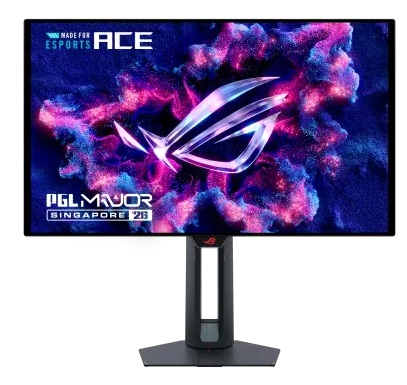 | 24.5″ | Esports Competitive | ROG Swift OLED PG259QWS Ace (review coming soon) | 2560 x 1440 resolution Tandem WOLED technology panel 720Hz refresh rate TrueBlack glossy coating DisplayHDR True Black 600 Position Sensor Esports focused gaming features |  |
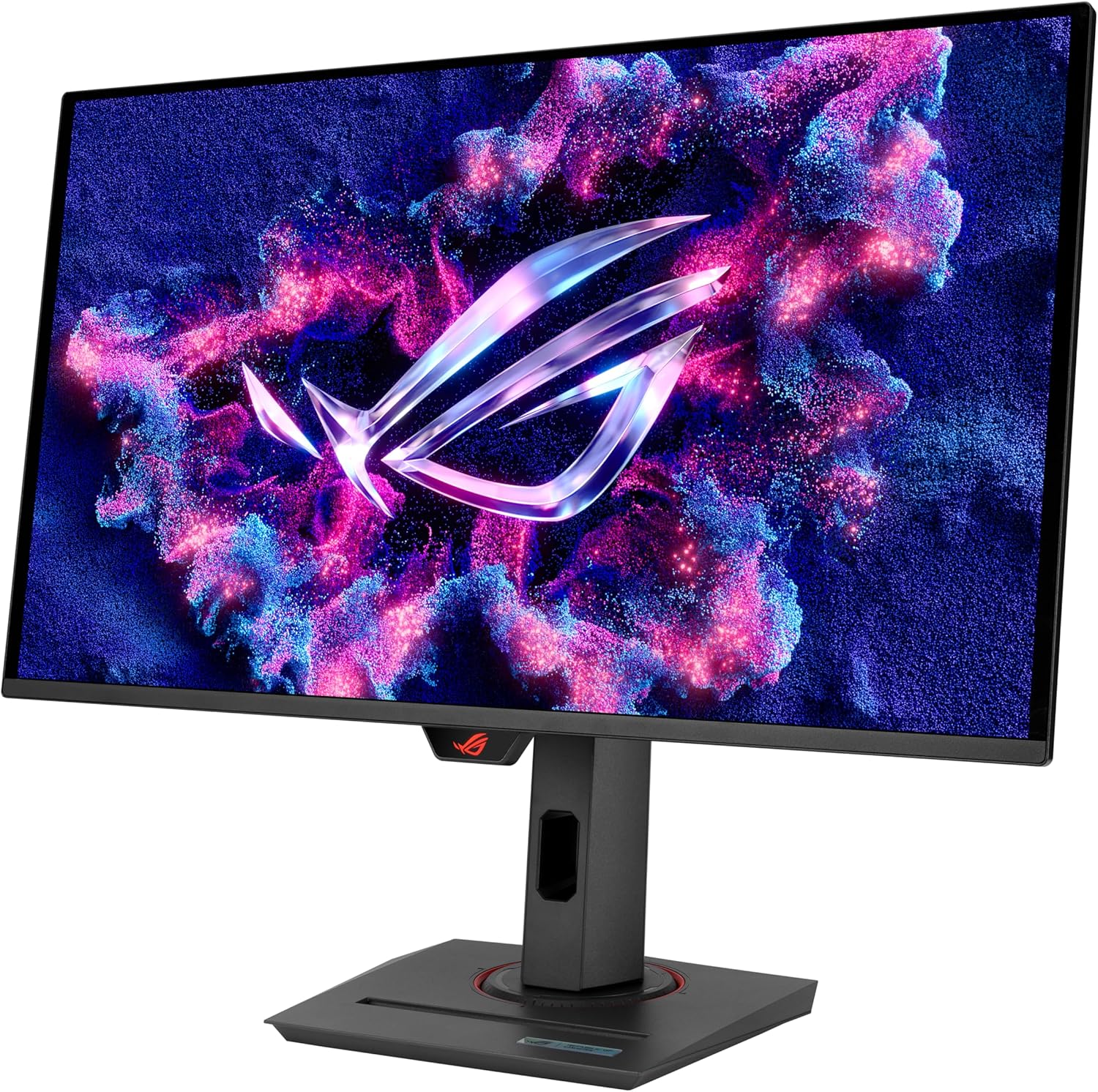 | 27″ | Entry level Affordable | ROG Strix OLED XG27ACDMS | 2560 x 1440 resolution QD-OLED Edge technology panel 280Hz refresh rate Semi-glossy + AR coating 200 nits brightness (SDR) 400 nits peak brightness (HDR) | |
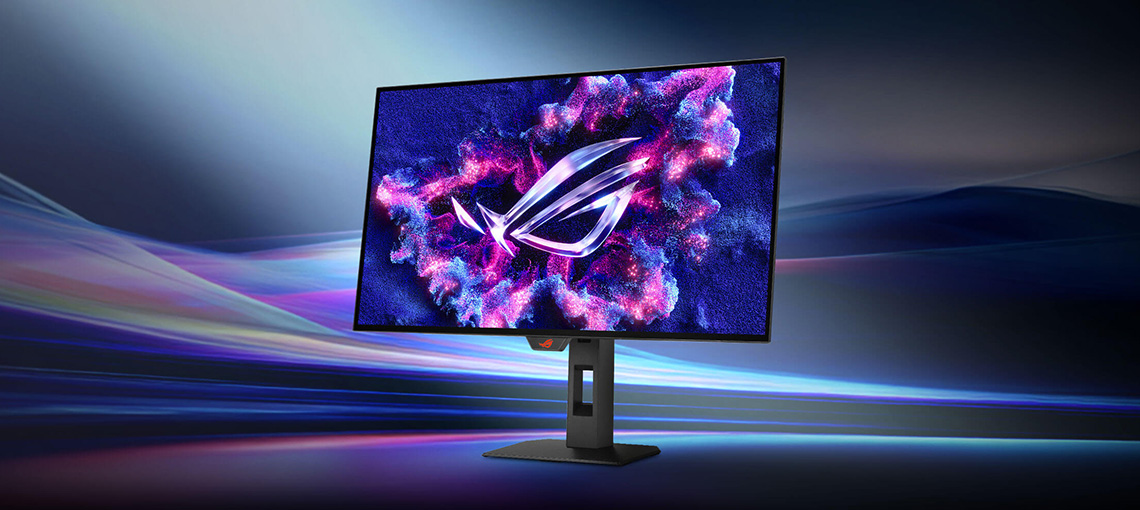
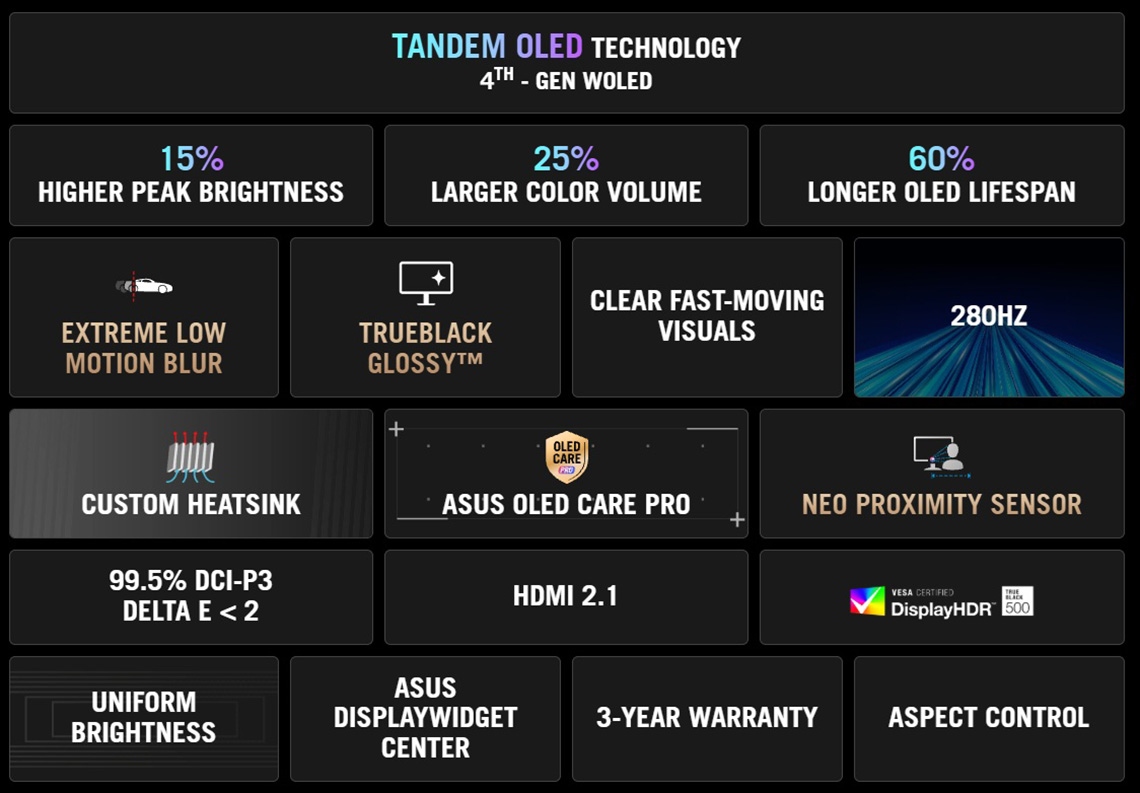
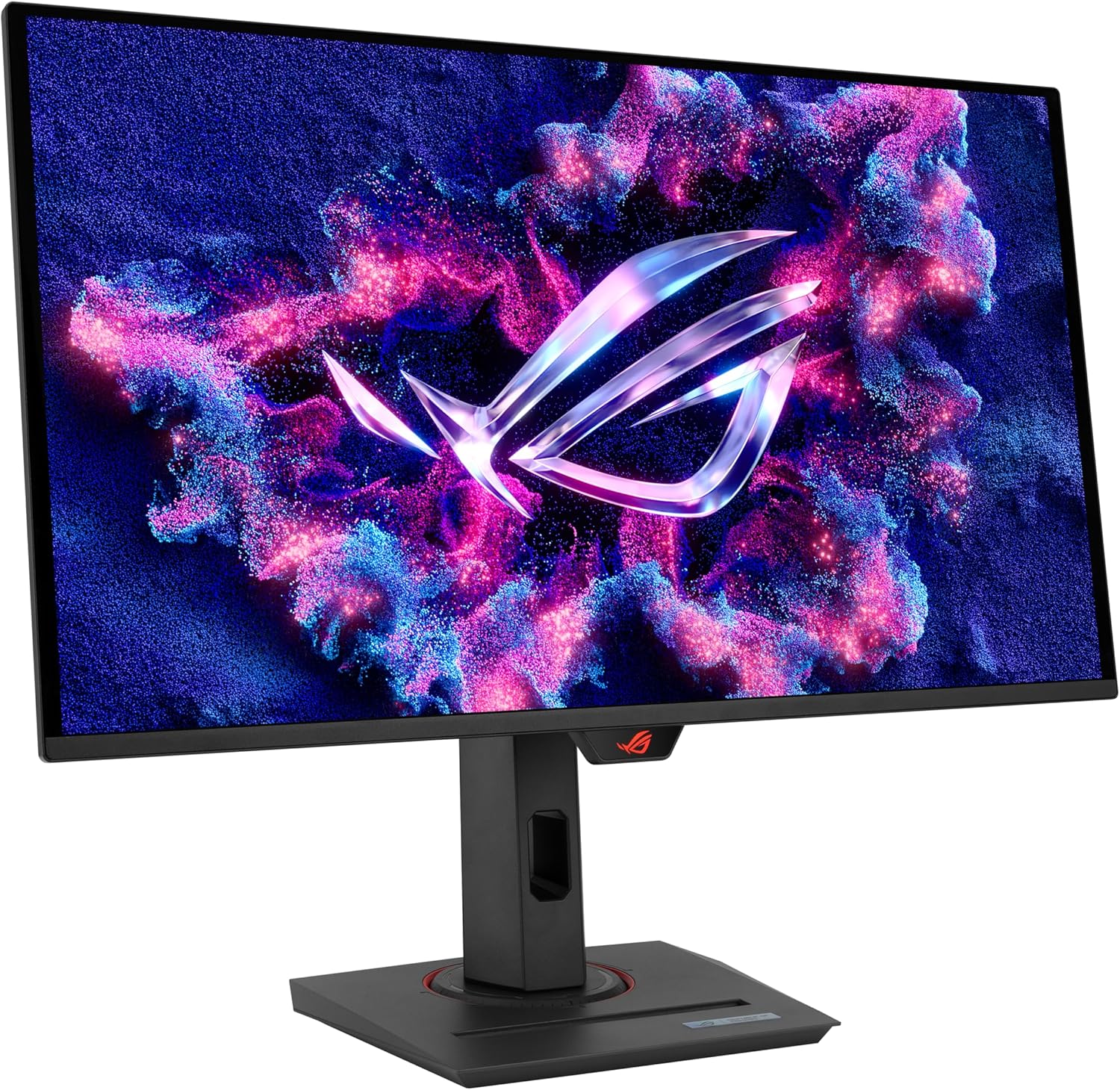 | 27″ | Mid-tier gaming | ROG Strix OLED XG27AQWMG (review here) | 2560 x 1440 resolution Tandem WOLED technology panel 280Hz refresh rate TrueBlack glossy coating DisplayHDR True Black 500 1500 nits peak brightness (HDR) | |
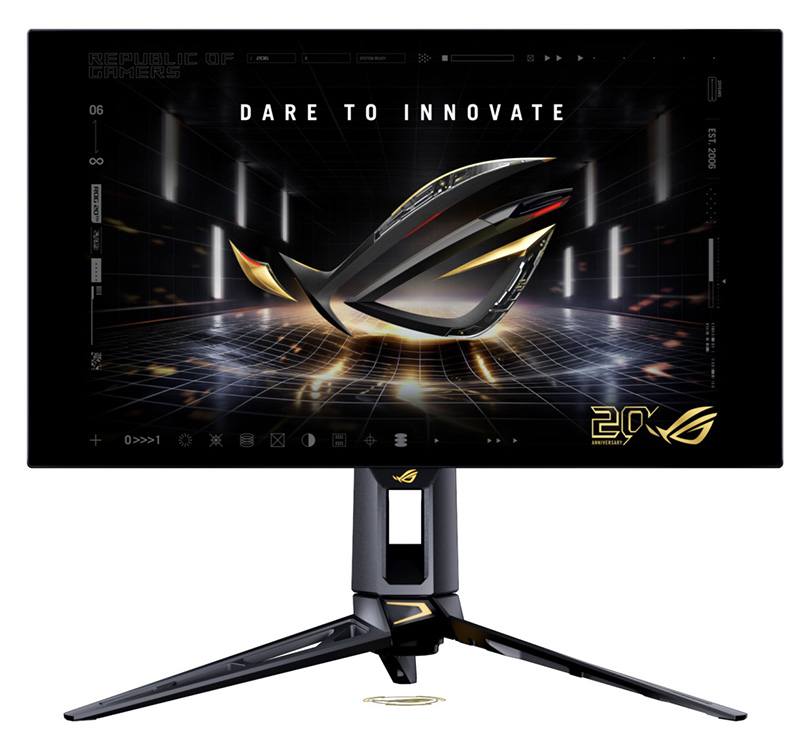 | 27″ | Top-tier gaming | ROG Swift OLED PG27AQWP-G (or PG27AQWP-W) (review here) | 2560 x 1440 resolution Tandem WOLED technology panel 540Hz refresh rate (+720Hz at 720p) TrueBlack glossy coating DisplayHDR True Black 500 1500 nits peak brightness (HDR) | (or silver version here) |
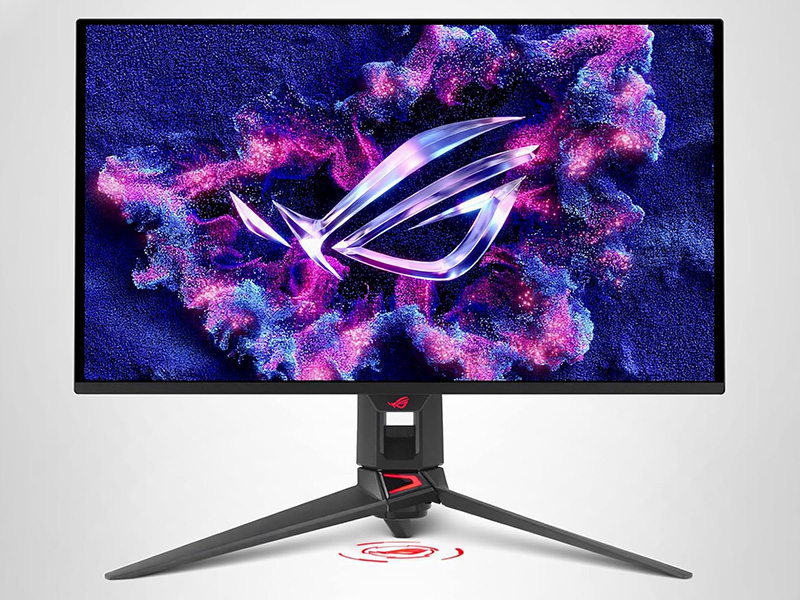 | 27″ | 4K QD-OLED option | ROG Swift PG27UCDM (review here) | 3840 x 2160 (4K) resolution Penta Tandem QD-OLED technology panel 240Hz refresh rate TrueBlack glossy coating DisplayHDR True Black 400 | |
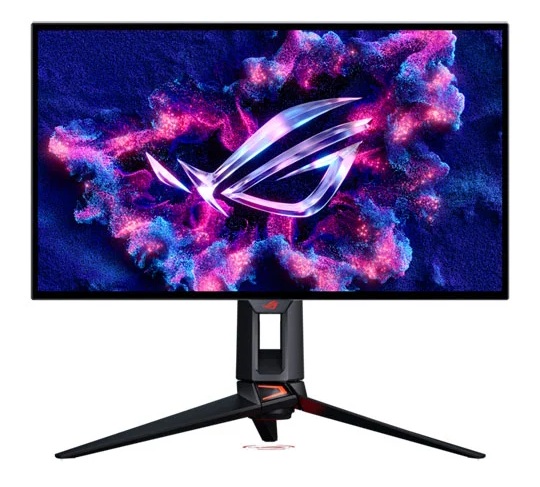 | 27″ | Latest 2026 Tandem WOLED with RGB stripe | ROG Swift PG27UCWM | 3840 x 2160 (4K) resolution Tandem WOLED technology panel 240Hz refresh rate (+480Hz at 1080p) TrueBlack glossy coating RGB stripe sub-pixel layout DisplayHDR True Black 400 1000 nits peak brightness (HDR) | |
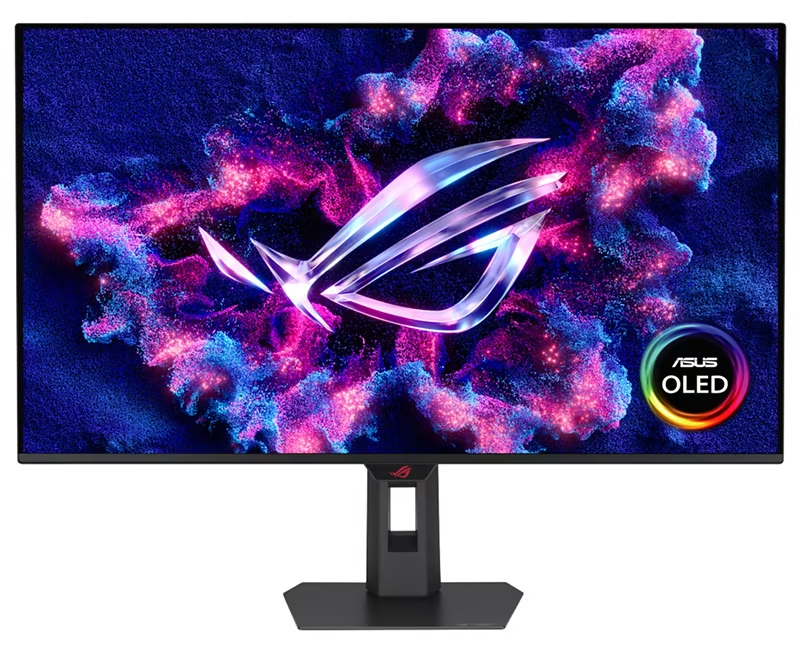 | 32″ | Latest 2026 Tandem WOLED | ROG Strix OLED XG32UQWMS (review here) | 3840 x 2160 (4K) resolution Tandem WOLED technology panel 240Hz refresh rate (+480Hz at 1080p) TrueBlack glossy coating Standard RGWB sub-pixel layout DisplayHDR True Black 500 1500 nits peak brightness (HDR) | |
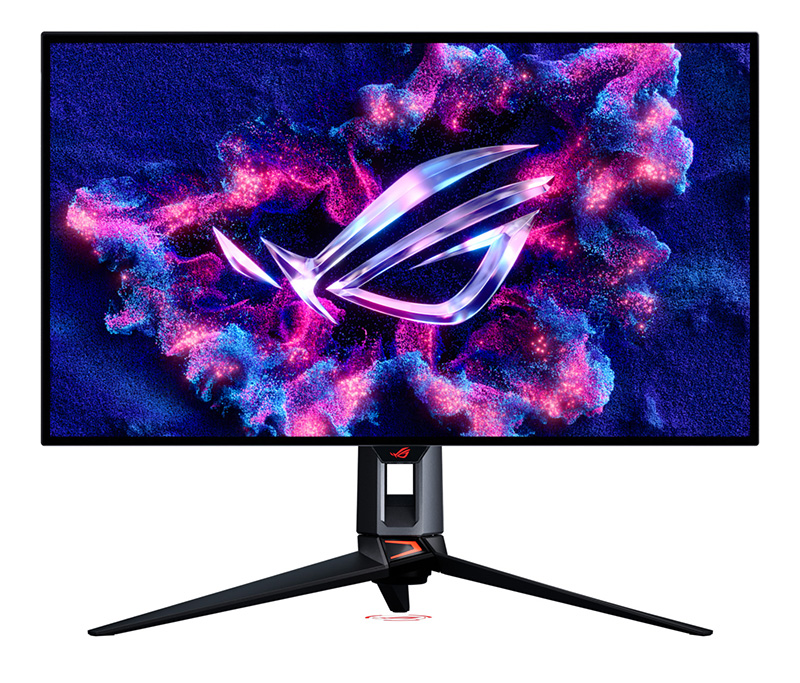 | 32″ | Latest 2026 Tandem WOLED with RGB stripe | ROG Swift OLED PG32UCWM (review here) | 3840 x 2160 (4K) resolution Tandem WOLED technology panel 240Hz refresh rate (+480Hz at 1080p) TrueBlack glossy coating RGB stripe sub-pixel layout DisplayHDR True Black 400 1000 nits peak brightness (HDR) | |
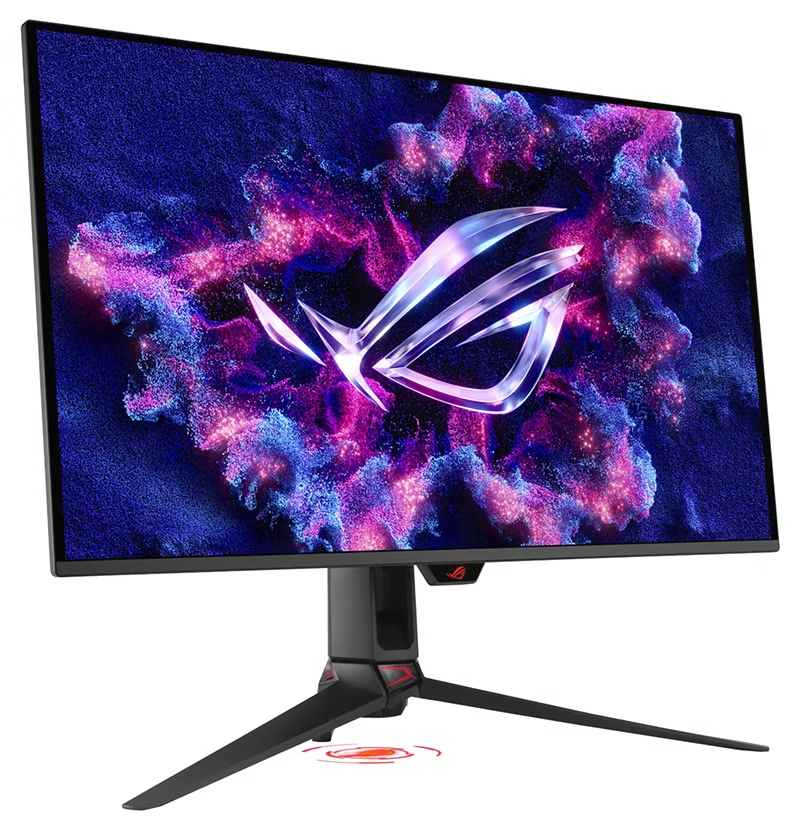 | 32″ | Latest 2026 Penta Tandem QD-OLED | ROG Swift OLED PG32UCDM3 (review here) | 3840 x 2160 (4K) resolution Penta Tandem QD-OLED technology panel 240Hz refresh rate Semi-glossy + AR coating DisplayHDR True Black 500 1000 nits peak brightness (HDR) | |
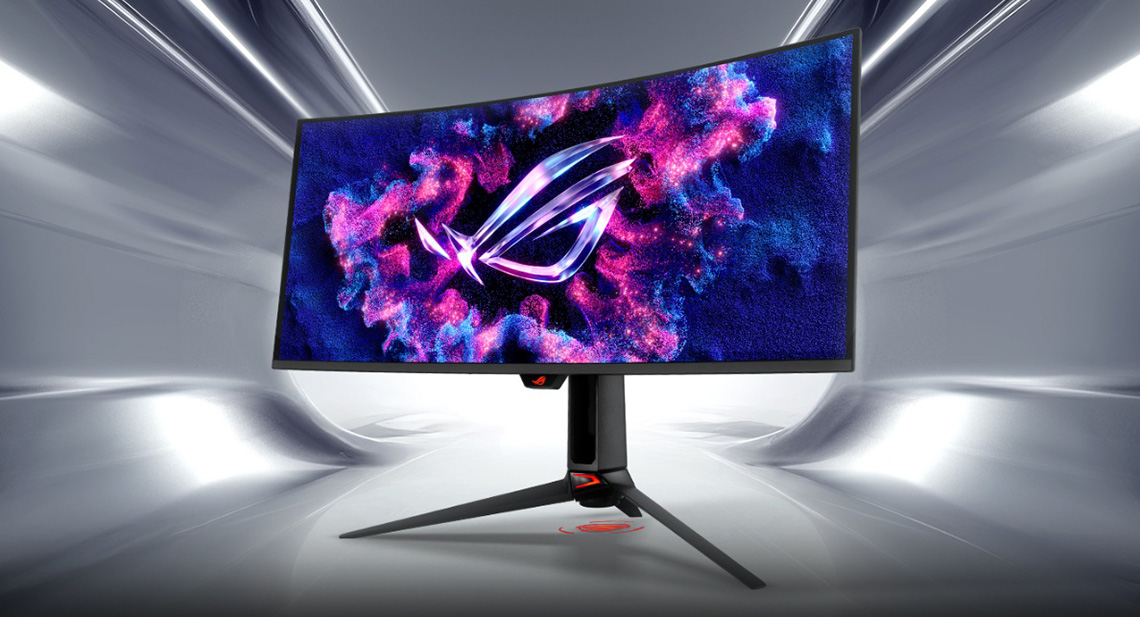
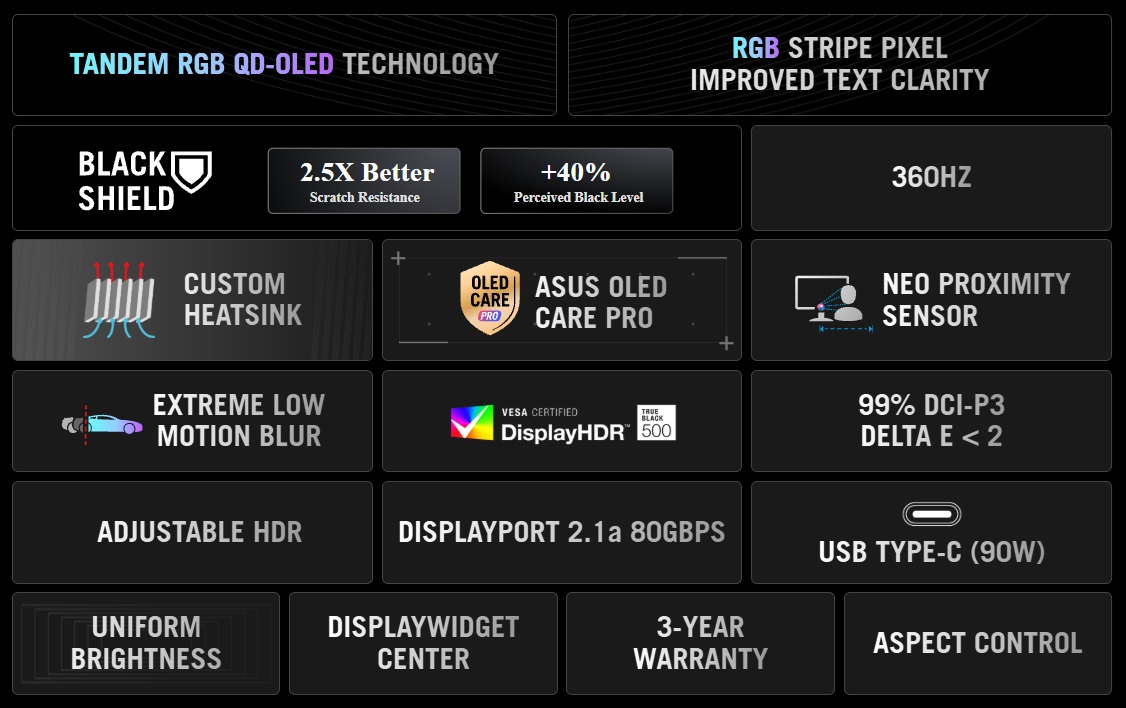
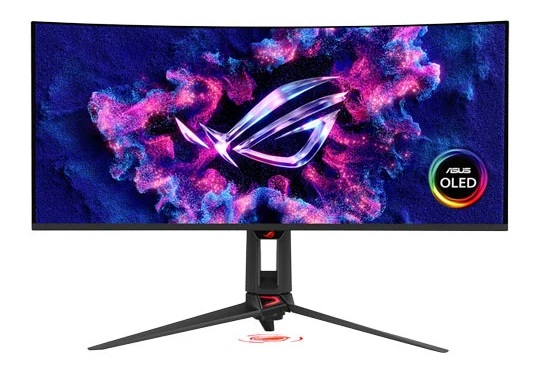 | 34″ ultrawide | Ultrawide Latest 2026 Penta Tandem QD-OLED | ROG Swift PG34WCDN (review here) | 3440 x 1440 resolution, 21:9 aspect ratio Penta Tandem QD-OLED panel technology 360Hz refresh rate RGB stripe pixel layout BlackShield film | |
OLED Monitors for Content Creation
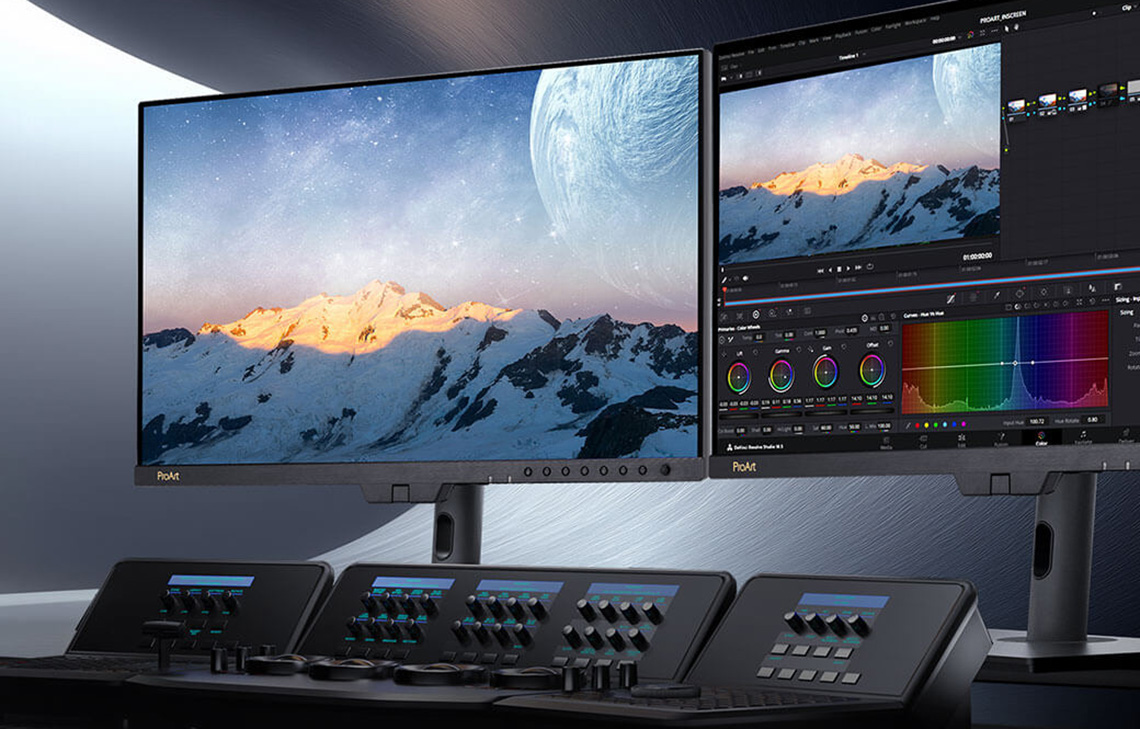
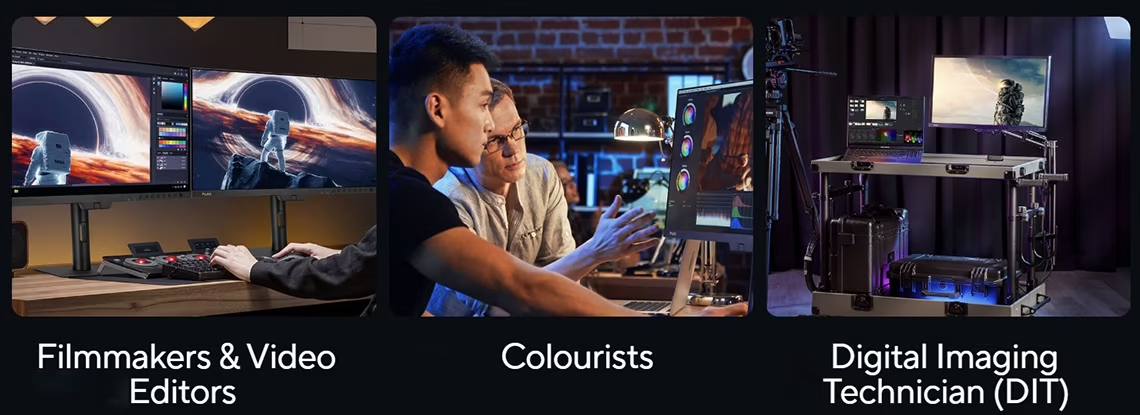
OLED isn’t only for gaming nowadays, with various brands now offering OLED options in their professional range of displays, aimed at content creation and on-set and post-production workflows. The key benefits of this technology in this segment are:
Amazing contrast and HDR capabilities
The same benefits we discussed earlier for gaming use cases apply here as well for content creation and professional uses. The per pixel level dimming, true blacks and basically infinite contrast ratio are especially useful here, allowing content creators to ensure their work is accurate and conforms to their artistic intent fully. With strong HDR hardware capabilities from the monitor, you can work with HDR workflows properly without concerns of blooming, halos and other LCD-related display challenges.

Wide colour gamut and great picture quality
OLED panels offer some of the widest colour gamut coverage available in the monitor space, especially the latest Tandem WOLED and Penta Tandem QD-OLED panels, which offer close to full coverage of not only the common sRGB colour space, but also wider colour spaces like DCI-P3 and Adobe RGB. That means that with appropriate calibration and setup, content creators can work accurately in different target colour spaces. That might be working with DCI-P3 mastered content for HDR perhaps, or Adobe RGB content in the photography sector.
As well as the wide colour gamut, OLED panels support native 10-bit colour depth, and have wider viewing angles than any of the competing LCD technologies, offering stable and reliable images without annoying gamma and colour shift.
Content Creation OLED spotlight
Asus ProArt PA279CDV / PA329CDV
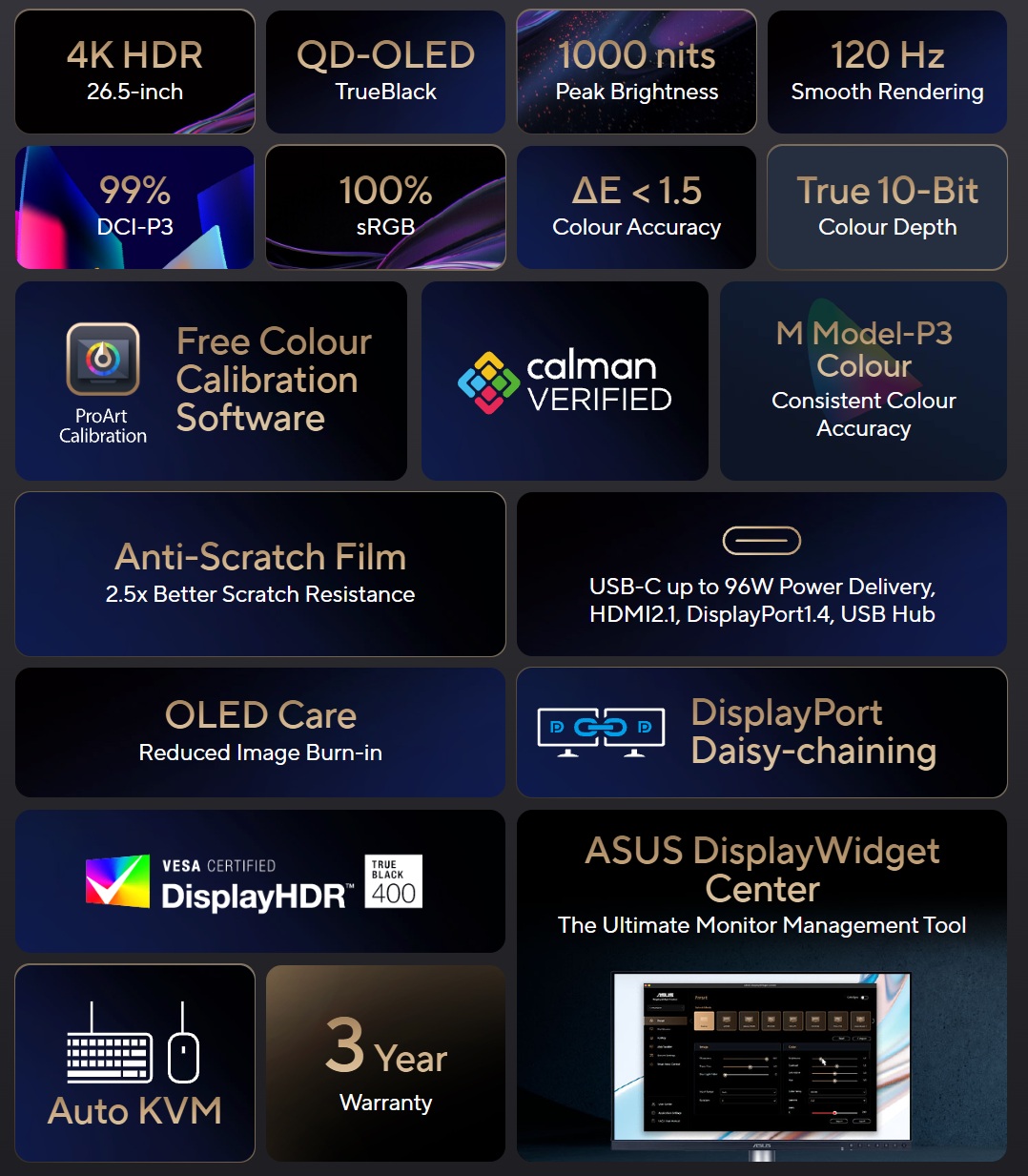
Available in either 27″ or 32″ sizes, the PA279CDV / PA329CDV offers a wide range of professional features and top end performance for content creation. The screens use QD-OLED technology panels with a 4K resolution and 120Hz refresh rate, also featuring an additional anti-scratch film for improved scratch resistance and durability. Note that the 27″ model meets the HR True Black 400 tier while the 32″ model reaches True Black 500.
High-end features include Calman Verified certification for colour accuracy, USB type-C connectivity with 96W power delivery, daisy chaining support, an ambient light sensor and an Auto KVM switch. It doesn’t support hardware level calibration and lacks some of the very top-end features of some other models in the range, but it’s available at a more modest price point as a result.
- You can check pricing and buy the PA279CDV (27″) here or the PA329CDV (32″) here
High resolution and pixel density
Higher pixel densities improve the image quality and sharpness, and 4K resolution OLED panels are now very common in both the 32″ and 27″ segment, the latter being relatively new in the OLED market. These resolutions are especially useful for professional use cases to ensure a super-sharp and clear image. 32″ screen sizes at 4K (140 PPI) could give you more desktop space to work with as you can use lower scaling ratios, while 27″ screen sizes at 4K (166 PPI) give you a further boost in image clarity and sharpness.
Future 5K OLED displays
The next step up in resolution for OLED panels will be 5K, although at this time no monitors have been announced from any brand featuring this resolution. A 27″ 5K panel would offer you an even higher pixel density of ~221 PPI which would be considered “Retina class” by the common market and Apple’s designation. They would also allow support for working with 4K content natively, while leaving you additional space for UI elements and taskbars etc.
We know that both LG Display and Samsung Display, the two leading OLED panel manufacturers, have plans to produce panels of this resolution at some point, we’ve seen them showcased at CES and Computex on and off over the last couple of years in fact. There’s no firm timelines on mass production or monitor adoption though at this time.
Content Creation OLED spotlight
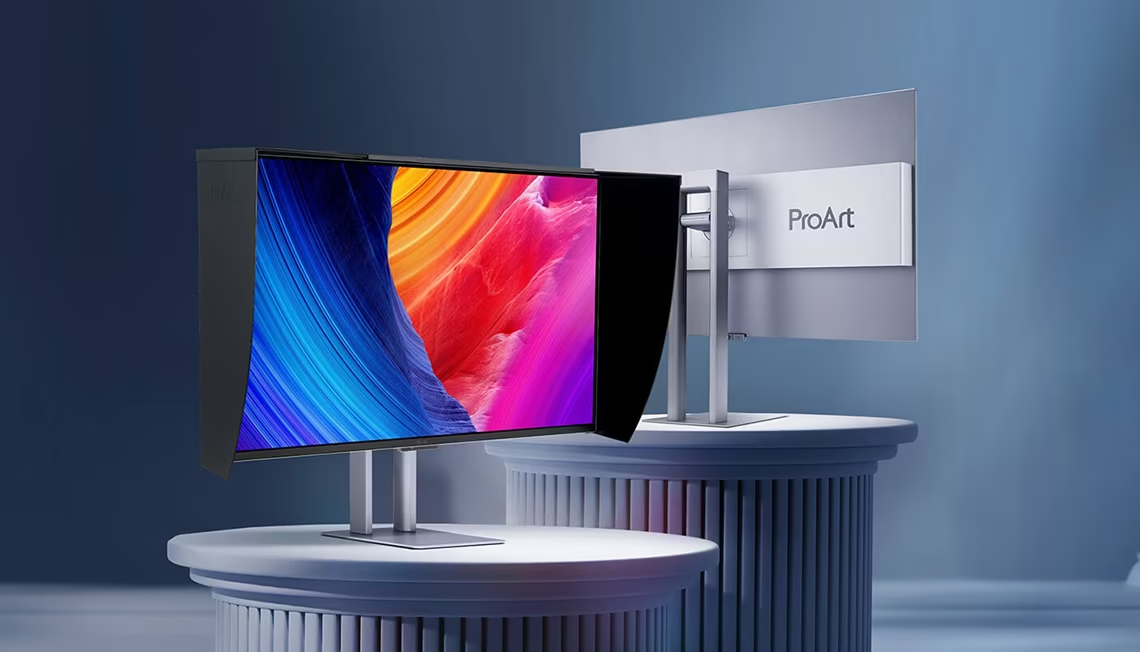
Asus ProArt PA27UCDMR / PA32UCDMR-K
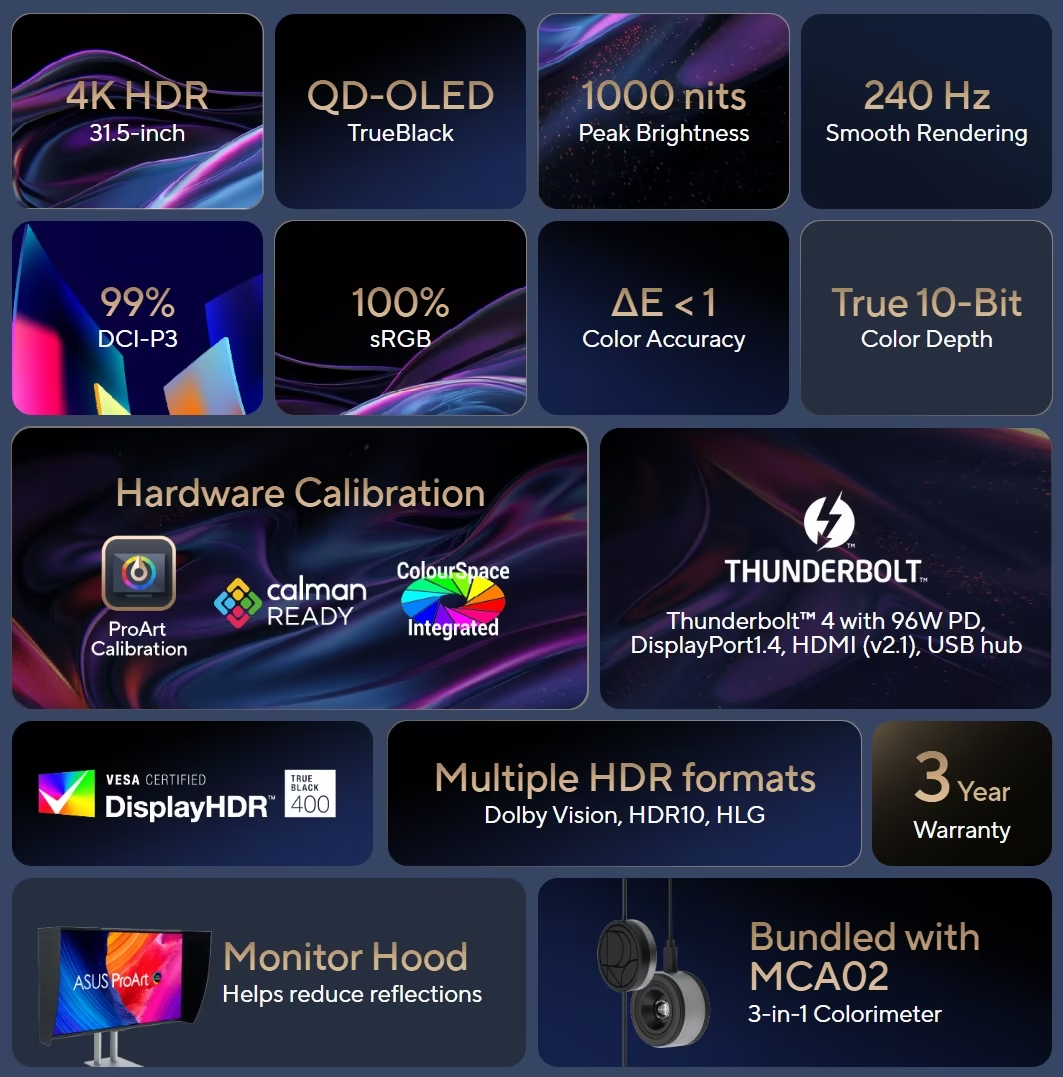
Available in either 27″ or 32″ sizes, the PA27UCDMR / PA32UCDMR-K offer a wide range of top-end features and specs for this segment. They feature QD-OLED panels with a 4K resolution 240Hz refresh rate.
Premium features include a bundled ProArt CaliContrO MCA02 3-in-1 colorimeter (32″ version only) for hardware level calibration and excellent configuration control. Dual Thunderbolt 4 ports with daisy chaining support are also on offer.
- You can check pricing and buy the PA27UCDMR (27″) here or the PA32UCDMR-K (32″) here
Why choose an Asus ProArt OLED for content creation?
With all that in mind from a panel technology point of view, if you’re after a high-end professional monitor for these kind of use-cases, it’s worth looking at the Asus ProArt OLED line-up. Their range offers:
Excellent colour accuracy
The Asus ProArt line-up is heavily focused on colour accuracy, with a massive range of preset modes and configurations available. The displays go through a rigorous factory calibration process, offering dE < 1 typically in several modes for accurate colour reproduction.
Content Creation OLED spotlight
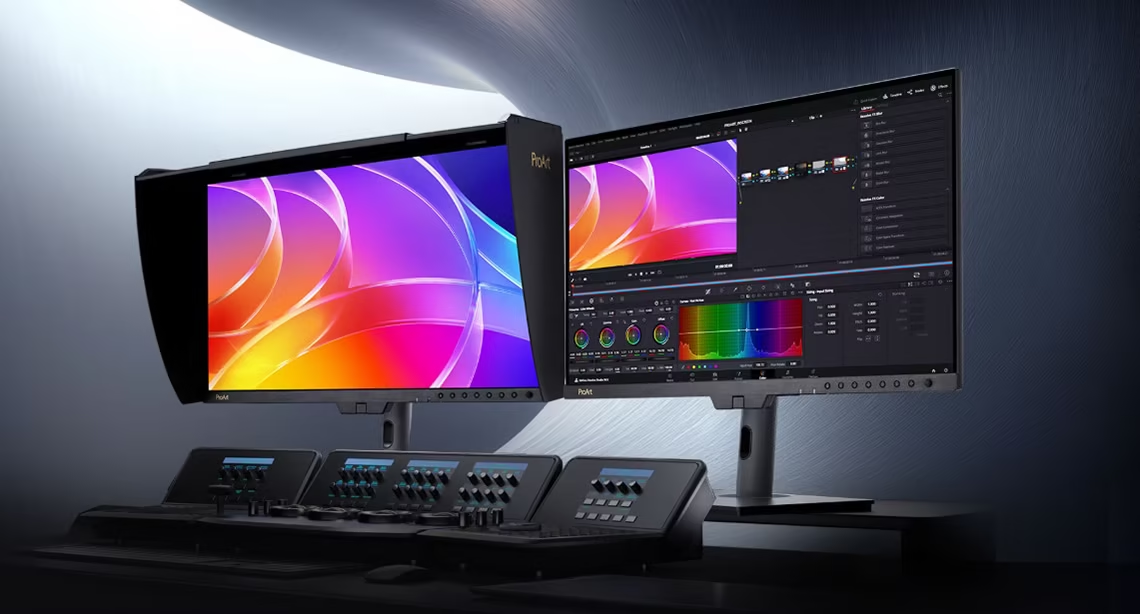
Asus ProArt PA27USD / PA32USD
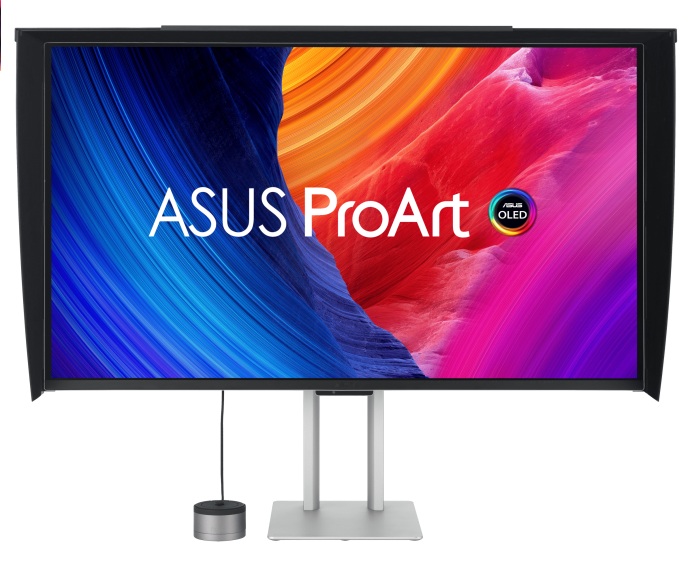
Available in either 27″ or 32″ sizes, the PA27USD / PA32USD are flagship models in the series and offer a huge range of professional features and top end performance for content creation. The screen uses a QD-OLED panel with a 4K resolution and 240Hz refresh rate.
High-end features include a built-in motorized flip colorimeter and hardware level calibration for excellent accuracy and control. There’s also a Thunderbolt 4 hub, daisy chaining support, a bundled shading hood, 12G SDI connectivity (2x on the 32″ model), and changeable stand options on offer. It’s one of their newest ProArt OLED monitors on the range.
- You can check pricing and buy the PA27USD (27″) here or the PA32USD (32″) here
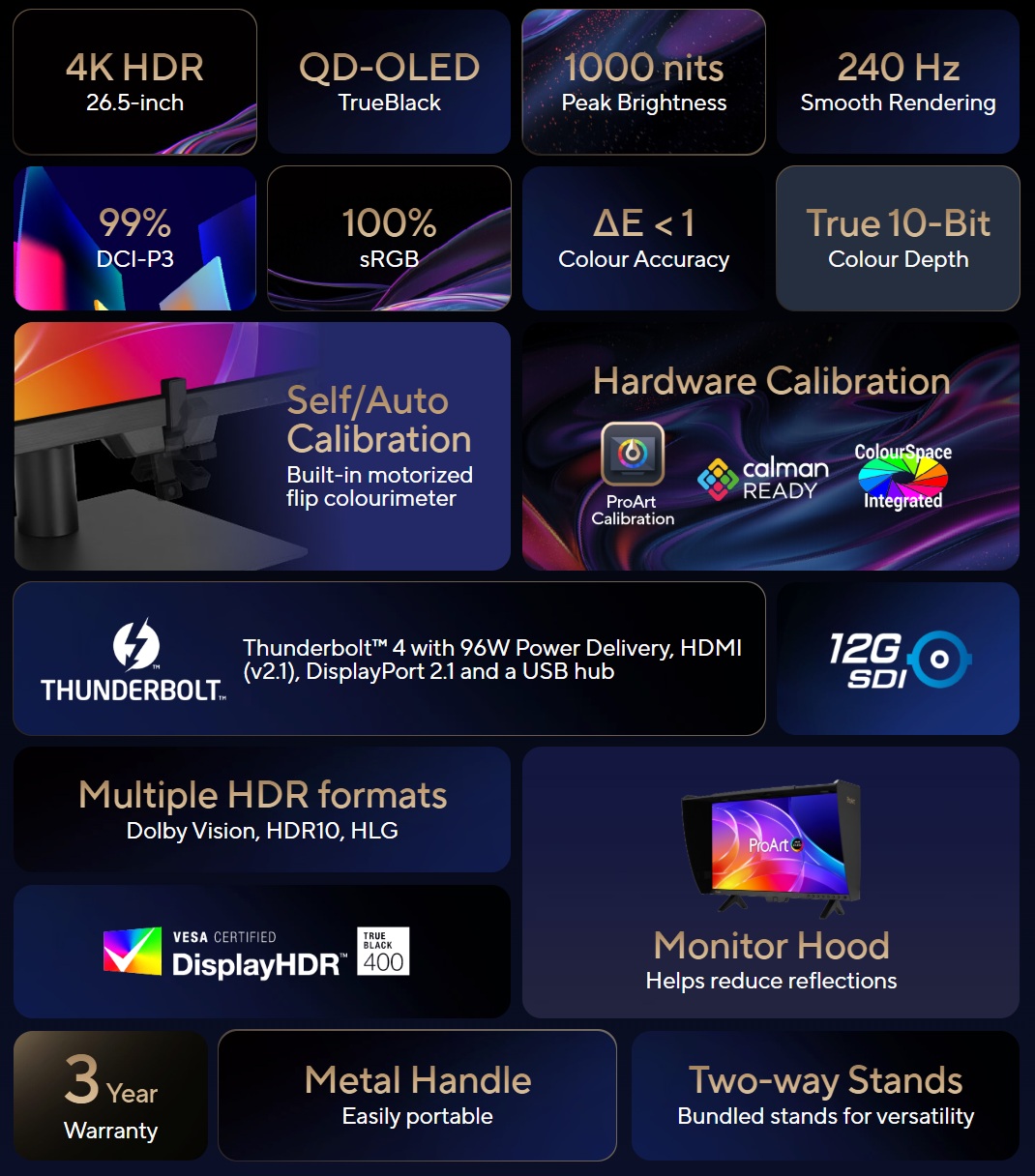
Taking them beyond the ROG OLED gaming range, many of the ProArt screens also support hardware level calibration, allowing you to calibrate the screen’s internal LUT for improved levels of control and accuracy, without needing to rely on ICC profiles and colour management within software. This is a feature which typically separates more mainstream gaming OLED monitors from professionally-focused OLED monitors.
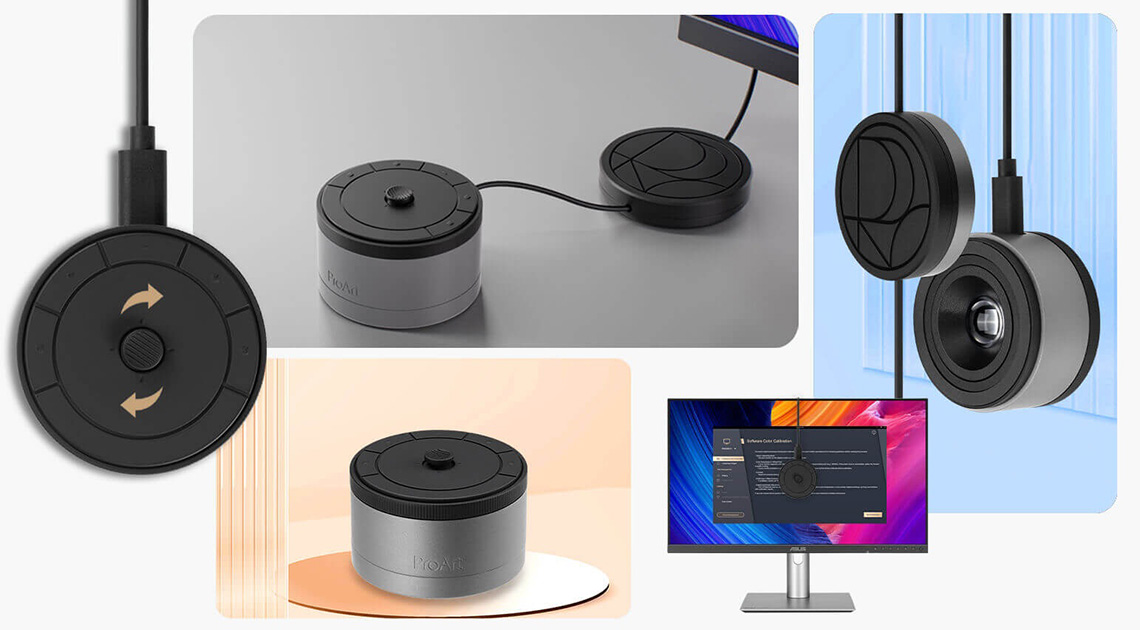
Some models are available with bundled calibration devices, some even have a small auto-calibrating sensor built in to the screen itself. Check our our dedicated Asus ProArt article for loads more information on these calibration features.
Pro features and extras
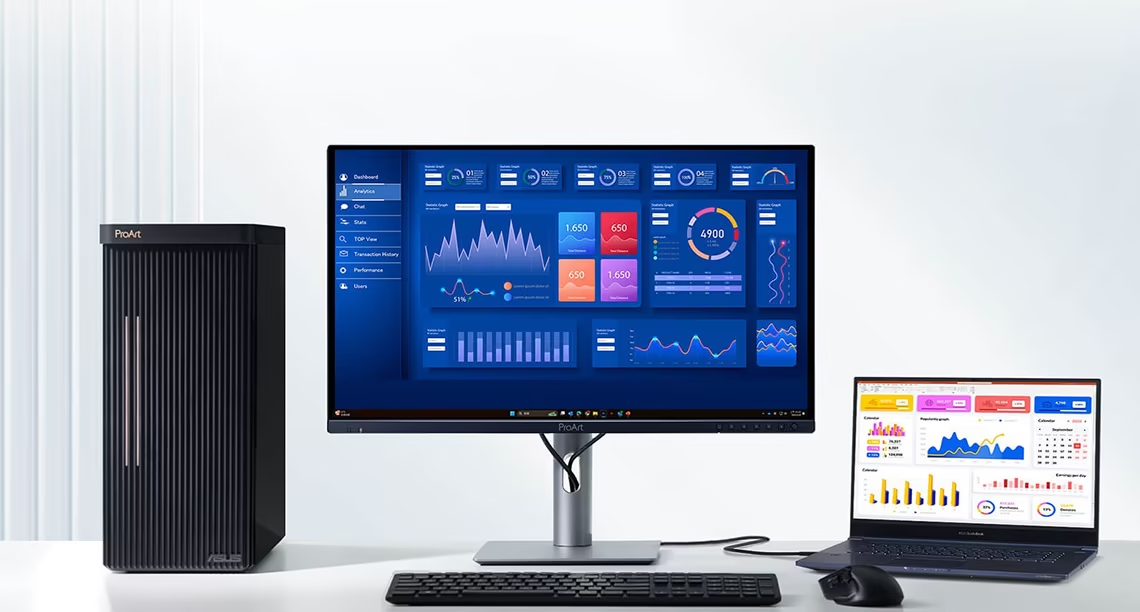
As a professional-focused line-up, there’s loads of useful features, extras and connectivity on offer. Some models offer Thunderbolt hubs and USB type-C for easy single-cable connectivity. Some of the latest ProArt models even offer 12G-SDI, supporting 4K @ 60Hz real-time playback without any compression, compatible with 6G and 3G Level A & B.
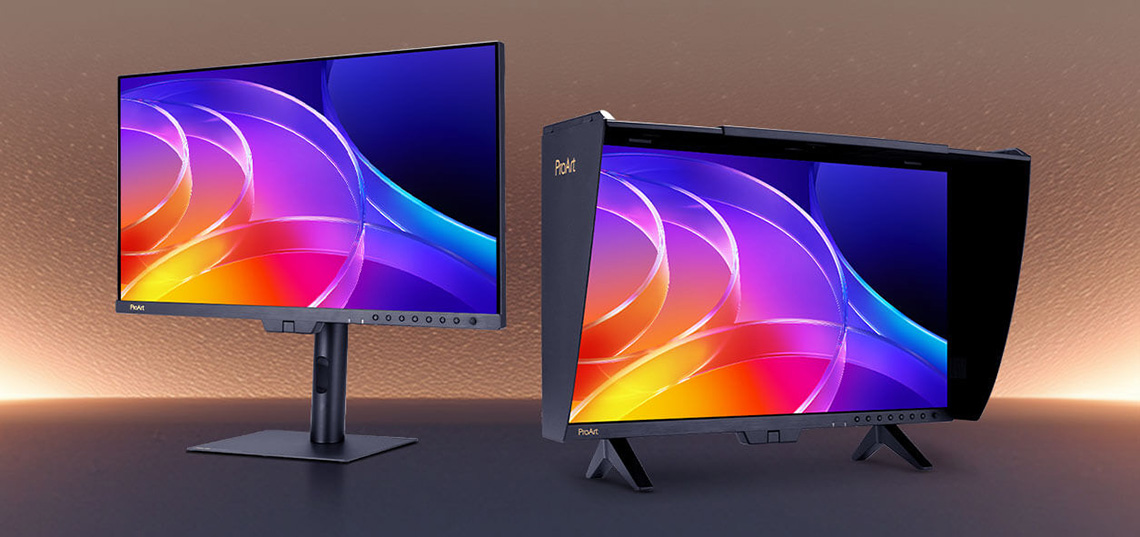
Shading hoods, flexible and ergonomic stand choices and their ProArt Color Center software are also offered with some models to help maximise your user experience.
Multiple HDR formats supported
To support HDR content creation workflows, many of the ProArt OLED line-up support multiple HDR formats, including including Dolby Vision, HLG and HDR10. That’s beyond the typical HDR10-only support from most gaming OLED’s (a few do support Dolby Vision too). It’s also beyond what you’d typically find on LCD monitors.
Asus ProArt Displays also support multiple HDR10 curves, including PQ Hard Clip, PQ Optimized and PQ Basic, which can cover all content creation needs.
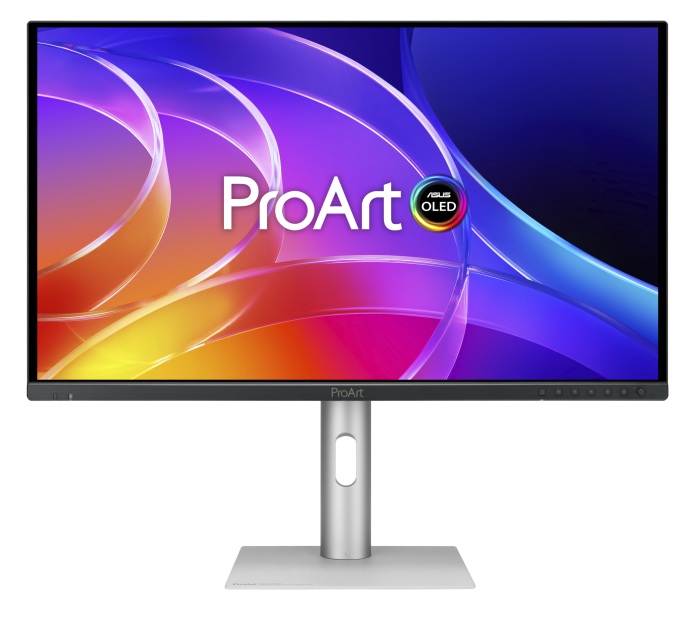
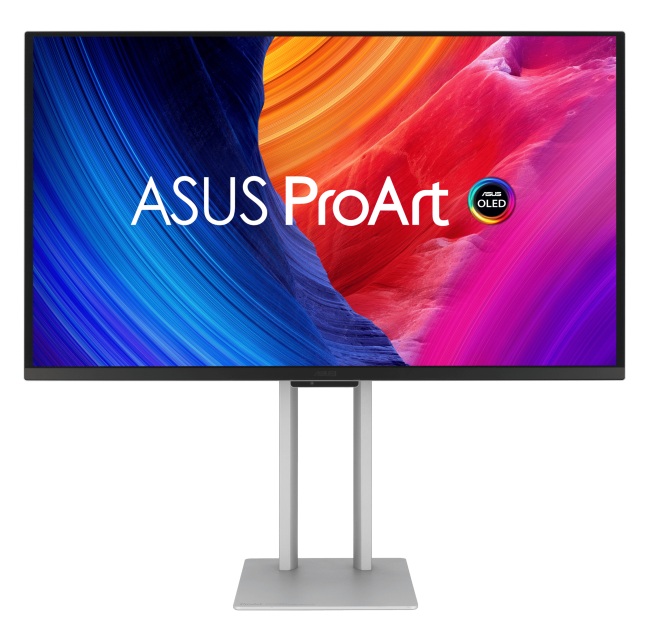
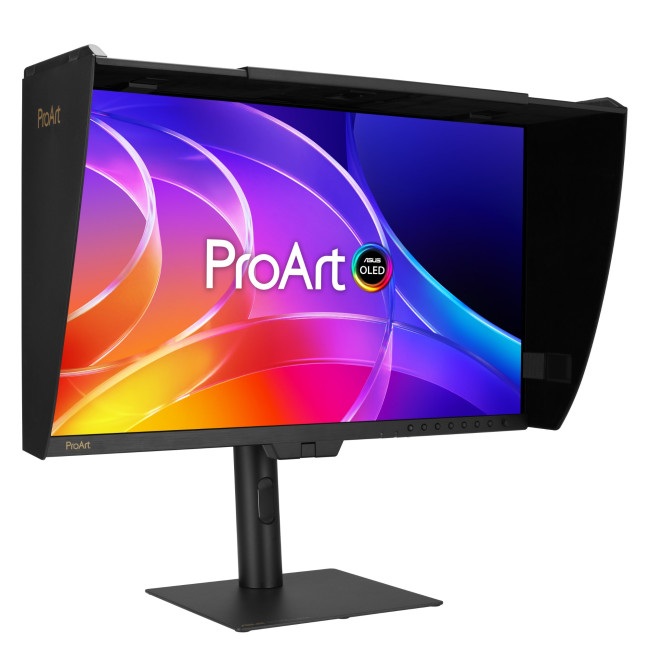
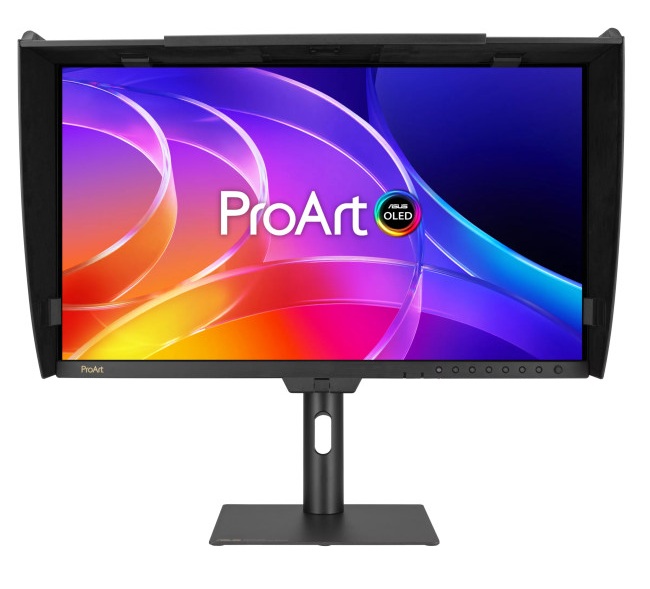
Quick summary of Asus ProArt OLED monitors featured
OLED Monitors for Productivity
We’ll split this section in to two parts, firstly taking a look at a couple of portable OLED monitors which are designed to enhance your productivity on the move or enhance your desktop workflow through an extra display; and then we’ll also consider which OLED desktop monitors might be the most suited to office and productivity tasks, if you’re looking for something larger but want to find the most suitable OLED option for these kind of uses.
Portable small format OLED displays
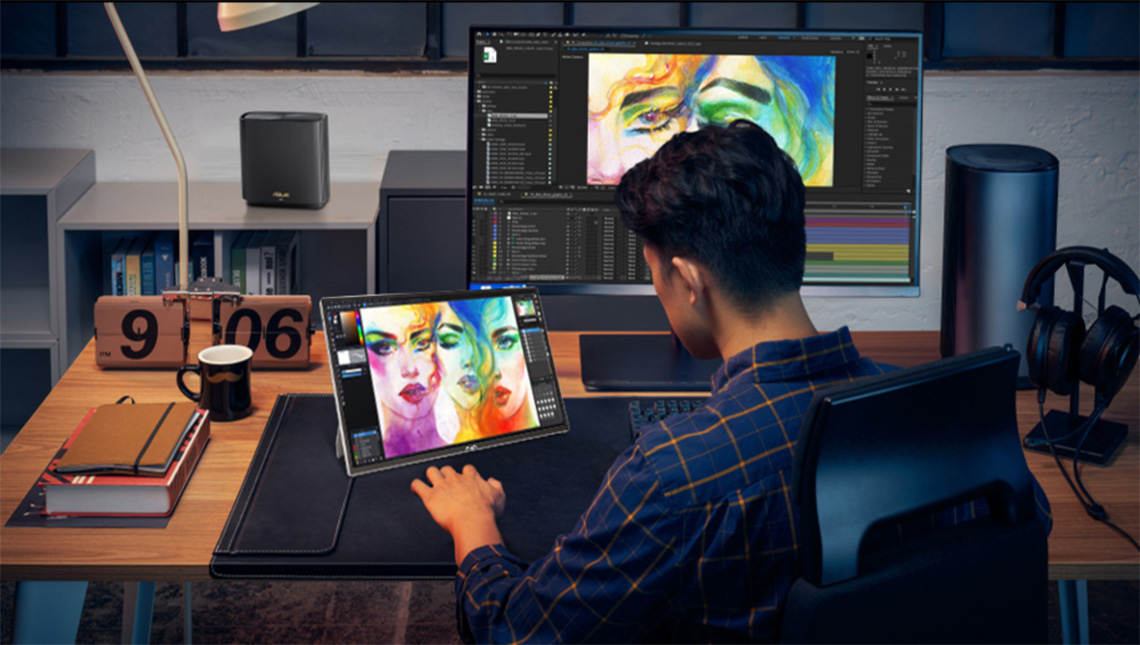
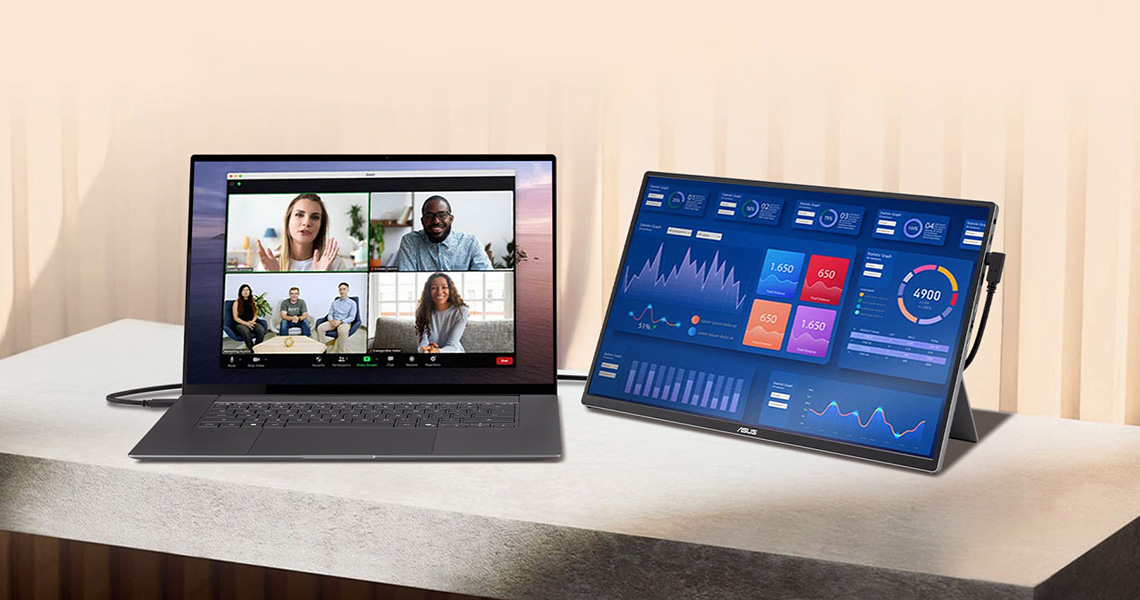
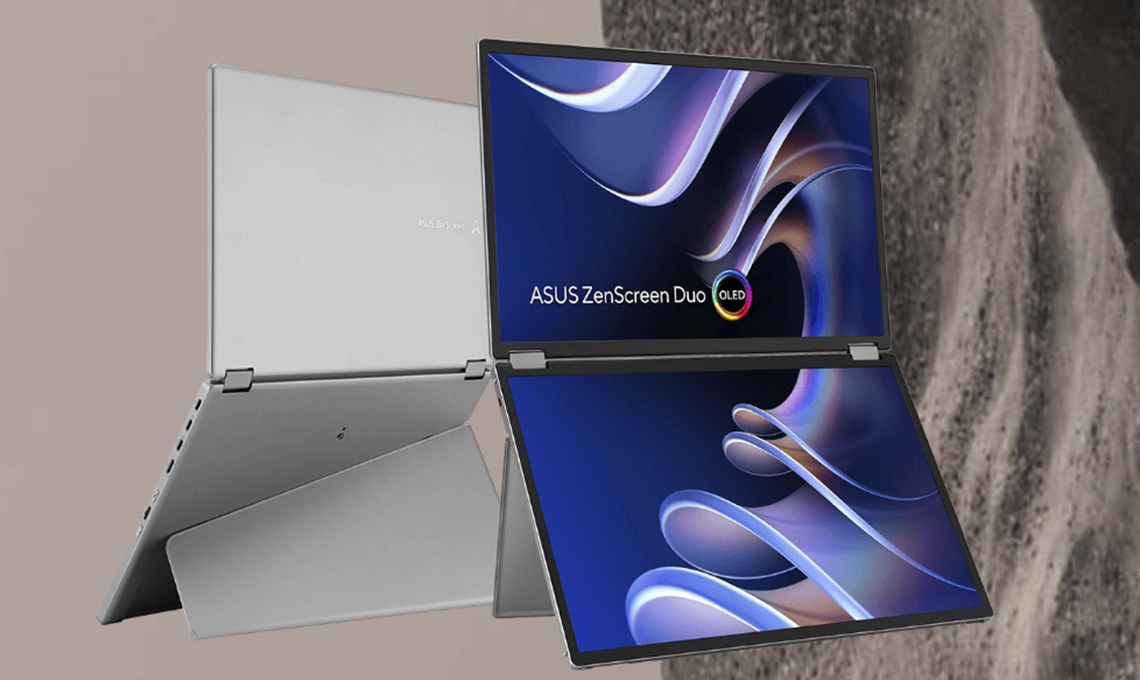
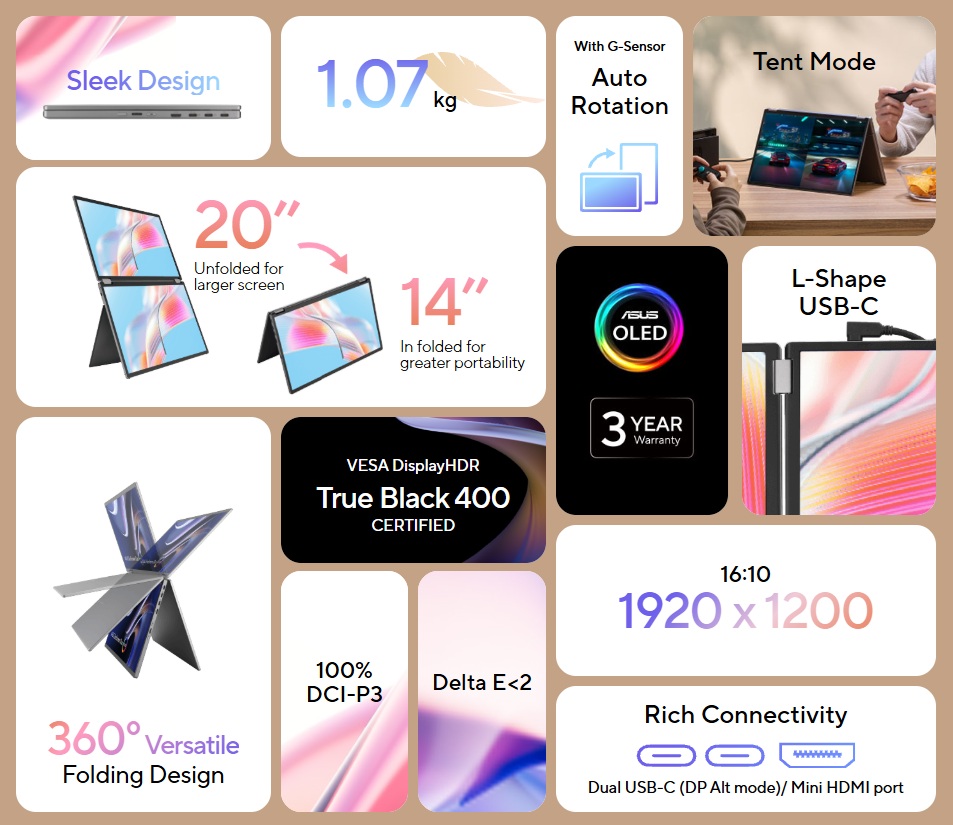
To enhance your comfort when on the road or using a laptop, Asus also offer a range of portable OLED monitor options in their ZenScreen range. These are available in various sizes and resolutions, are light weight and easy to transport, and offer features such as a wide colour gamut, power pass through from your laptop and useful additional connectivity options.
OLED monitor
OLED portable monitors spotlight
Asus ZenScreen OLED MQ16FC
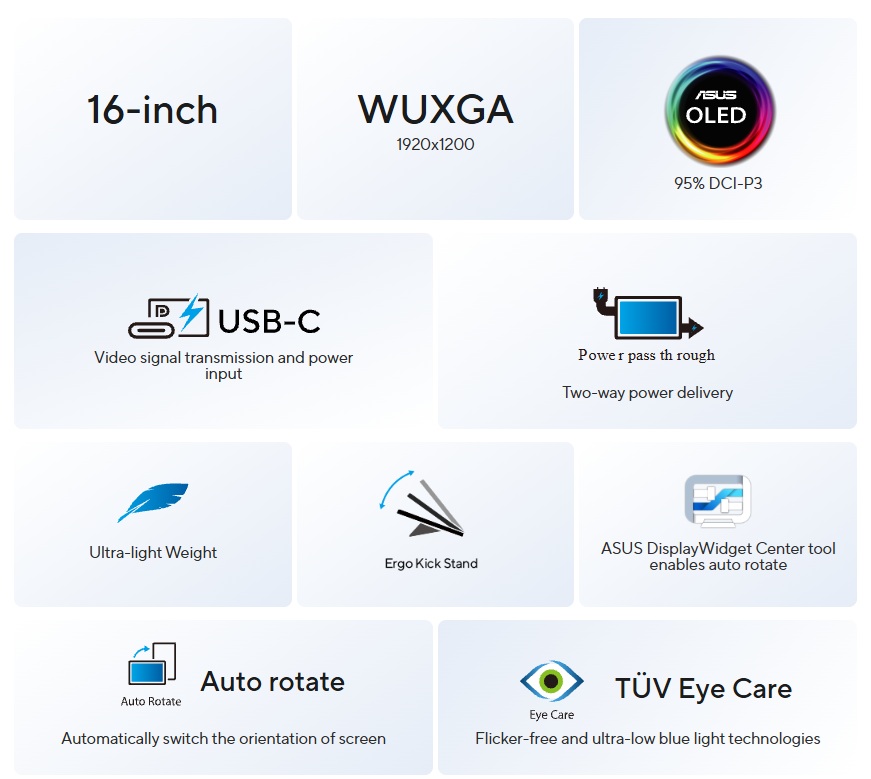
This model is 16″ in size and offers a 16:10 aspect ratio and 1920 x 1200 resolution from its OLED panel. A wide gamut with 95% DCI-P3 coverage is supported and there’s features like power pass through, auto detection of orientation, USB-C and HDMI ports which enhance ease of use.
The ZenScreen OLED MQ16FC also offers Mac-tested compatibility and exceptional colour accuracy, supported by the new M Model–P3 Color Preset mode, which aligns the display’s vibrant colors directly with macOS device performance.
- You can check pricing and buy the ZenScreen MQ16FC here
portable monitor
Desktop monitors for office and productivity uses
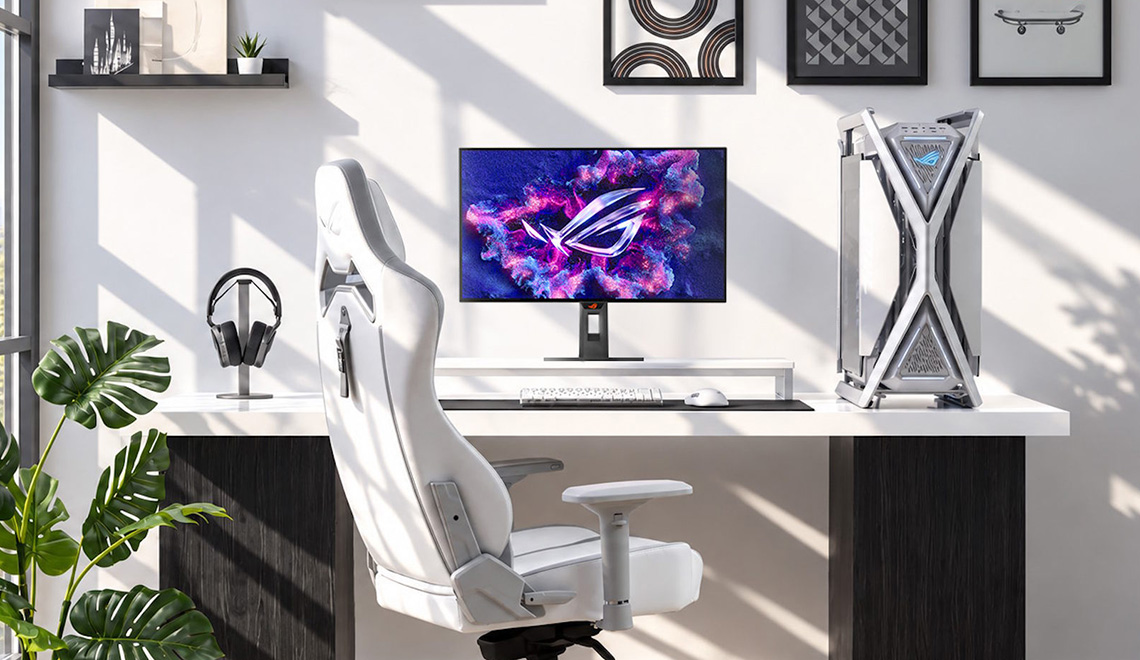
This is probably the use-case which requires the most thought and consideration about whether or not to choose an OLED display, with some key things to be aware of that we will discuss more in the next section. There have been significant advancements over the last 18 months or so especially which have helped improve and address some of the concerns facing people when considering OLED for productivity, office and general usage, making them a more viable choice for many people now than they were a couple of years ago.
We’ll talk through the improvements made and consider some models which are well-positioned for these kind of uses cases, before discussing some of the remaining challenges and considerations a little further.
Improved text clarity
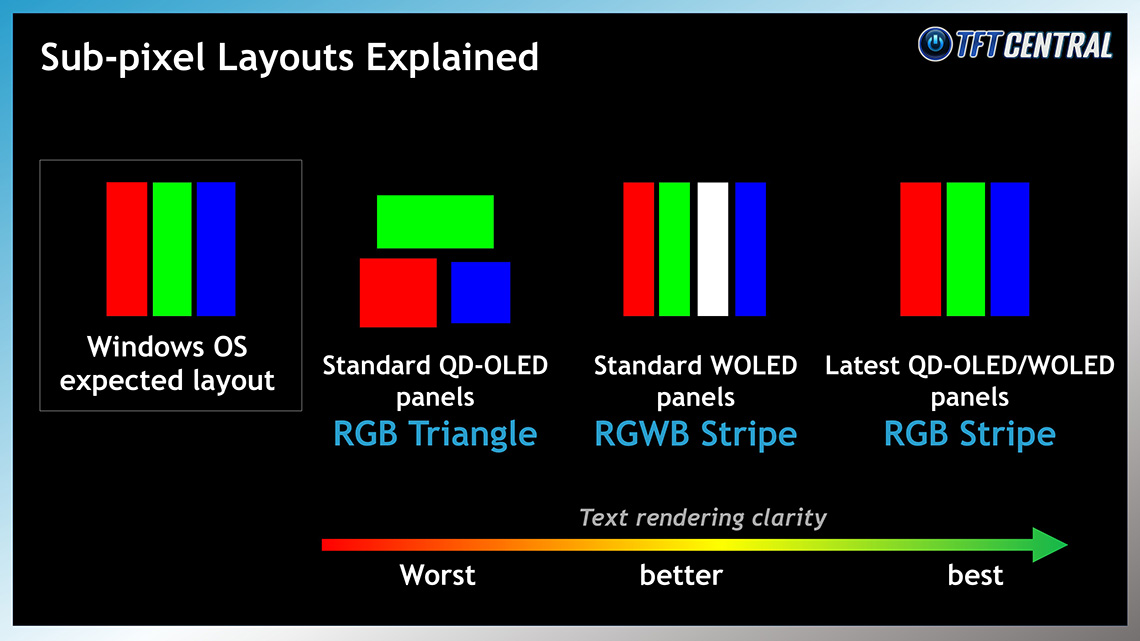
While early OLED panels had some noticeable issues with text clarity, things have improved quite considerably in this space over the last 18 months or so. Text clarity problems on OLED displays are caused by the non-standard layout of the sub-pixels in the panel, which conflicts with the expected “RGB stripe” layout of Windows OS.
QD-OLED panels traditionally had a triangular RGB layout, WOLED panels traditionally had a fourth white sub-pixel added in to the layout; and both caused text clarity issues. Fringing and visual artefacts are common on older OLED panels and for several years this would be a key challenge when considering these screens for productivity and office use. They were less clear than equivalent LCD panels.
Text clarity issues have improved though through two developments. First came increased pixel densities which greatly reduce the fringing and clarity problems. On 32″ 4K panels we would consider the issue resolved for the vast majority of users, not perfect but generally fine. On 27″ 4K panels it’s even better, and really not a problem we don’t think.
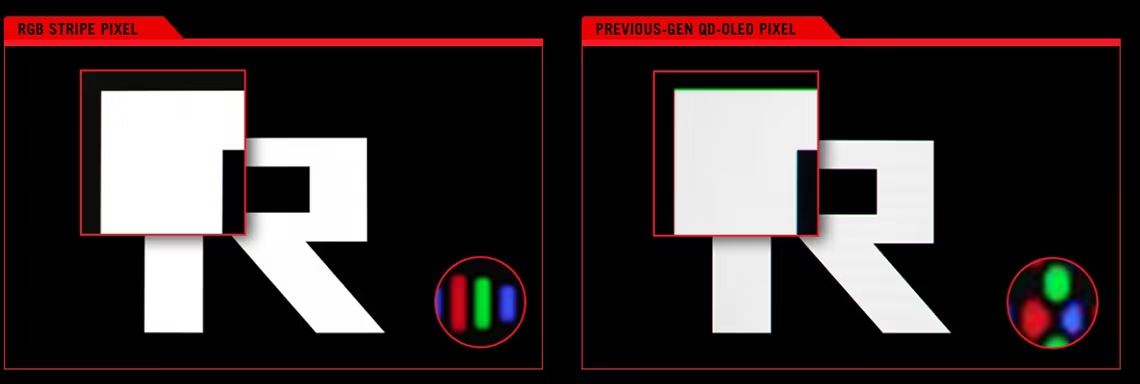
The second more recent development was a shift to true RGB-stripe pixel layouts, with both Samsung Display (QD-OLED) and LG Display (WOLED) now offering various panels with this layout, fully resolving the text rendering issues by providing an expected layout for Windows OS. This is especially useful and relevant on lower density panels.
- Further information: OLED RGB-stripe Panels Explained – Should You Wait?
Improved durability, better OLED Care and extended warranties
What about the other key concern for lots of static usage – burn-in? This is always going to be a potential risk on OLED panels due to the way they work and the organic materials which can degrade over time. However, things have improved with each new generation of OLED technology, and while we would still advise careful caution depending on your individual usage, things are definitely better than they used to be.
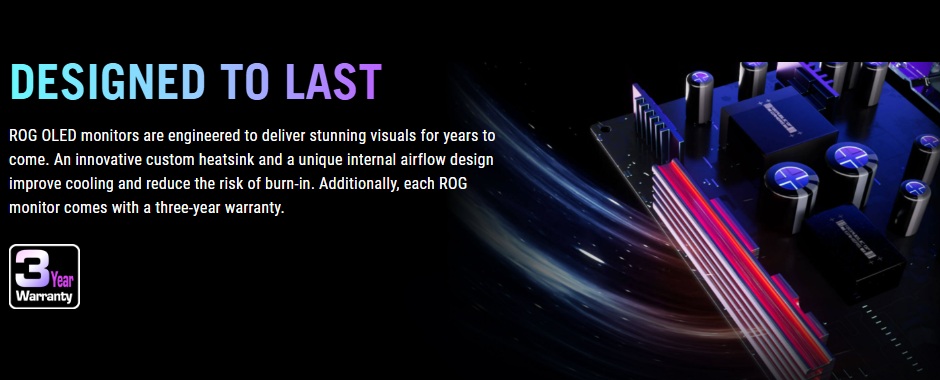
Panel durability and lifespan is improved with each new panel generation, you will see LG Display and Samsung Display highlight this regularly. New panel designs and structures allow for more efficient light output, lower power consumption and lower heat – all of which reduce the risk of image retention and burn-in. There is a balance with brightness output as these same improvements do allow you to push OLED panels to higher brightness if you wanted to, but if you’re using a newer panel at the same luminance level as an older panel, it should be more durable.
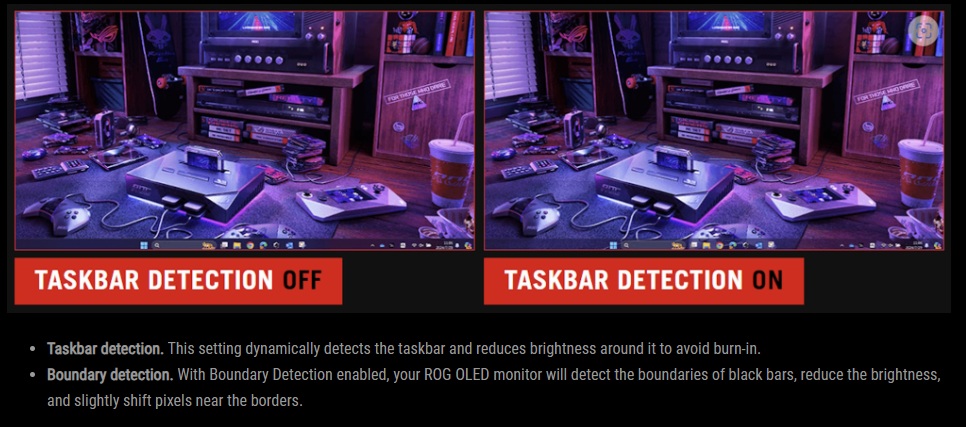
OLED Care features have also improved significantly, with new options added for things like taskbar detection, boundary detection, logo dimming and so on. There’s a wide range of functions offered on many OLED screens that allow you to tailor the OLED care to your uses to help mitigate the risks.
With all these improvements, monitor manufacturers now pretty uniformly offer 3 year warranties on OLED screens, which include burn-in cover as well. These are offered as a reflection of their increased faith in panel durability and modelled on the real-world low failure and return rates they experience.
High resolution and large screen sizes
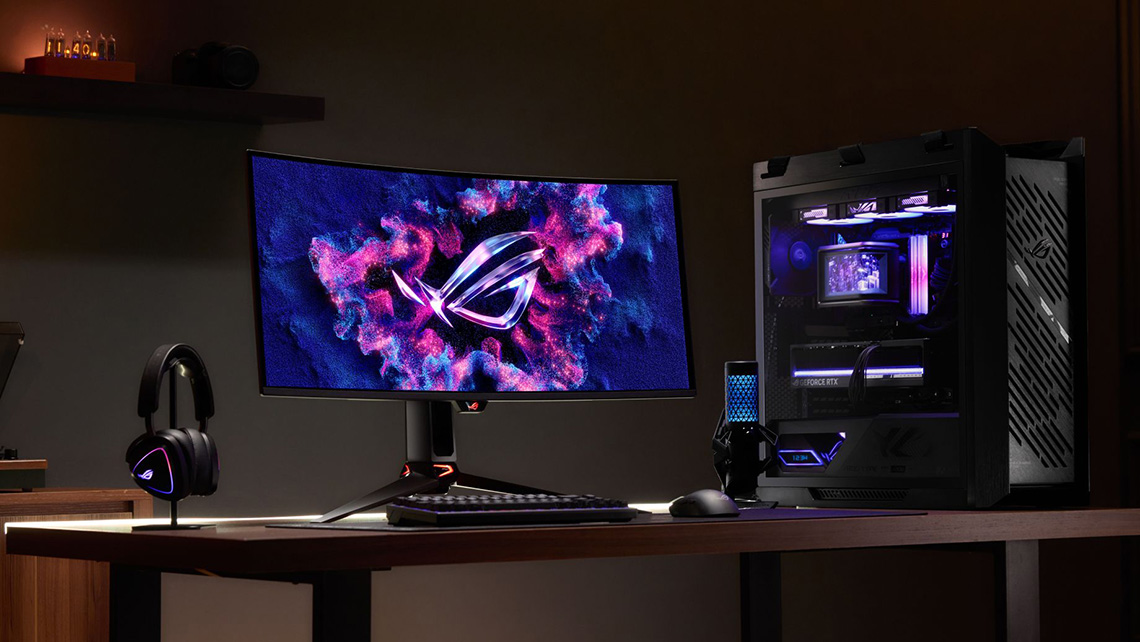
You’ll find a wide range of OLED panel sizes available now which just didn’t exist a few years ago. That gives you some great options for productivity and office work, whether you want a high pixel density for a super-sharp image (e.g. 27″ 4K), an ultrawide screen for more desktop space (e.g. 34″ ultrawide), or even a super-ultrawide for increased split screen working and multi-tasking (e.g. 49″ super ultrawide).
Improved performance in brighter rooms
Things have improved in this area as well in the last year or so. In the WOLED space, the latest Tandem WOLED panels offer improved blacks and contrast in the presence of ambient lighting, helping retain that great OLED contrast even during the day or in brighter office environments.
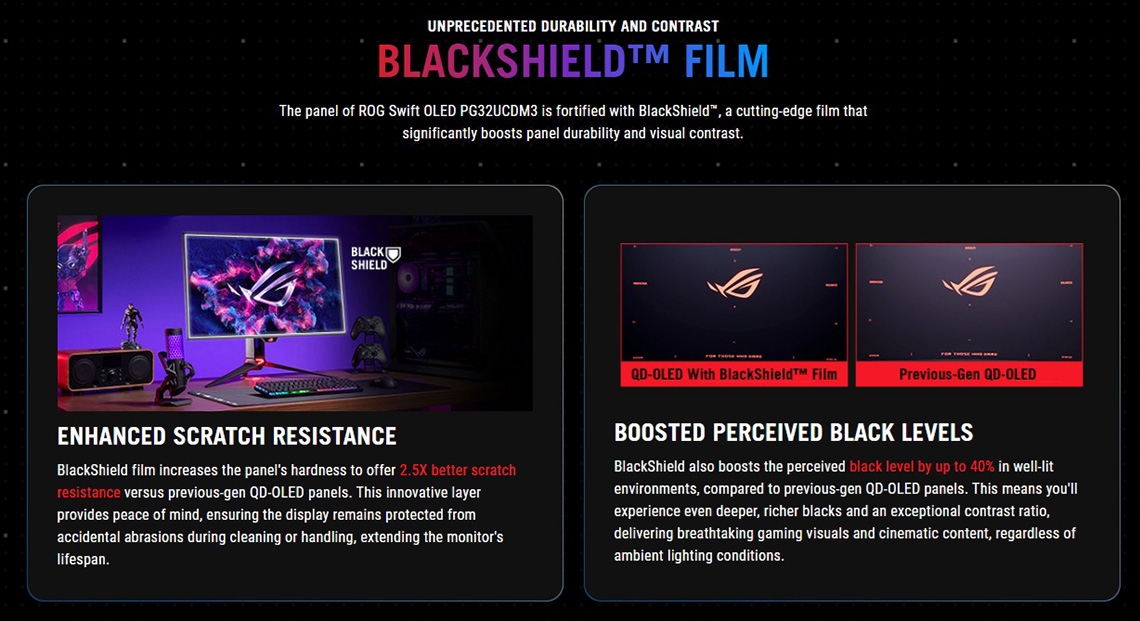
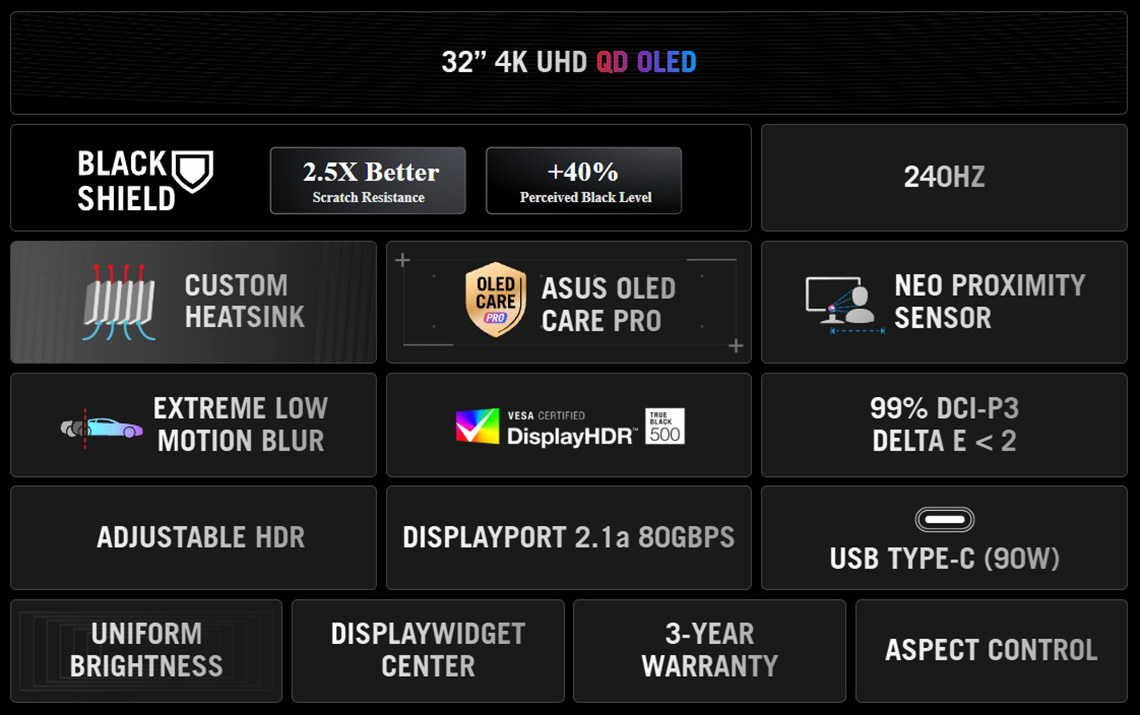
In the QD-OLED space the latest 2026 panels now offer a specialised film, marketed as ‘BlackShield film’ by Asus, which improves ambient light handling as well. This helps reduce the purple tint you saw on older QD-OLED panels and improves black depth quite nicely as well. Another welcome benefit of this new film is improved panel hardness, offering 2.5x better scratch resistance compared with earlier QD-OLED panels.
Why choose an Asus OLED for productivity?
With all that in mind from a panel technology point of view, if you’re after a new monitor for these kind of use-cases, it’s worth looking at the Asus OLED line-up. Their range offers:
A range of RGB stripe options
We’ve talked about it already above, but Asus provide various new monitors in their range which offer either an RGB-stripe pixel layout, a high pixel density or both. You’ll find both WOLED and QD-OLED options available and we’ve highlighted a couple of popular and recommended choices in this section above like the 27″ / 32″ ROG Swift PG27UCWM / PG32UCWM and the 34″ ultrawide ROG Swift PG34WCDN as great recent examples.
A choice of panel coatings
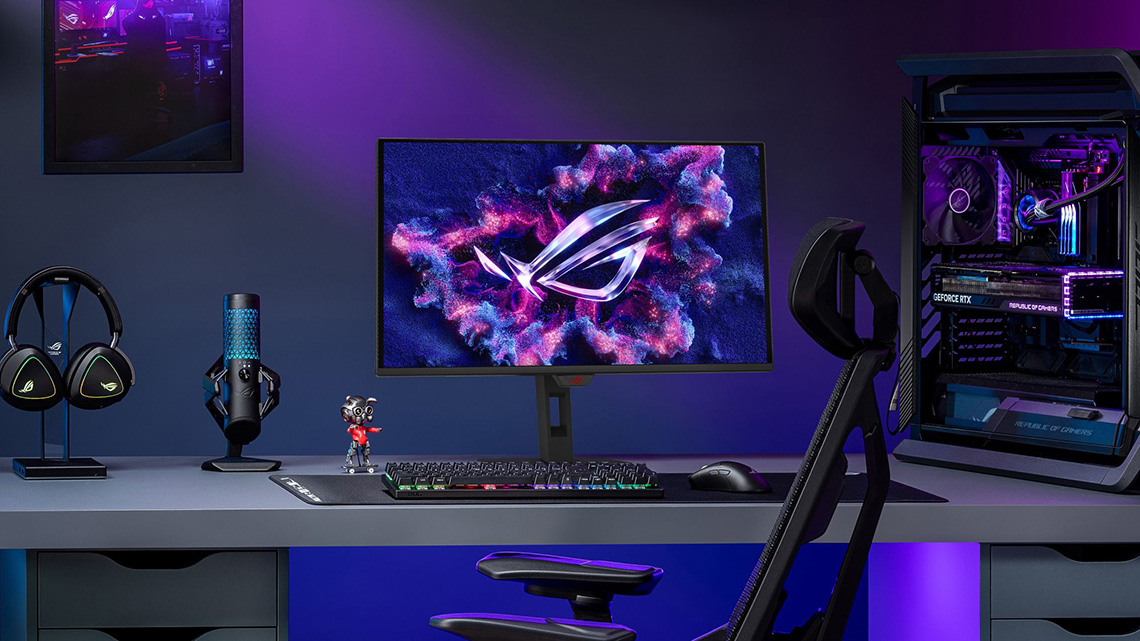
This is very much a personal choice, but Asus offer plenty of OLED screens in their range with either a matte anti-glare screen coating, or a glossy finish.
Matte AG coatings are more suited to well-lit rooms and where you have windows and lights which face the screen, and great for those who find glare and reflections annoying or distracting. Glossy, like their ‘RealBlack glossy’ coating that is featured on many of their WOLED screens, is generally more suited to darker room conditions, in light controlled environments and offer a sharper and crisper looking image, with an improved “pop” to the image, blacks and colours visually. A mid-ground might be QD-OLED panels which have a “semi-glossy” coating, offering a clear and glossy appearance but with some added anti-reflective capabilities too.
Uniform brightness behaviour
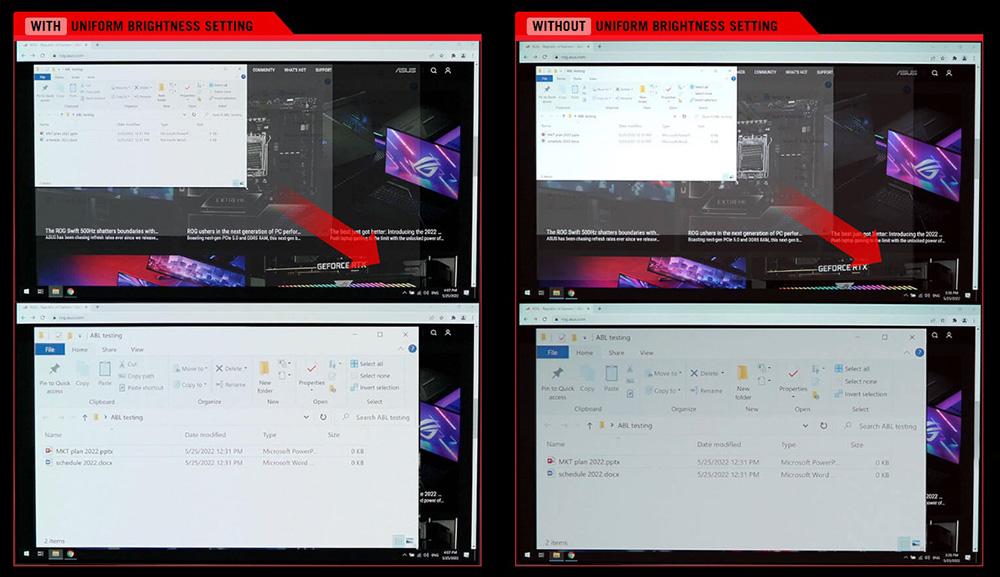
This is important for general usage and office work as it avoids unwanted panel dimming and fluctuating brightness as your content changes or as you re-size and move windows around. Asus OLED monitors all offer a “Uniform Brightness” mode which disables ABL dimming for SDR usage.
Useful productivity features
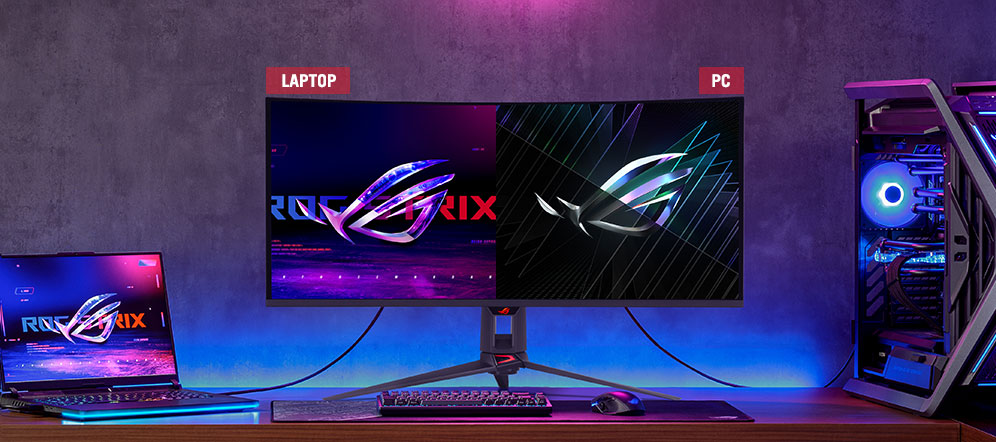
Most modern OLED monitors in the range offer useful extra features such as USB type-C for single cable connectivity from compatible devices. They might also offer PiP and PbP support for handling multiple video inputs, or a built-in KVM switch function for controlling two systems with a single keyboard and mouse setup. All potentially useful for these kind of uses.
Useful software for controlling your monitor

Asus provide a useful software package called DisplayWidget Center which we’ve explored in detail in the past, offering quick and simple control over your monitor settings and modes. It includes various additional features like the ability to auto-switch modes and settings by application for instance, and it’s well worth checking out for enhancing your user experience with any Asus monitor.
Asus OLED monitors most suited to productivity and office uses
with RGB stripe
27″ / 32″ OLED productivity monitor spotlight
Asus ROG Swift PG27UCWM / PG32UCWM
These are two versions of basically the same screen, just with a choice between 27″ and 32″ sizes depending on your preference. They both offer a 4K resolution for a high pixel density and sharp image, along with a 240Hz native refresh rate and TrueBlack glossy screen coating.
One of the key features of these models is the new RGB-stripe Tandem WOLED panel, offering improved sharpness and text clarity which is especially well-suited to office and productivity usage. A wide range of OLED Care Pro features and their Neo Proximity Sensor, along with a 3 year warranty with burn-in cover gives further peace of mind.
- For loads more information check out our review of the PG32UCWM here
- You can check pricing and buy the PG27UCWM (27″) here or the PG32UCWM (32″) here
with RGB stripe
Remaining challenges to be aware of
As ever with OLED panels you do need to be mindful of your usage, especially when it comes to lots of static content and high brightness output. As we’ve explained above, things have certainly improved with OLED technology over the last few years since it first appeared in the mainstream monitor market in 2022. There are various monitor options which are far more suited to productivity and office use than there were in the past for instance, but we would still advise caution and consideration before making a decision.
Image retention and burn-in
Due to the way OLED panels operate, there is always a risk of image retention and burn-in as the organic material degrades over time. It’s almost impossible to predict if this will be a problem or not for your individual usage.
As we’ve explained above, panel longevity and durability have improved a lot with each generation, there’s far more OLED care features now offered, and warranties are provided to give you added peace of mind and cover should you experience issues. 3 years is a long time in which to use an OLED screen as you would day to day, to understand if this is likely to be a risk for you or not.
We would advise buyers to be mindful of the risks, but many people use OLED panels for a wide range of tasks without issue, and we would consider the risks much lower than in previous years. If you’re using the screen primarily for dynamic and varied content, image retention should not be a concern for most people we don’t think.
Be wary of text clarity on some panels
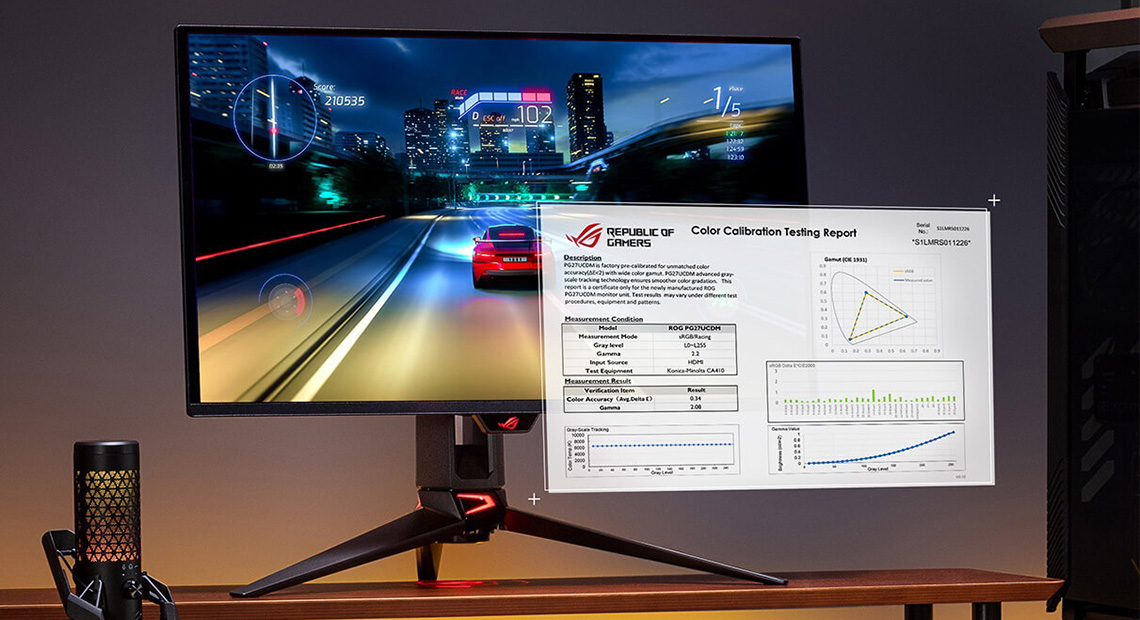
We’ve talked about the improvements made in recent times with higher resolutions and pixel densities, as well as the more recent shift to RGB stripe pixel layouts. However, do keep in mind that earlier panels may feature older layouts so that’s always something worth checking. For dynamic content and gaming we don’t think it’s a big problem for most users, but when it comes to office and productivity work, it’s more important for sure.
Quick summary of Asus OLED monitors featured
| Image | Size | Model name | Key specs and features | Pricing / buy |
| 27″ | ROG Swift PG27UCWM | 3840 x 2160 (4K) resolution Tandem WOLED technology panel 240Hz refresh rate (+480Hz at 1080p) TrueBlack glossy coating RGB stripe pixel layout | |
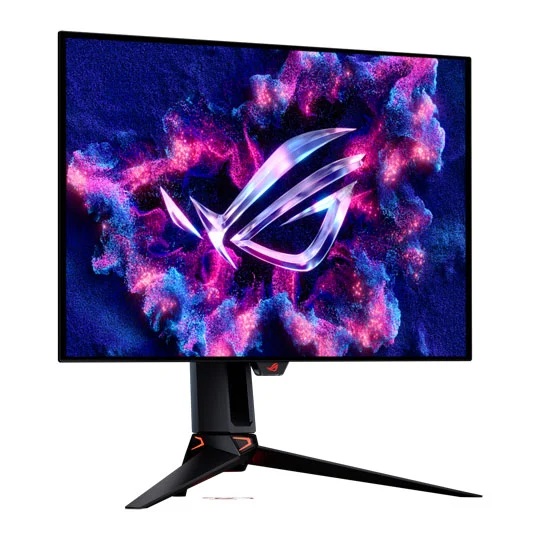 | 32″ | ROG Swift PG32UCWM (review here) | 3840 x 2160 (4K) resolution Tandem WOLED technology panel 240Hz refresh rate (+480Hz at 1080p) TrueBlack glossy coating RGB stripe pixel layout | |
| 34″ ultrawide | ROG Swift PG34WCDN (review here) | 3440 x 1440 resolution, 21:9 aspect ratio Penta Tandem QD-OLED panel technology 360Hz refresh rate RGB stripe pixel layout BlackShield film | |
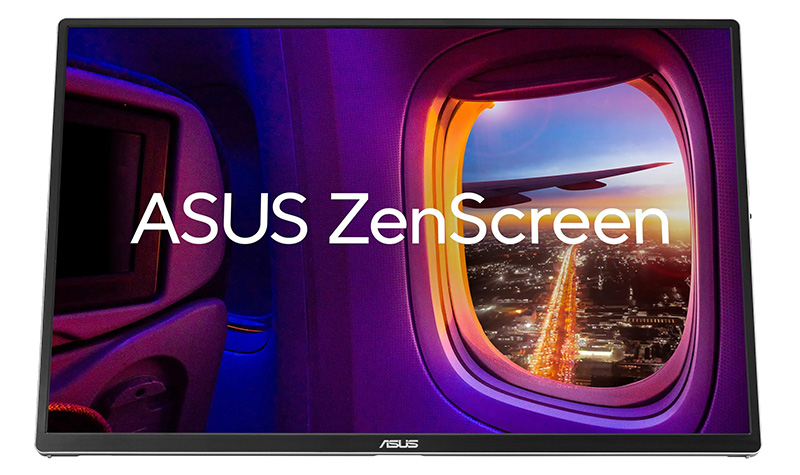 | 16″ portable | ZenScreen OLED MQ16FC | Portable 16″ monitor 1920 x 1200 resolution (16:10 aspect ratio) Power pass through 95% DCI-P3 colour gamut | |
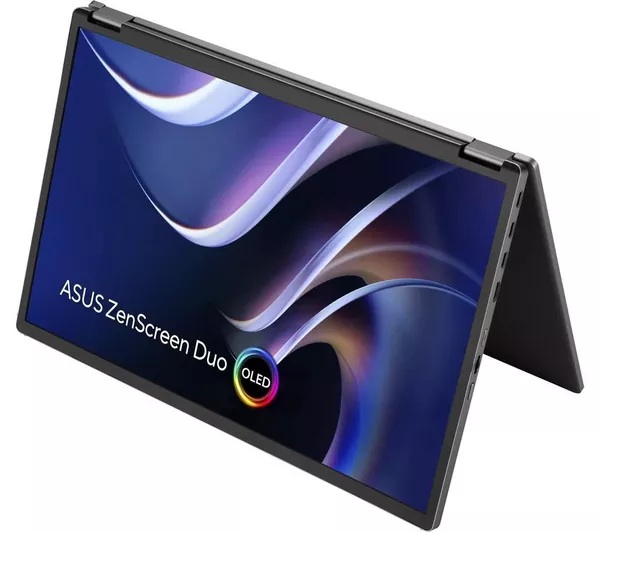 | Dual 14″ portable | ZenScreen Duo OLED MQ149CD | Portable dual 14″ displays (20″ combined) 1920 x 1200 resolution (16:10 aspect ratio) each 100% DCI-P3 colour gamut HDR True Black 400 certification | |
You can find the Asus monitor landing page here with a full range of options and a guide to help you find the right monitor for you.
We may earn a commission if you purchase from our affiliate links in this article- TFTCentral is a participant in the Amazon Services LLC Associates Programme, an affiliate advertising programme designed to provide a means for sites to earn advertising fees by advertising and linking to Amazon.com, Amazon.co.uk, Amazon.de, Amazon.ca and other Amazon stores worldwide. We also participate in a similar scheme for Overclockers.co.uk, Newegg, Bestbuy , B&H and some manufacturers.