
More Affordable OLED Monitors Are Coming, Courtesy of Asus
Disclaimer: this article includes sponsored promotion by Asus, but all content, opinions and commentary are our own
Introduction
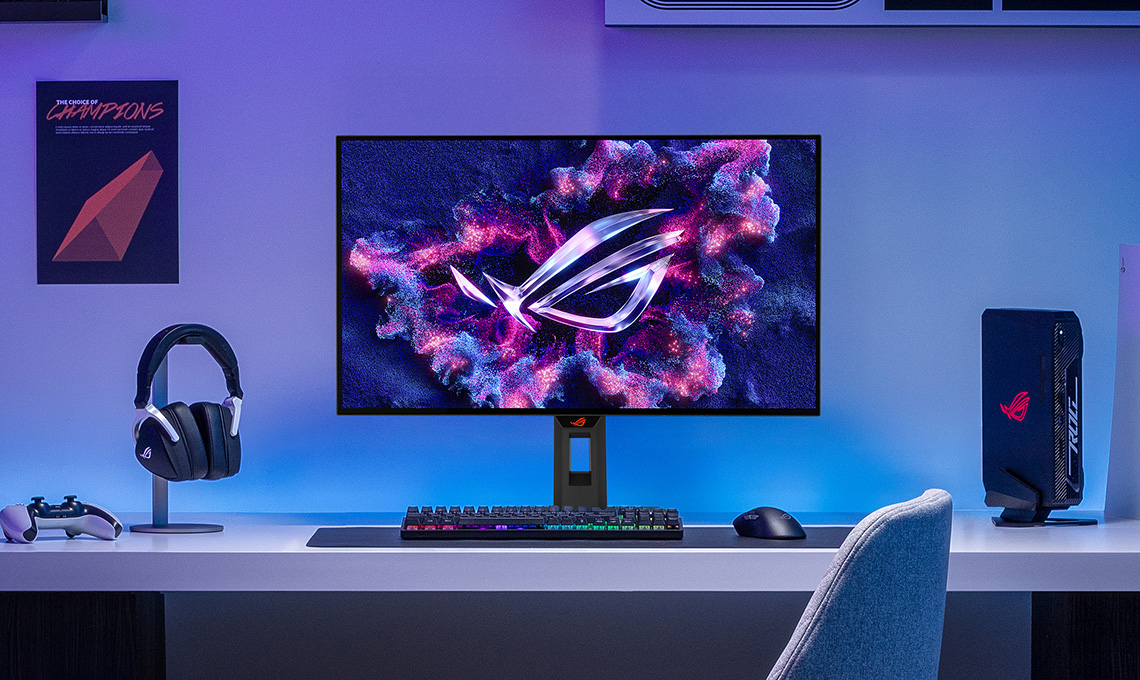
PC Gaming might be very expensive right now, but OLED monitors don’t need to be!
Now isn’t a great time to be upgrading your PC, with record high prices and availability challenges impacting all kinds of components like RAM, SSD’s and graphics cards. It doesn’t mean though that you can’t satisfy your upgrade urge this year, and one of the best upgrades you can probably make right now is to your monitor. If you’re still using an aging LCD from many years ago and you’ve been tempted by all the news you’ve heard about OLED in the last few years, maybe now is a good time to make that jump! It’s probably going to be the most impactful upgrade a gamer can make right now.
We know OLED technology is considered by many gamers to be the holy grail of panel tech due to the vibrant colours, exceptional contrast, amazing motion clarity and silky-smooth response times, but they’ve not been that accessible to your average gamer unfortunately. When OLED monitors were introduced a few years ago in 2022, they were expensive and the choice was very limited. It was a new tech with expensive panels and components, very little brand competition and minimal choice of sizes and specs for the consumer to choose between.
A few years on and we’ve seen pretty much all the investment and focus from the leading display manufacturers on OLED, and we’ve now got a huge range of options available, with different sizes, resolutions, refresh rates, extras and features to choose between.
Thankfully the price for OLED monitors has come down significantly as well, and one of the most popular monitor brands in the market, Asus, have recently been focusing on launching a range of more affordable OLED monitors amongst their ROG-series line-up. They’re hoping to bridge the gap between the top-end expensive OLED monitors and your typical mainstream LCD monitors by offering more affordable options and helping to bring OLED to the masses.
In this article we’ll give you the lowdown on a selection of great affordable OLED monitors being launched this year by Asus, and go over their features, benefits and target audiences; so if you are a gamer and are looking to update your set-up then hopefully this will help. We’ve provided a comparison table at the end as well to highlight the key differences.
- If you’re looking for other OLED monitors in the Asus ROG line-up, check our the full range on their landing page here.

Affordable OLED monitors, without sacrificing modern OLED features
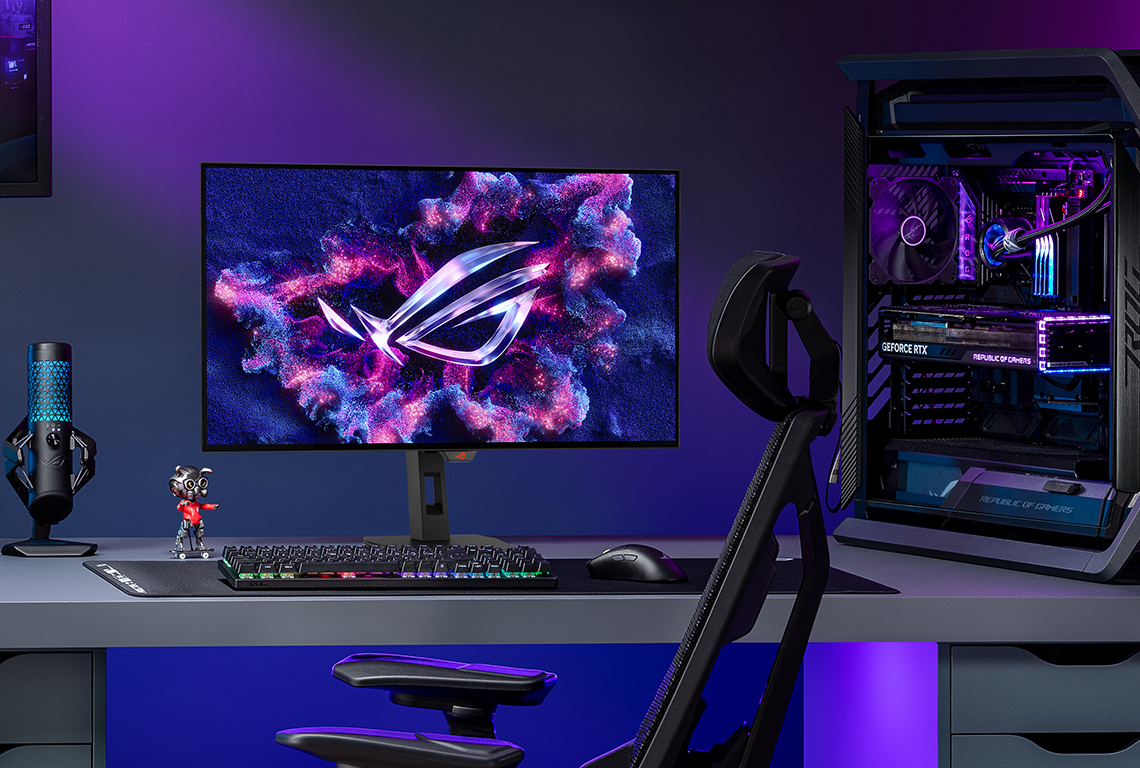
Although these new Asus monitors are lower priced, and part of their mid-tier ROG Strix line-up as opposed to their flagship ROG Swift line-up, you thankfully don’t have to sacrifice much when it comes to the feature-set. All their latest OLED technologies are included on these models which is great to see, including:
VRR Anti-flicker modes (with the exception of the XG27ACDMS model)

These modes help to reduce flickering that you might sometimes experience during VRR (Variable Refresh Rate) gaming situations. They typically provide a couple of modes that restrict the VRR range, helping to reduce major VRR frame rate swings and therefore reduce some of the visible flicker. This is sometimes combined with luminance compensation adjustments to further help reduce visible flickering. We’ve found these modes to work reasonably well in our testing in the past of various Asus monitors. They can’t eliminate VRR flicker fully unfortunately, but they can help. [More info on VRR flicker in our article here]
Neo Proximity Sensor and OLED Care Pro

All these new ROG Strix affordable OLED monitors covered in this article include Asus’ latest range of OLED Care Pro features and settings to help mitigate the risk of image retention and burn-in. Some examples are shown here:

These include features like Pixel Cleaning, Screen Move, Screen Saver, Logo Brightness Adjustment, Outer Dimming Control and Target Mode to name but a few. These all help reduce the risks of image retention over time, and to give you added reassurance Asus offer a 3-year warranty as standard which includes burn-in cover on all their OLED monitors.

These screens also include their ‘Neo Proximity Sensor’, a customisable human motion sensor that can detect when you move away from the screen and turn it off, then turn it back on when you return.
That’s a potentially very helpful feature to reduce your risk of image retention, and it’s nice to see it being featured on basically all their new monitors nowadays. You can set several pre-defined detection distances or use the customization option if you’d rather.
Extreme Low Motion Blur (ELMB) / BFI blur reduction
The ‘Extreme Low Motion Blur’ (ELMB) mode is available on all of these new models as well, and operates a Black Frame Insertion (BFI) function that helps reduce ghosting and motion blur at lower refresh rates for an uncompromised gaming experience. This mode inserts a black frame between each normal frame which significantly improves perceived motion clarity in practice. It’s available up to half the native refresh rate, so 120Hz normal frames + 120Hz Black frames = 240Hz for instance, and so it’s a great way to shortcut your way to the upper reach of the panel’s motion clarity capabilities for gaming, while only needing to actually power half the frames from your system.

This seems like it will be particularly helpful on these more affordable OLED monitors, as you don’t need to have the latest and greatest PC system hardware to benefit from the exceptional motion clarity that the panels can offer. These modes can also be useful for boosting the motion clarity for games consoles, which reach up to 120Hz maximum, but with ELMB enabled you can then benefit from 240Hz-like motion clarity too.
Factory calibration
These affordable OLED monitors continue to include a factory calibration to ensure optimal performance and colour accuracy, and a calibration report specific to each unit is included with each screen.
DisplayWidget Center
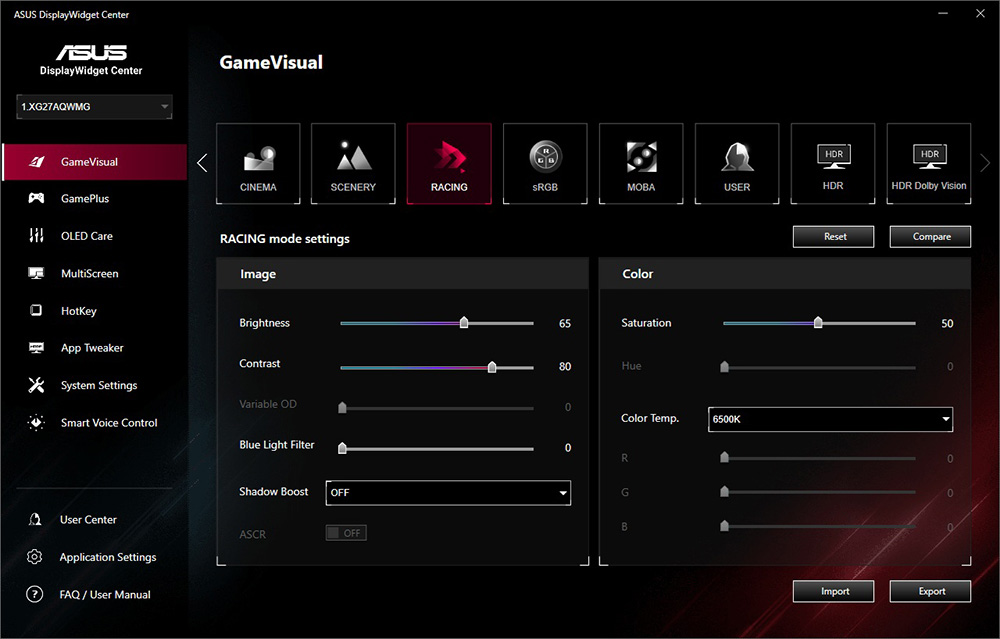
We took a look at this handy piece of software in detail recently, which offers quick and simple control over your monitor’s settings and configuration, including all the preset modes, colour controls and even OLED care settings. It even includes features like being able to assign different settings and modes per application, assigning hotkey shortcuts to certain features and firmware update notifications. It’s also easy to import and export your settings via the software if you want.
Firmware updates
Firmware updates are supported across the Asus OLED monitor line-up, ensuring users receive future performance enhancements and feature updates quickly and easily.
A choice of affordable OLED screens in the ROG Strix line-up
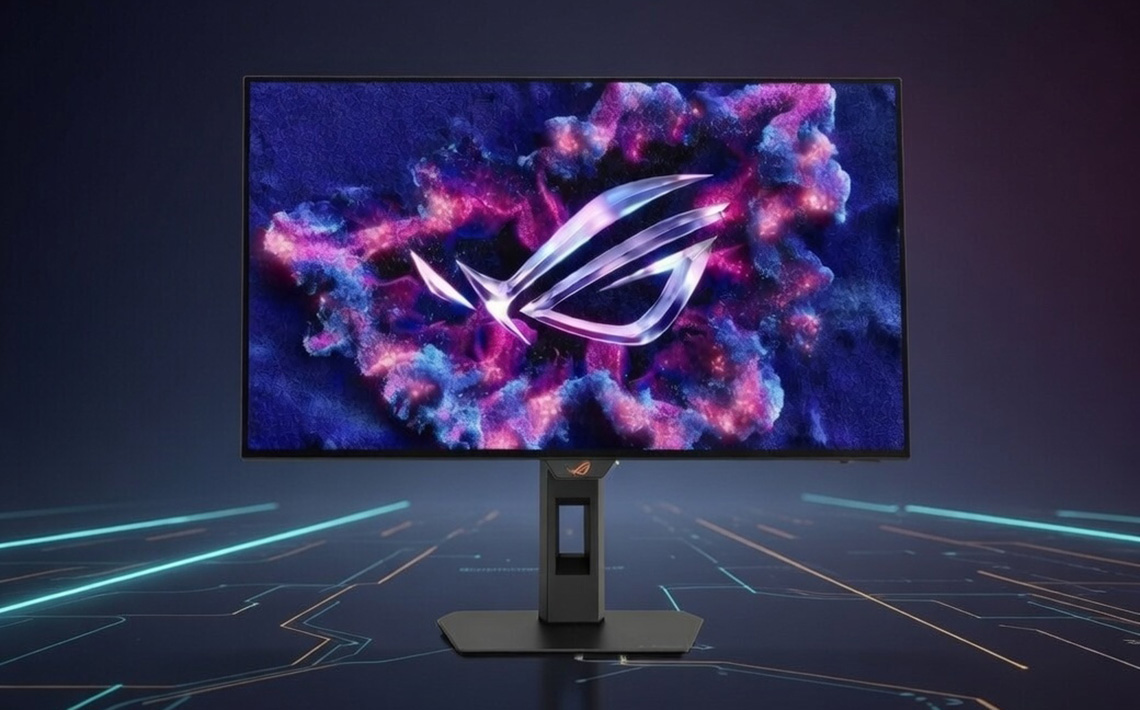
Asus have a number of affordable OLED screens available now, so whether you want QD-OLED or WOLED panel technology, there’s something for everyone. They may not feature the highest refresh rates or all the top-tier features you will find on the more expensive flagship models, but they still offer some of the latest panels, a sleek and minimalist design, a strong feature set and best of all, some very attractive price points.
Affordable QD-OLED options
ROG Strix OLED XG27AQDMES (QD-OLED)
First up, and the lowest priced model to feature in this article is the ROG Strix OLED XG27AQDMES. This 27” sized screen uses a 3rd Gen QD-OLED panel and features a 2560 x 1440 resolution and 240Hz refresh rate.

It’s QD-OLED panel offers impressive colours for SDR and HDR content, and it has a 10-bit colour depth and wide colour gamut covering 99% of the DCI-P3 colour space. It also comes factory calibrated with a Delta E <2 colour accuracy.
The panel features a semi-glossy screen coating from its QD-OLED panel which provides a super sharp and clear image, while still maintaining some reasonable anti-reflection capabilities which make it a good compromise between matte and glossy options. Note that this model has only a True Black 400 certified mode for HDR, it does not offer a peak 1000 brightness mode like most OLED monitors do.
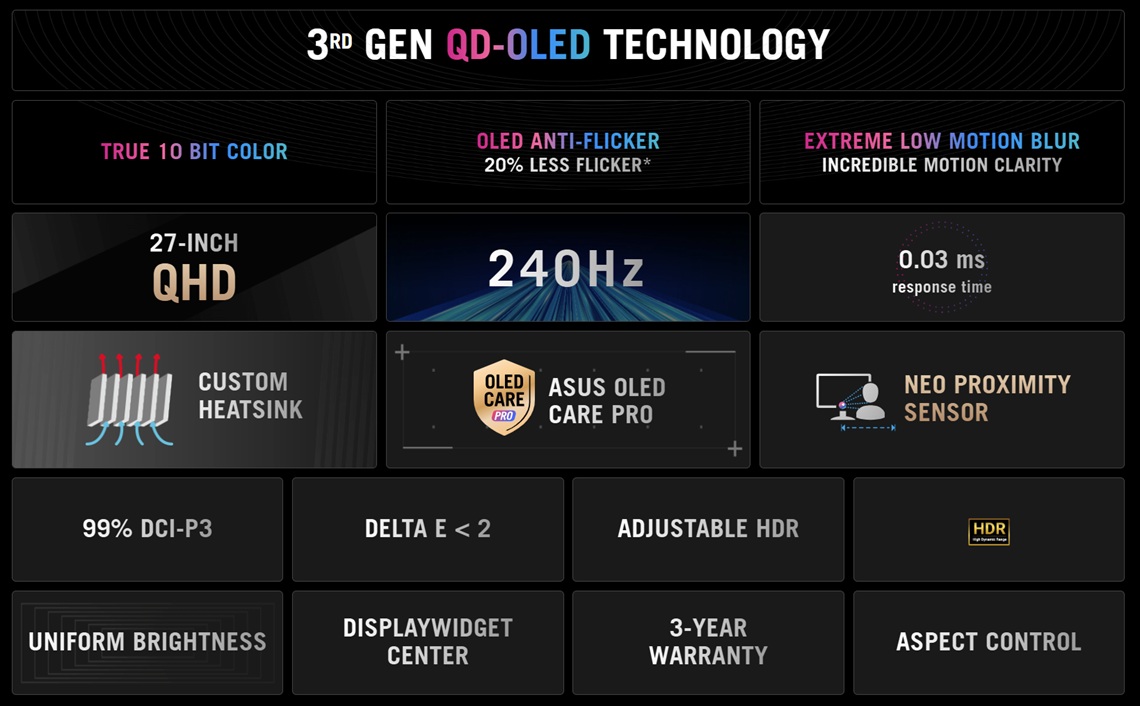
Connectivity includes 1x DisplayPort 1.4 and 2x HDMI 2.1 connections along with a headphone jack for audio, and there’s a fully adjustable stand with tilt, height, swivel and rotate available as well.
The XG27AQDMES is currently available to buy from Amazon UK at a retail price of £399 GBP, with other regions expected soon as well. You can find more information on the Asus product page here.
ROG Strix OLED XG27ACDMS (QD-OLED)
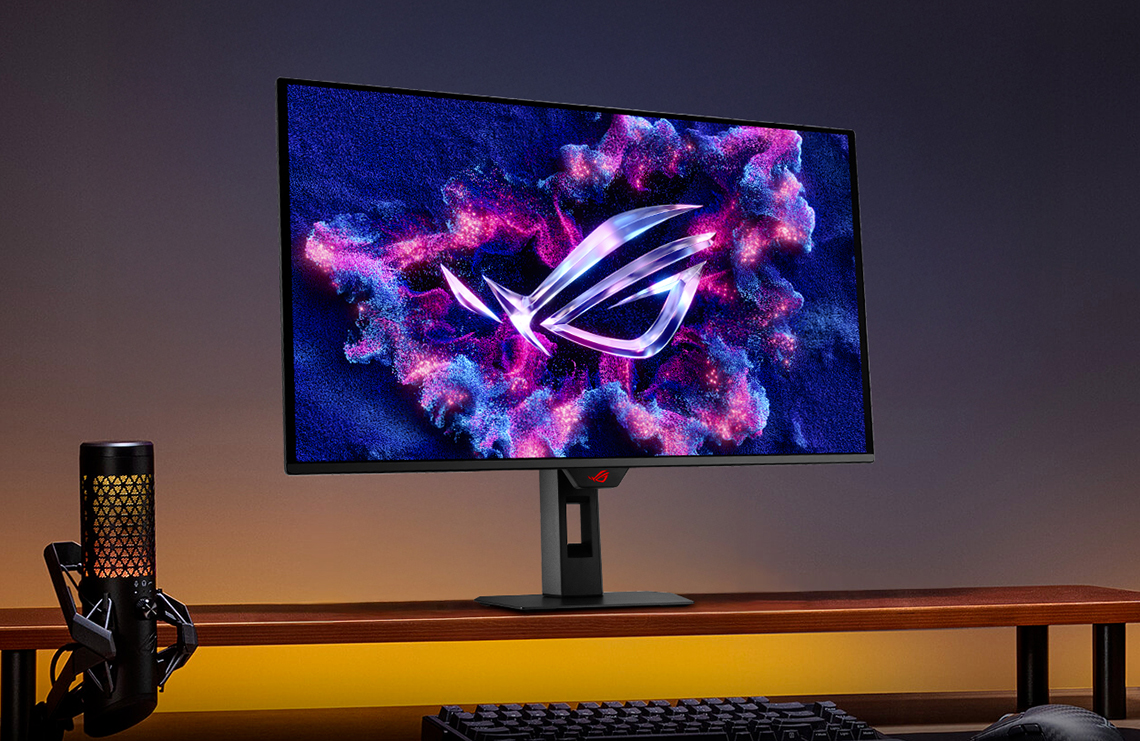
The second screen to cover also utilises a 3rd Gen QD-OLED panel from Samsung Display, and it’s the ROG Strix OLED XG27ACDMS, and while it does have a lot of the same specs as the XG27AQDMES there are a few notable differences to consider. It incorporates a 27″ sized screen and a 2560 x 1440 resolution again, but to start with this one offers a slight bump in the refresh rate from 240Hz to 280Hz. That gives you a little more room for faster-paced gaming and a small bump to motion clarity.
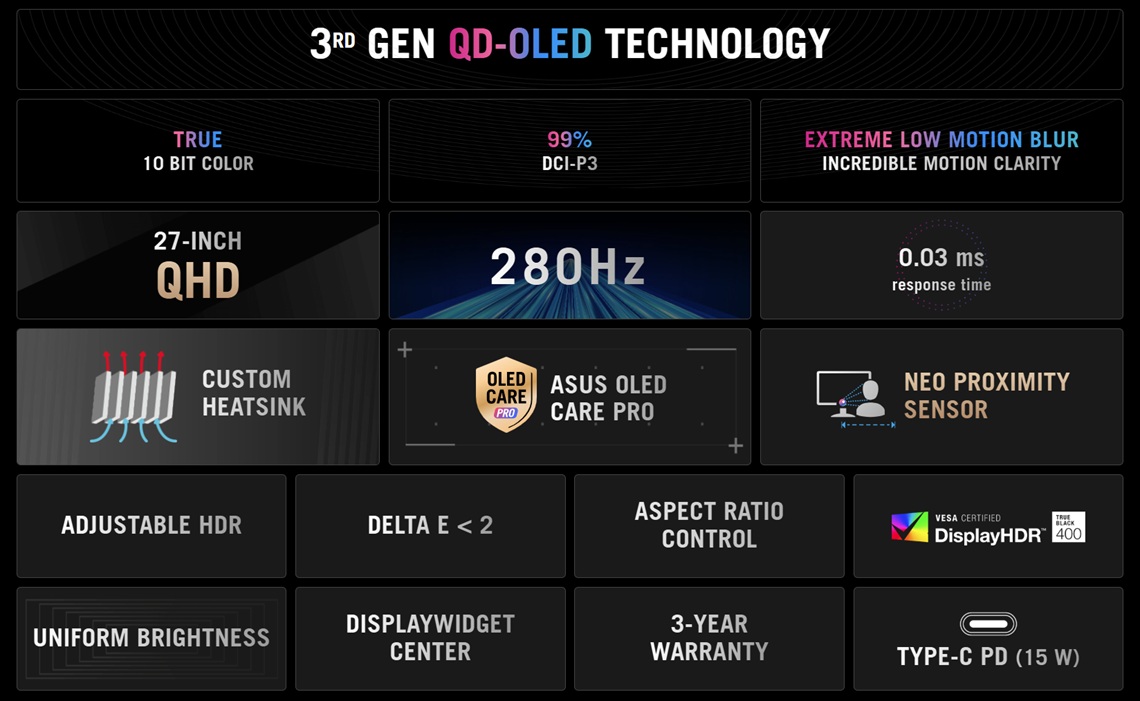
Connectivity is a little more extensive than the XG27AQDMES model as well, offering 1x DisplayPort 1.4 and 1x HDMI 2.1 connections, but with the addition of USB Type-C connectivity with DP Alt mode, data and 15W power delivery available. There’s a fully adjustable stand with tilt, height, swivel and rotate available as well. That could be useful to some users who want to connect laptops or other USB-C devices to the screen.
This model usually retails at £599 GBP but it currently is available to buy in the UK at an even better sale price of £449. In the US there’s more limited availability at the moment, with a current retail price of $700 USD. You can check availability and pricing in your region below, and you can find more information on the Asus product page here.
Affordable WOLED with TrueBlack Glossy Coating
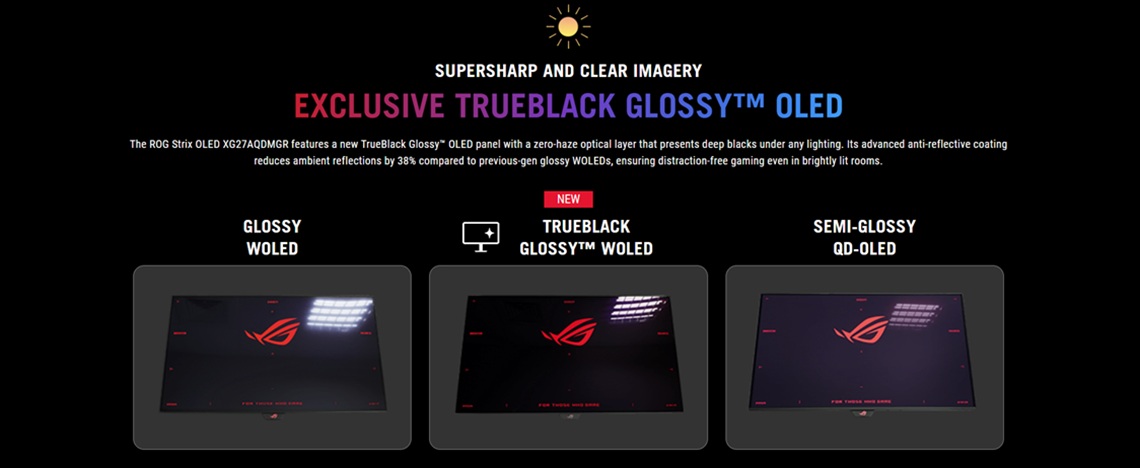
The final two screens to mention both feature WOLED technology panels combined with Asus’ TrueBlack Glossy screen coating option. This provides a glossy finish to the panels which helps images “pop” more, colours appear more vibrant and blacks look deeper while also helping the panel maintain the black depth in different ambient light conditions. A lot of people are looking for a glossy coating option for their OLED monitor, and it’s good to see a couple of options available even in their more affordable OLED range.
ROG Strix OLED XG27AQDMGR Gen 2 (WOLED)
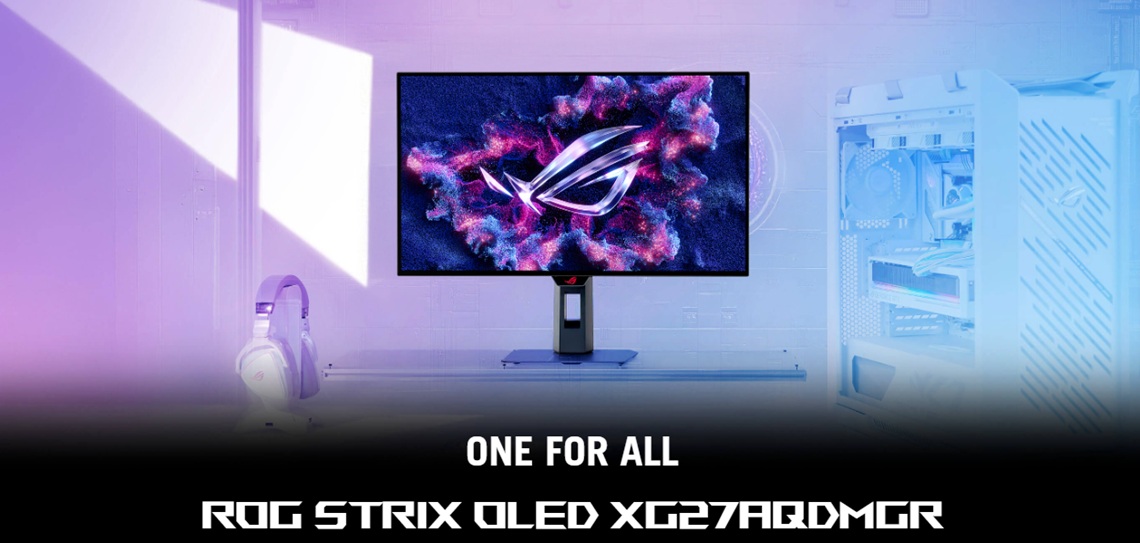
The ROG Strix OLED XG27AQDMGR Gen 2 (aka XG27AQDMGR) is a follow up to the popular XG27AQDMG version that was introduced in 2024. This is 27″ in size and is built around a 3rd Gen WOLED panel from LG Display, offering a 2560 x 1440 resolution and 240Hz refresh rate.
The main improvement to this updated model is the inclusion of the new ‘TrueBlack’ glossy screen coating which improves the image clarity and haze compared with the earlier model, while also enhancing the reflection handling a bit.
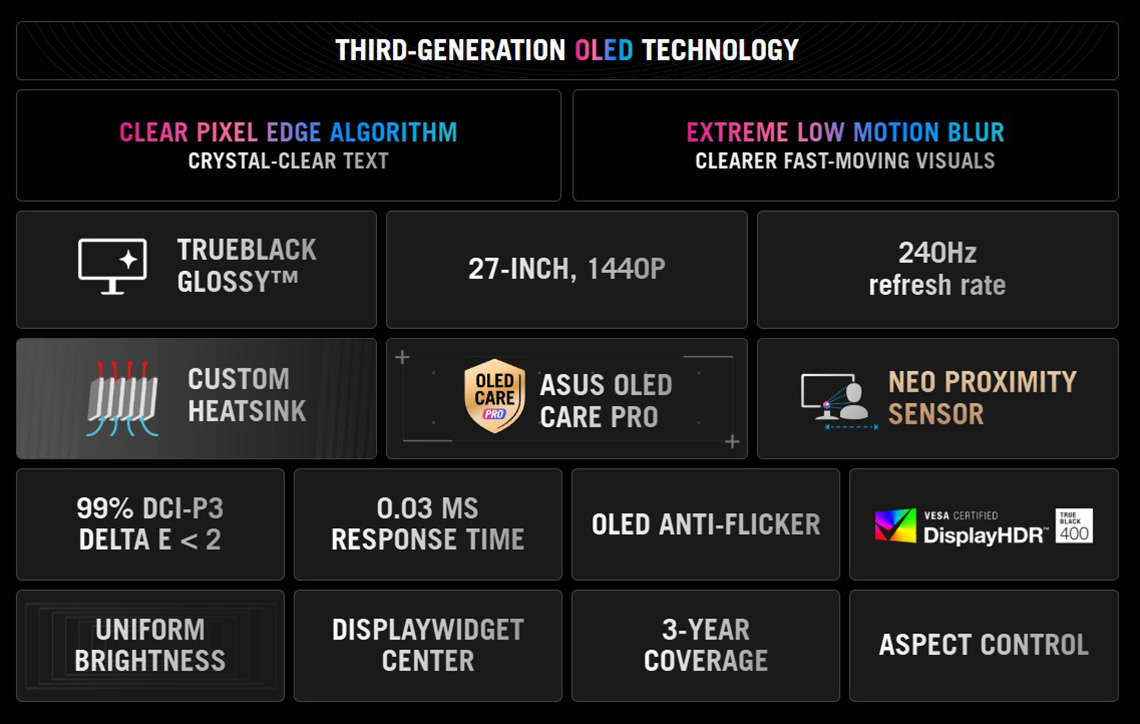
Vivid colour and HDR performance are offered thanks to the 99% DCI-P3 coverage, 10-bit colour depth and DisplayHDR TrueBlack 400 certification. Connectivity on this model includes 1x DisplayPort 1.4 and 2x HDMI 2.1 video connections along with 2x USB-A data ports (not offered on the QD-OLED models in this article) and a headphone jack. The stand offers a full range of tilt, height, swivel and rotate adjustments.
The XG27AQDMGR has a standard retail price of £479 GBP in the UK but is currently on offer at £409 GBP. In the US it’s available at $549 USD, making it the same price as the original version. We have now reviewed this screen in full, which you can check out here. You can find more information on the Asus product page here.
ROG Strix OLED XG27AQWMG (Tandem WOLED)
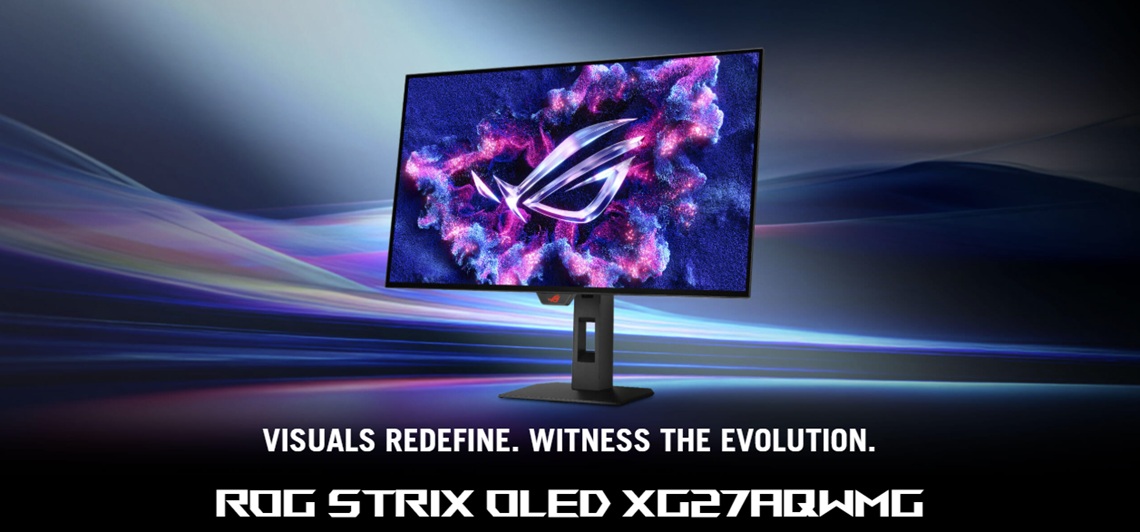
Last but not least is the ROG Strix OLED XG27AQWMG. Despite the affordable price point this model even features the latest 4th Gen Tandem WOLED panel technology so expect a step-up in specs and capabilities compared with the other models. The Tandem WOLED panel offers higher brightness, better colours and improved ambient light handling and blacks.
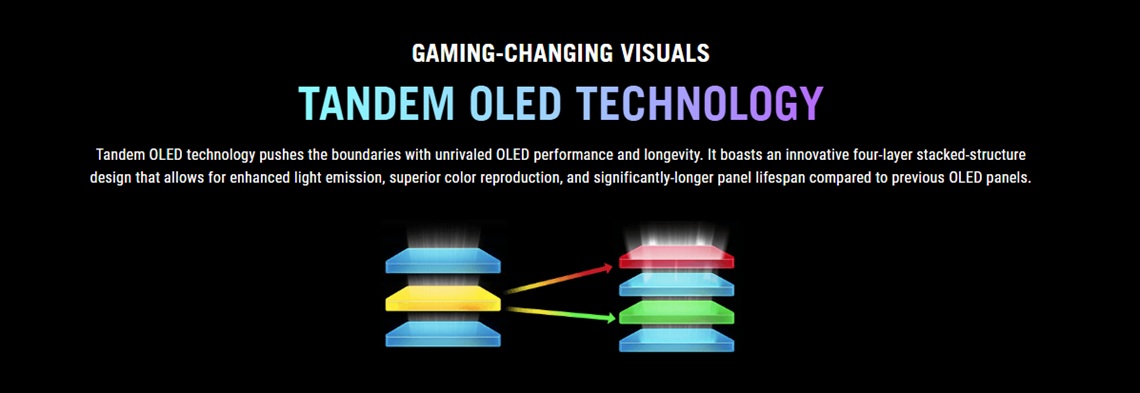
According to Asus this new panel technology provides “15% higher peak brightness, 25% larger colour volume, and 60% longer OLED lifespan versus previous-generation WOLED panels.” Not only this but they have combined this panel with their ‘TrueBlack’ glossy panel coating that we discussed earlier for exceptional picture quality.
The XG27AQWMG is 27″ in size and offers a 2560 x 1440 resolution and 280Hz refresh rate. Thanks to the newer panel, for HDR it is certified under the VESA DisplayHDR True Black 500 tier and offers a peak brightness of 1500 nits ensuring the display shows brighter highlights in HDR content.
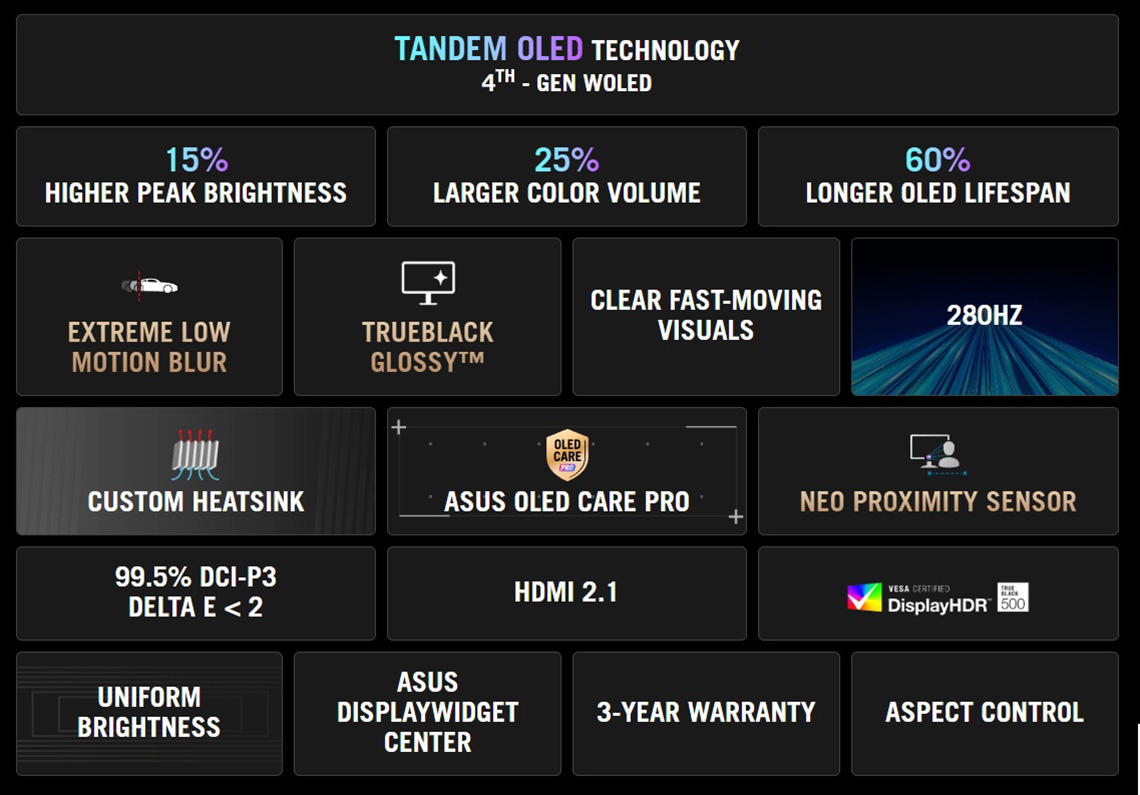
Connectivity includes 1x DisplayPort 1.4 and 2x HDMI 2.1 video connections along with 2x USB-A data ports and a headphone jack. The stand offers a full range of tilt, height, swivel and rotate adjustments.
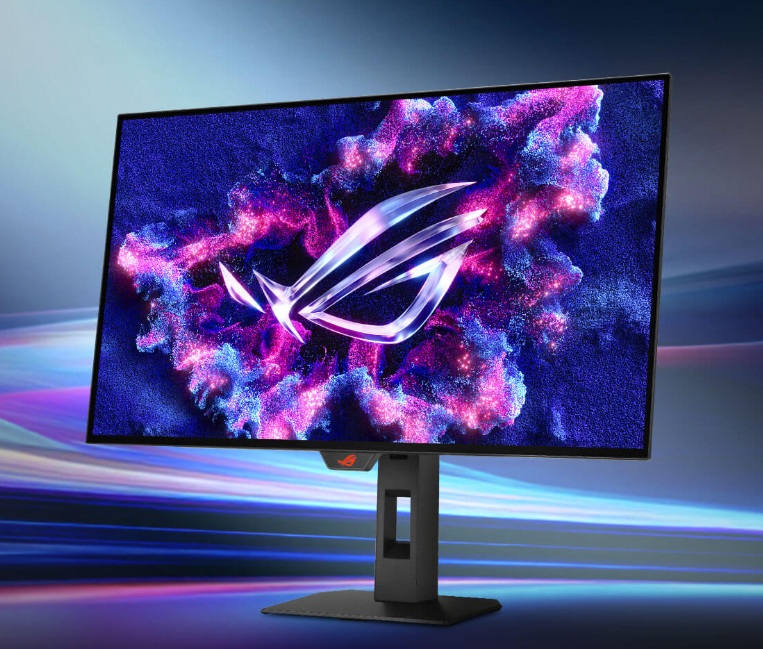
The XG27AQWMG retails at a price of £519 GBP in the UK and has started to become more available during early 2026 after some delays with stock availability. Other regions should become available soon. In the US it has also now appeared to buy (finally) at a price of $649 USD at the time of writing. You can check latest availability and pricing using the link below, and you can find more information on the Asus product page here.
Comparison Table
Here’s a quick comparison table of the 4 affordable OLED monitors included in the article:
| Image | Model name | Key specs and features | Price |
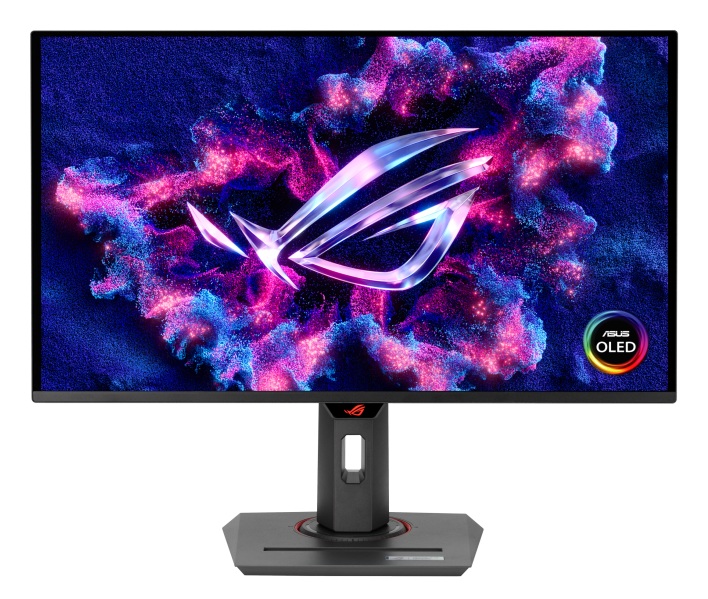 | ROG Strix OLED XG27AQDMES | 27″ screen size 2560 x 1440 resolution QD-OLED technology panel 240Hz refresh rate 200 nits brightness (SDR) 400 nits peak brightness (HDR) 1x DP 1.4 and 2x HDMI 2.1 |  £399 £399 |
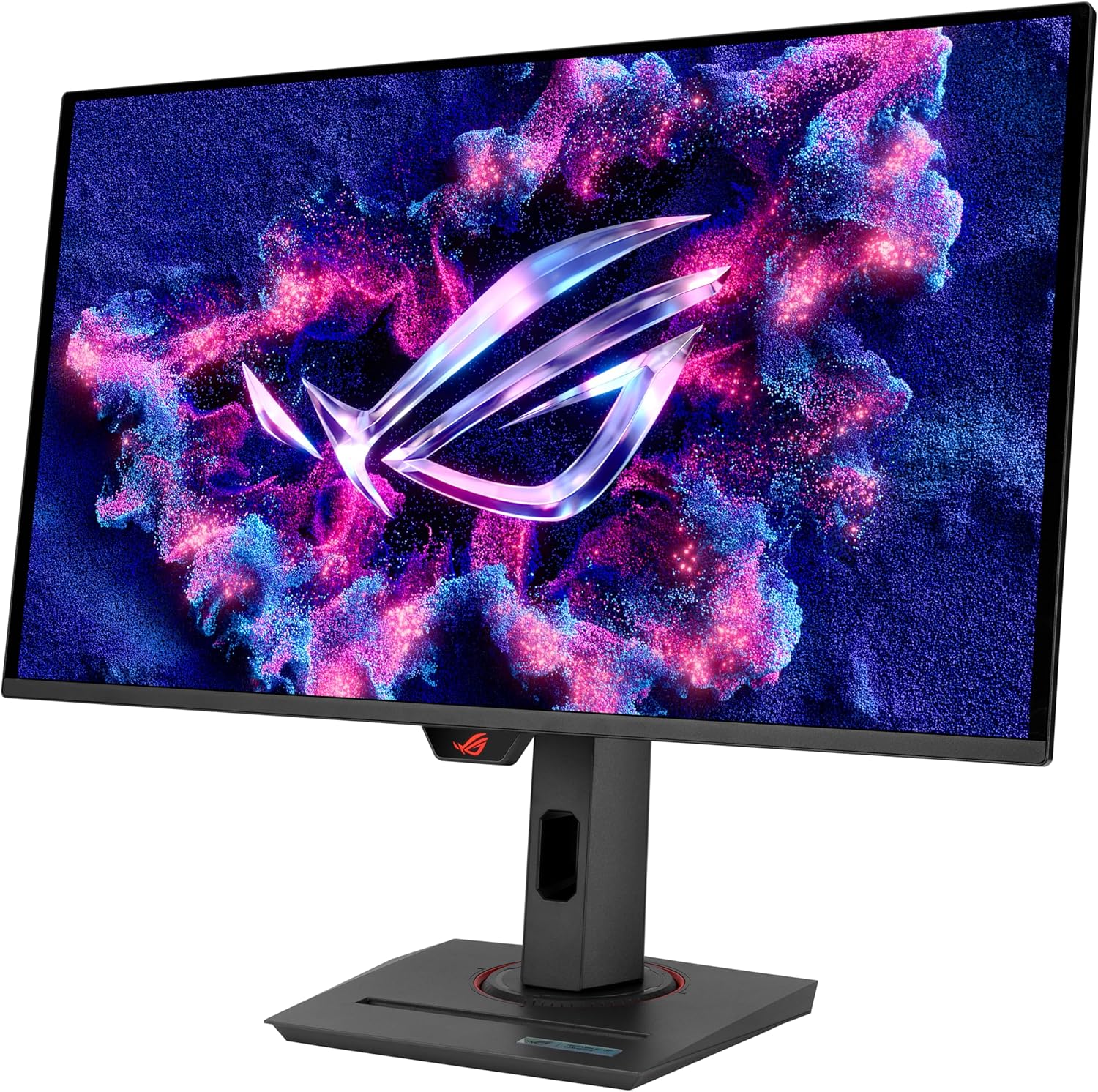 | ROG Strix OLED XG27ACDMS | 27″ screen size 2560 x 1440 resolution QD-OLED technology panel 280Hz refresh rate 250 nits brightness (SDR) 1000 nits peak brightness (HDR) 1x DP 1.4, 1x HDMI 2.1 and 1x USB-C (15W) | £469 (down from £599) |
| ROG Strix OLED XG27AQDMGR Gen 2 | 27″ screen size 2560 x 1440 resolution WOLED technology panel 280Hz refresh rate TrueBlack glossy coating 250 nits brightness (SDR) 1300 nits peak brightness (HDR) 1x DP 1.4, 2x HDMI 2.1 and 2x USB-A data | £429 (down from £479) |
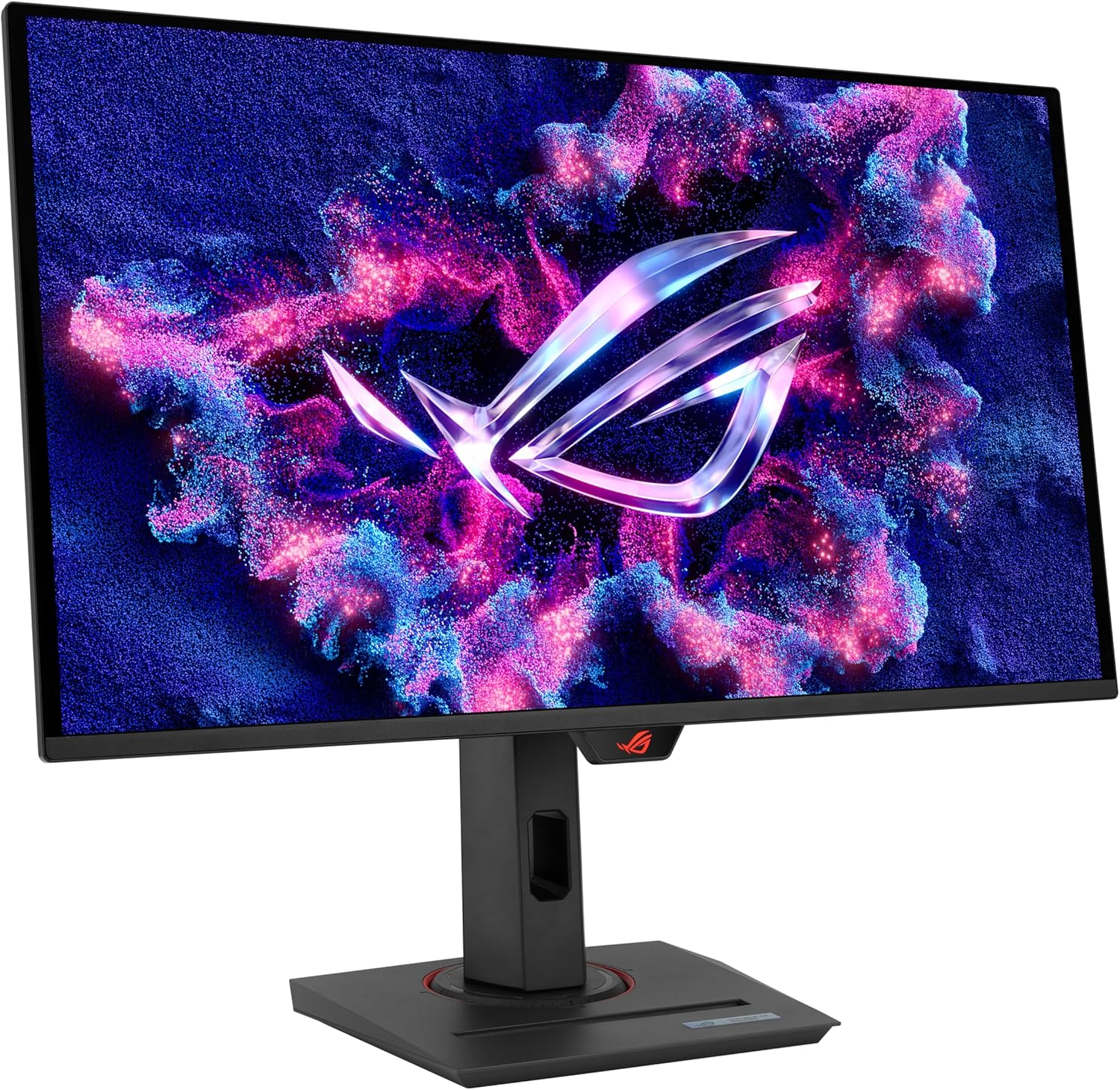 | ROG Strix OLED XG27AQWMG (review here) | 27″ screen size 2560 x 1440 resolution 4th Gen Tandem WOLED technology panel 280Hz refresh rate TrueBlack glossy coating 1500 nits peak brightness (HDR) 1x DP 1.4, 2x HDMI 2.1 and 2x USB-A data |  $649 £519 $649 £519 |
If you’re looking for other OLED monitors in the Asus ROG line-up, check our the full range on their landing page here.
We may earn a commission if you purchase from our affiliate links in this article- TFTCentral is a participant in the Amazon Services LLC Associates Programme, an affiliate advertising programme designed to provide a means for sites to earn advertising fees by advertising and linking to Amazon.com, Amazon.co.uk, Amazon.de, Amazon.ca and other Amazon stores worldwide. We also participate in a similar scheme for Overclockers.co.uk, Newegg, Bestbuy , B&H and some manufacturers.